You upgraded to fiber Internet expecting blazing-fast speeds, but video calls still freeze, streaming still buffers, or certain rooms in your home still struggle to stay connected.
If that sounds familiar, you’re not alone.
Many homeowners assume that installing fiber automatically solves every Internet performance problem. In reality, fiber only delivers the connection to your home. The network inside your home determines how much of that performance actually reaches your devices.
Fiber Internet can still feel slow when bottlenecks exist inside your home network. Weak WiFi coverage, outdated networking equipment, network congestion, and device limitations can all affect performance, even when your fiber connection is working exactly as it should.
Your Home Network May Be the Real Bottleneck
When people upgrade to fiber Internet, they often focus on the Internet service itself. However, the equipment inside the home can have just as much impact on performance.
A typical fiber Internet setup may include:
- An ONT
- A router
- An Ethernet switch
- WiFi access points or mesh systems
- Connected devices throughout the home
Each component plays a role in delivering Internet access from the fiber connection to your devices. If any part of this chain becomes a bottleneck, the experience can feel slower than expected even when the fiber connection itself is performing properly.
This is why two households with identical fiber Internet plans can experience very different real-world performance.
Where Fiber Performance Commonly Breaks Down
Weak WiFi Coverage
This is often the biggest culprit.
Your fiber service may be delivering excellent speeds to your router, but WiFi signals weaken as they travel through walls, floors, furniture, plumbing, HVAC ducts, and other building materials.
As signal strength decreases, devices receive slower speeds and experience more interruptions.
This is why many homeowners notice that Internet performance drops significantly in bedrooms, basements, bonus rooms, or home offices located farther from the router.
Outdated Networking Equipment
Many fiber customers continue using networking equipment that was installed years ago and was never designed for today’s Internet speeds.
Common examples include:
- Older WiFi routers
- 100 Mbps Ethernet switches
- Aging network adapters
- Older WiFi standards
For example, a home may have a 1 Gbps fiber Internet plan, but an older Ethernet switch can limit connected devices to just 100 Mbps. Similarly, an older router may struggle to efficiently manage dozens of connected devices.
Network Congestion and Device Limitations
The average household now contains dozens of connected devices.
Smart TVs, security cameras, gaming consoles, smartphones, tablets, streaming devices, laptops, and smart home products all compete for network resources.
At the same time, older devices may not support modern WiFi standards or higher network speeds.
As a result, the Internet may appear slow even when the fiber connection itself is performing normally.
Not Every Slow Connection Requires the Same Solution
Many homeowners assume poor performance is always caused by weak WiFi.
In reality, different symptoms often point to different network issues.
Symptom
Potential Solution
Understanding the source of the bottleneck is often the first step toward improving performance.
Sometimes the Problem Starts After the Fiber Connection
Many homeowners are surprised to learn that the fiber connection itself is often not the source of the issue.
Instead, performance problems frequently occur after the fiber signal enters the home and connects to the rest of the network.
This is where understanding the role of an ONT becomes helpful.
An Optical Network Terminal (ONT) converts the fiber optic signal from your Internet provider into a connection that your home networking equipment can use. It serves as the connection point between the fiber network and the devices inside your home.
If you’re curious about how this device fits into your overall network, our guide explains everything you need to know.
👉 Related: What Is an ONT & How Does It Work?
Fiber Doesn’t Eliminate the Need for Wired Connections
One common misconception is that fiber Internet makes Ethernet wiring unnecessary.
While fiber delivers high-speed Internet to your home, wired connections are often still the best option for:
- Gaming consoles
- Streaming devices
- Desktop computers
- Home office equipment
- WiFi access points
In homes where running new Ethernet cable isn’t practical, existing coax outlets can sometimes be used to create wired network connections between rooms.
Technologies such as MoCA adapters can help extend wired connectivity throughout the home without opening walls or installing new cable.
👉 Related: How Do I Convert Coaxial Cable to Ethernet?
How to Get the Most from Your Fiber Internet Connection
Move Your Router
Place your router in a central, open location whenever possible.
Avoid:
- Closets
- Cabinets
- Basements
- Utility rooms
- Locations behind large furniture
Add More Wired Connections
Ethernet connections provide more consistent performance than WiFi.
Devices such as gaming consoles, desktop computers, streaming boxes, and work-from-home computers often benefit from a direct wired connection.
Expand Connectivity to Other Rooms
Larger homes may require additional networking equipment to maintain strong performance throughout the house.
For homes with existing coaxial cabling, MoCA adapters such as the Hitron HTEM5 can help create wired Ethernet connections between rooms without running new cable.
Upgrade Older Networking Equipment
As fiber Internet speeds continue to increase, older networking equipment can become a bottleneck.
Upgrading outdated routers, switches, and network adapters can help ensure your home network is capable of supporting the speeds you’re paying for.
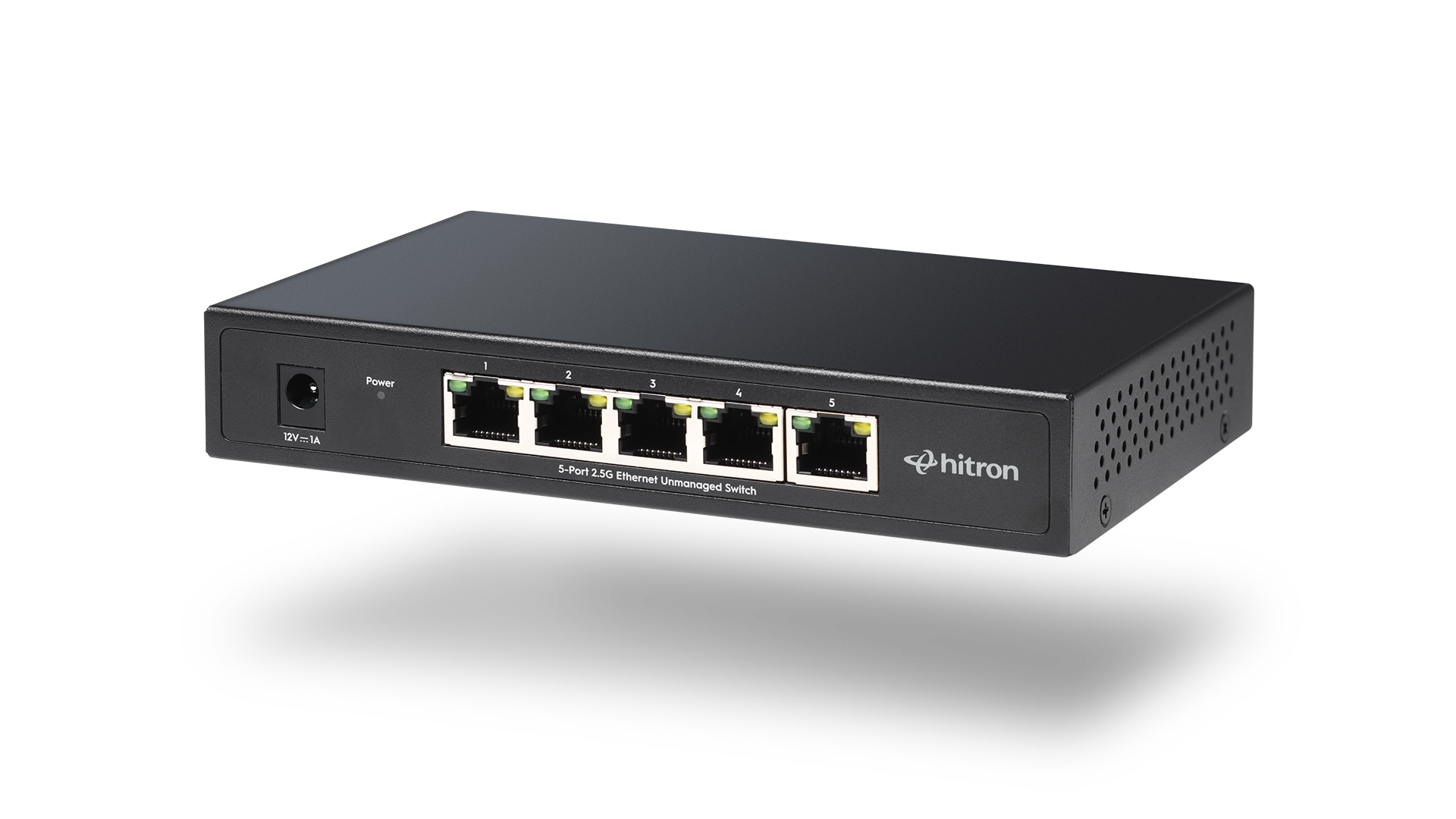
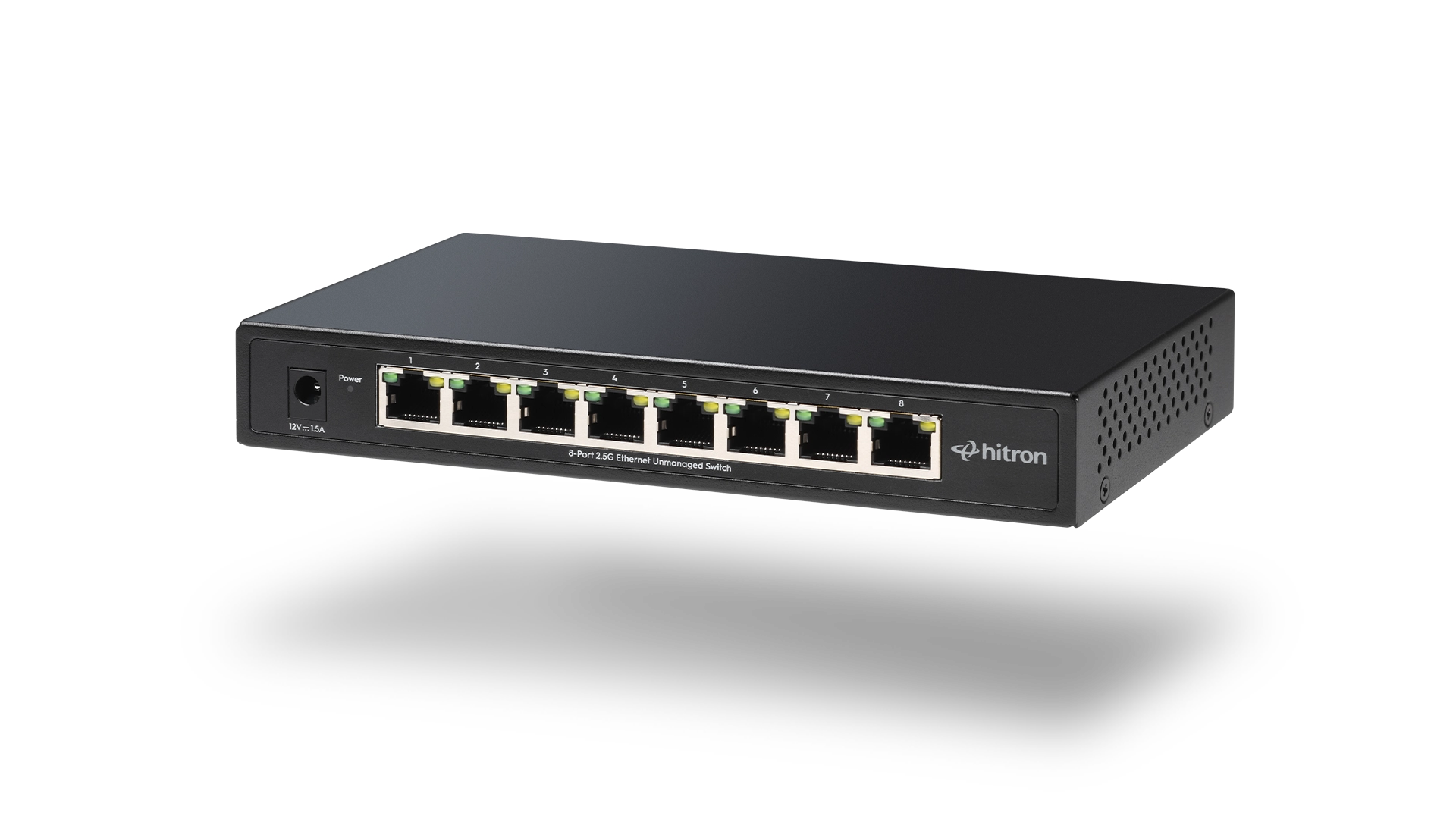
In some situations, adding a Gigabit or Multi-Gig Ethernet switch can help connect more wired devices while reducing network congestion.
Fiber Speed Starts With the ONT, but Doesn’t End There
Fiber Internet can deliver exceptional performance, but every device between the ONT and your connected devices plays a role in the experience you receive.
Understanding how the ONT, router, Ethernet switches, WiFi equipment, and wired connections work together can help you identify bottlenecks and make smarter decisions when improving your home network.
If you’re new to fiber Internet, our complete guide explains exactly what an ONT does, how it works, and why it plays such an important role in every fiber installation.
👉 Read: What Is an ONT & How Does It Work?
FAQs
Why is my fiber Internet slow even though I pay for gigabit speeds?
Your Internet provider may be delivering the full speed to your home, but WiFi limitations, outdated networking equipment, network congestion, or device restrictions can reduce the performance you experience on individual devices.
Can WiFi make fiber Internet seem slow?
Yes. Weak WiFi signals are one of the most common reasons fiber Internet feels slow. Distance from the router, walls, floors, and interference can all affect wireless performance.
Does fiber Internet require a special router?
Not necessarily. However, older routers may not be capable of fully utilizing modern fiber Internet speeds. Upgrading your router can often improve overall network performance.
Can an Ethernet switch slow down my fiber Internet?
Yes. Older Ethernet switches can become a bottleneck on modern fiber Internet plans. If you’re using gigabit or multi-gigabit service, make sure your switch supports the speeds required by your network.
How can I improve Internet performance in rooms far from my router?
Options include relocating your router, adding wired Ethernet connections, deploying additional networking equipment, or using existing coax wiring with MoCA adapters to extend connectivity throughout the home.
Understanding the Foundation of Your Fiber Network
Many fiber Internet issues have little to do with the fiber connection itself. In many cases, performance problems occur somewhere between the point where the fiber enters your home and the devices you use every day.
Understanding how your ONT, router, switches, WiFi equipment, and wired connections work together can help you identify bottlenecks and get the most from your Internet service.
If you’re new to fiber Internet, or simply want a better understanding of how your home network works, our complete guide explains the role of the ONT and why it’s one of the most important components in a fiber installation.