If you’re signing up for fiber Internet, you may hear your Internet provider mention an ONT. Many homeowners assume it’s the same thing as a router or modem, but it actually serves a very different purpose.
An ONT (Optical Network Terminal) is a device that converts fiber optic signals from your Internet provider into Ethernet signals that your home network can use. It serves as the connection point between the fiber network outside your home and the devices inside it.
Without an ONT, a Fiber-to-the-Home (FTTH) Internet connection cannot communicate with your router, computers, gaming consoles, streaming devices, or WiFi network.
Let’s break down how ONTs work, when you need one, and what to consider if you’re on a cable connection instead.
What Is an ONT?
ONT stands for Optical Network Terminal. It’s the device that:
- Connects directly to a fiber optic linerun by your Internet provider
- Converts that fiber signal into a usable Ethernet signal
- Sends that Ethernet signal to a router or gateway for in-home distribution
Think of it like a modem, but for fiber Internet. Without it, you wouldn’t be able to connect fiber service to your home network.
It is the endpoint of a fiber optic connection inside or outside your home. The ONT receives data transmitted as pulses of light through a fiber cable and converts that information into standard Ethernet signals.
Once converted, the Ethernet connection can be connected to:
- A WiFi router
- A mesh WiFi system
- An Ethernet switch
- A gateway provided by your ISP
Think of an ONT as the fiber equivalent of a cable modem. Both devices connect your home to your Internet provider, but they operate on completely different network technologies.
What Does an ONT Do?
An ONT acts as the bridge between your fiber service provider and your home router. Here’s what it does:
| Function: | What it Does: |
| Signal Conversion | Translates light pulses from fiber lines into digital Ethernet signals |
| Network Authentication | Authenticates your Internet connection with the ISP |
| Speed Delivery | Supports Gigabit and Multi-Gigabit Internet speeds |
| Fiber Termination | Terminates the fiber connection inside your home securely |
Some ONTs also support voice services or include battery backup options for power outages.
How Does an ONT Work?
Fiber Internet delivers data using light signals that travel through fiber optic cables.
Since computers, routers, and home networking equipment cannot directly interpret light signals, the ONT acts as a translator between the fiber network and your home network.
The process typically works like this:
- Fiber optic cable enters your home.
- The ONT receives the optical signal.
- The ONT converts the signal into Ethernet.
- Ethernet connects to your router.
- Your router distributes Internet access through WiFi and wired connections.
This conversion process happens instantly and supports the multi-gigabit speeds commonly available with modern fiber services.
ONT vs Cable Modem: What’s the Difference?
The type of device you need depends entirely on the type of Internet connection available to your home:
| Internet Type: | Device Required: |
| Fiber Internet | ONT (Optical Network Terminal) |
| Cable Internet | Cable Modem (DOCSIS 3.1 standard) |
| DSL Internet | DSL Modem |
| Fixed Wireless | 5G Wireless Gateway |
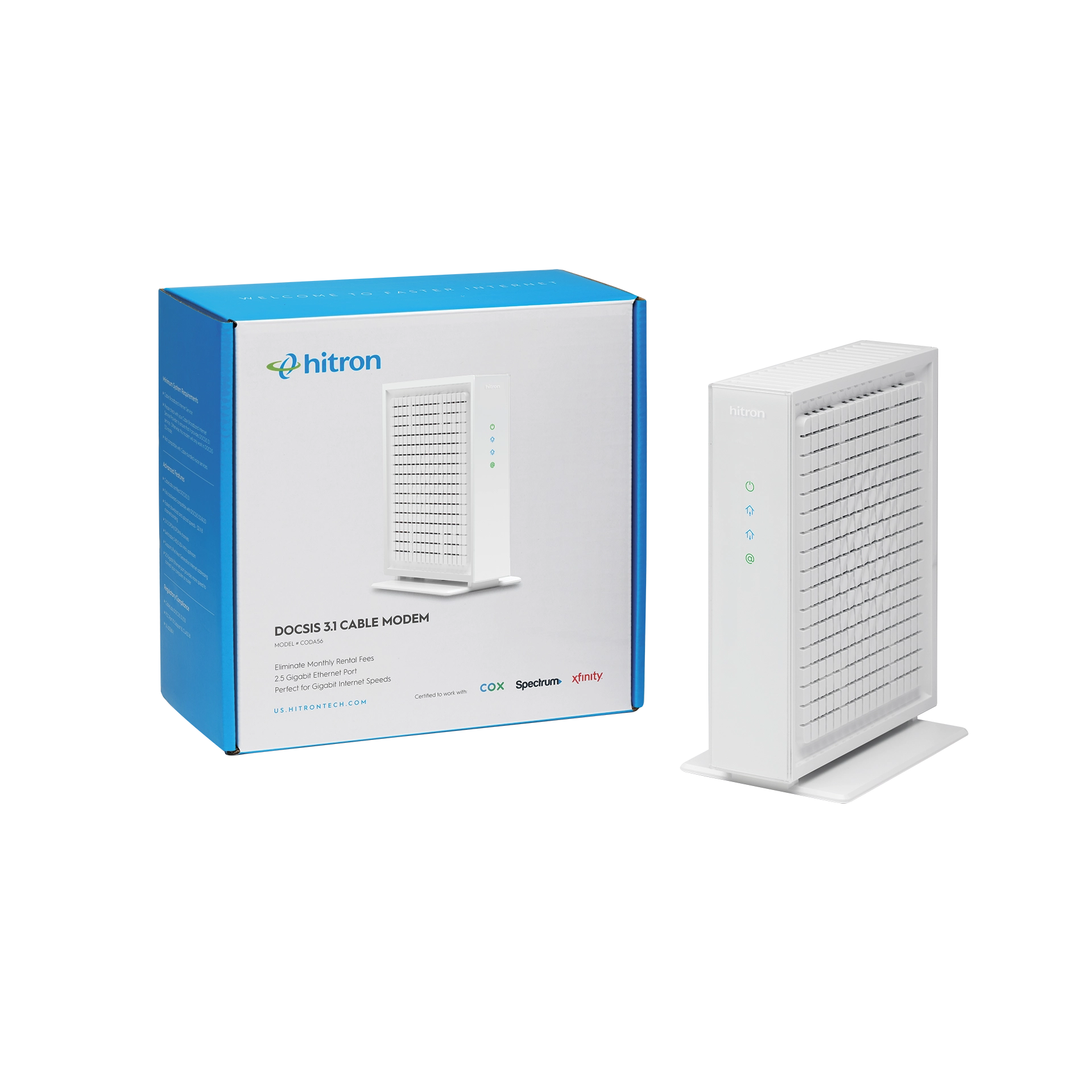
If your Internet is delivered via coaxial cable, you won’t use an ONT. You’ll need a DOCSIS 3.1 cable modem instead—like Hitron’s CODA which supports Internet plans up to 1 Gbps or CODA56 which supports Internet plans up to 2.5 Gbps —to access high-speed Internet on cable networks.
👉 Related: What is a DOCSIS Cable Modem?
Where Is the ONT Located?
ONTs are typically installed by your Internet provider when fiber service is activated.
Depending on the provider and region, the ONT may be located:
- Inside the home on a wall
- In a basement utility room
- In a garage
- In an exterior utility enclosure
From there, the ONT connects via Ethernet cable to your Wi-Fi router or mesh system to distribute Internet across your home.
The ONT itself does not provide WiFi. A separate router or mesh system is still required to distribute Internet throughout your home.
What Happens After the ONT?
Many homeowners assume that once fiber reaches the home, the networking job is finished.
In reality, the ONT only brings Internet into the home. The quality of your in-home network still determines how well that connection performs.
For example:
- WiFi coverage may still be weak upstairs.
- Devices in distant rooms may experience slower speeds.
- Large homes may require additional wired connections.
- Smart TVs, gaming consoles, and desktop PCs often benefit from Ethernet.
This is where networking equipment such as routers, Ethernet switches, and MoCA adapters become important.
In homes that already have unused coax wiring, technologies such as MoCA can convert existing coax into high-speed Ethernet connections without running new cable. If you’re exploring options for extending wired connectivity throughout a home, our guide on 👉 Related: How Do I Convert Coaxial Cable to Ethernet? explains how this works.
For homes that need wired connectivity in multiple rooms, the Hitron HTEM5 MoCA Adapter Kit can use existing coax wiring to create Ethernet connections throughout the home.
Do You Need an ONT?
You only need an ONT if:
- You have fiber Internetservice
- Your provider installs Fiber to the Home (FTTH)infrastructure
- You are not using cable, DSL, or wireless-based Internet
You do not need an ONT if you use:
- Cable Internet
- DSL Internet
- Satellite Internet
- Fixed wireless Internet
If you’re unsure, your Internet provider can confirm the connection type.
Who Provides the ONT?
ONTs are usually provided by your Internet Service Provider. You don’t typically buy your own ONT at retail. In fact, most ONTs must be pre-configured and provisioned by the ISP to work properly.
Hitron offers ONT and ONU solutions directly to Internet Service Providers, not for retail sale.
If you’re an ISP looking to deploy fiber services, learn more about Hitron’s Fiber ONTs purpose-built for high performance and reliability.
What If You Have Cable Internet?
If your home uses cable Internet, you don’t need an ONT. You need a cable modem instead.
A DOCSIS cable modem connects to your coax cable line and performs a similar function—delivering fast, reliable Internet to your router or device.
Explore these cable modem options from Hitron:
- CODA DOCSIS 3.1 Cable Modem– 1 Gigabit Ethernet
- CODA56 DOCSIS 3.1 Cable Modem– 2.5 Gigabit Ethernet
FAQs
What is the difference between an ONT and a modem?
An ONT is used for fiber Internet connections and converts optical signals into Ethernet. A modem (like a DOCSIS modem) is used for cable Internet and converts coaxial signals into Ethernet.
Can I buy my own ONT?
Does an ONT provide WiFi?
Do I need a router with an ONT?
Yes, you will still need a router to share the Internet connection throughout your home. The ONT only delivers the signal from your ISP.
Most homes connect the ONT to:
- A WiFi router
- A mesh WiFi system
- An Ethernet switch
If your ONT only provides a single Ethernet port and you need to connect multiple wired devices, an Ethernet switch such as the Hitron APEX2005 or APEX2008 can expand the number of available Ethernet connections.
If you’re unfamiliar with the different networking devices inside your home, see Modem vs Router: What’s the Difference?
How do I know if I have fiber or cable Internet?
What kind of cable connects to an ONT?
Have Cable Internet Instead of Fiber?
You don’t need an ONT. Choose a DOCSIS 3.1 cable modem instead:
- CODA DOCSIS 3.1 Cable Modem(1 Gbps)
- CODA56 DOCSIS 3.1 Cable Modem(2.5 Gbps)
Building a Better Network Beyond the ONT
An ONT is responsible for bringing a fiber Internet connection into your home, but it is only one piece of the network.
For many households, that means adding additional Ethernet connections for home offices, gaming systems, streaming devices, and mesh WiFi nodes located throughout the home.
If your home already has coax wiring installed, the Hitron HTEM5 MoCA Adapter Kit can help extend wired Ethernet connections without running new cable. Homes that need additional network ports can also benefit from an Ethernet switch such as the Hitron APEX2005 or APEX2008.
To see how existing coax wiring can be used to create Ethernet connections throughout a home, continue with How Do I Convert Coaxial Cable to Ethernet?