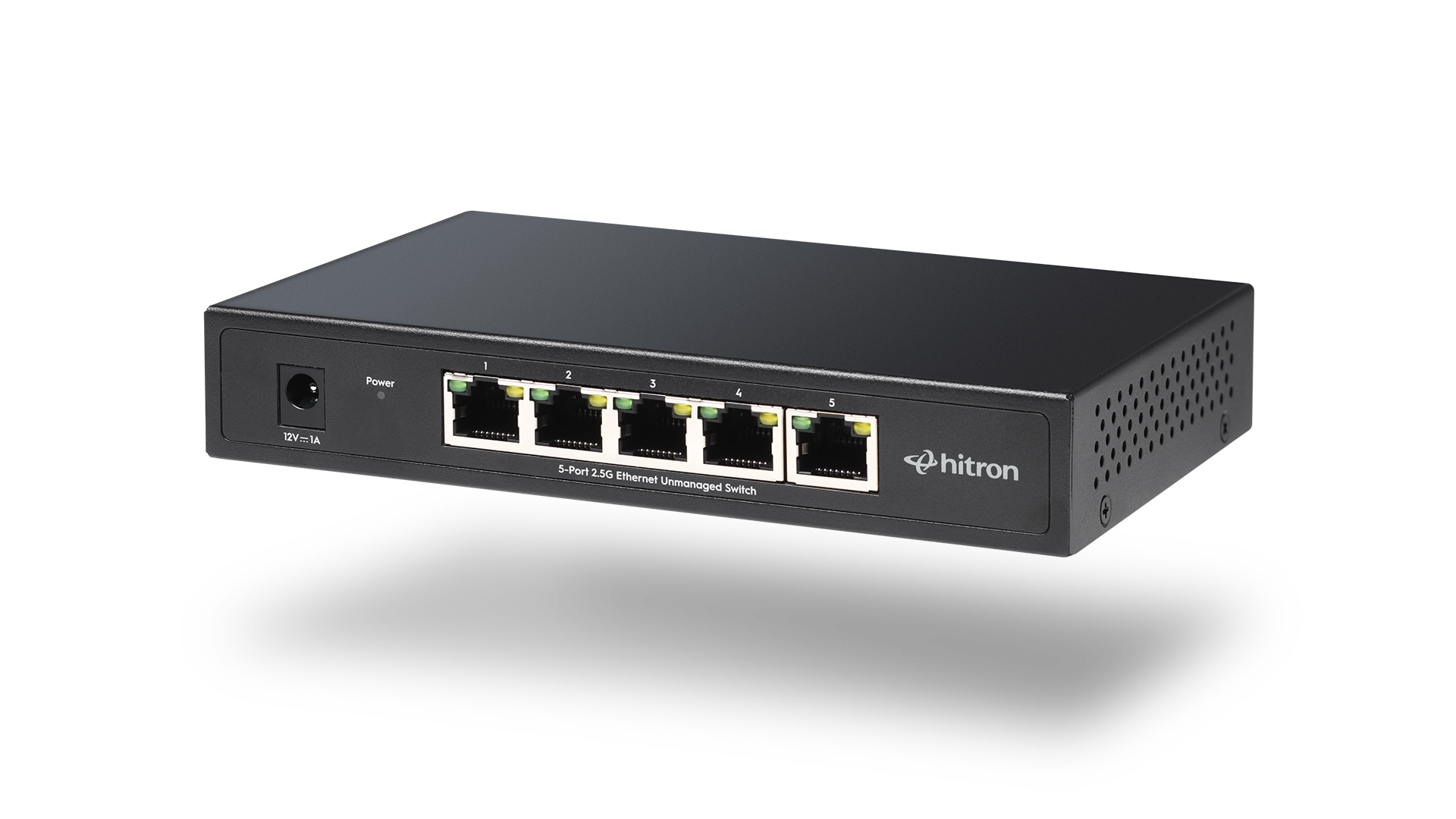
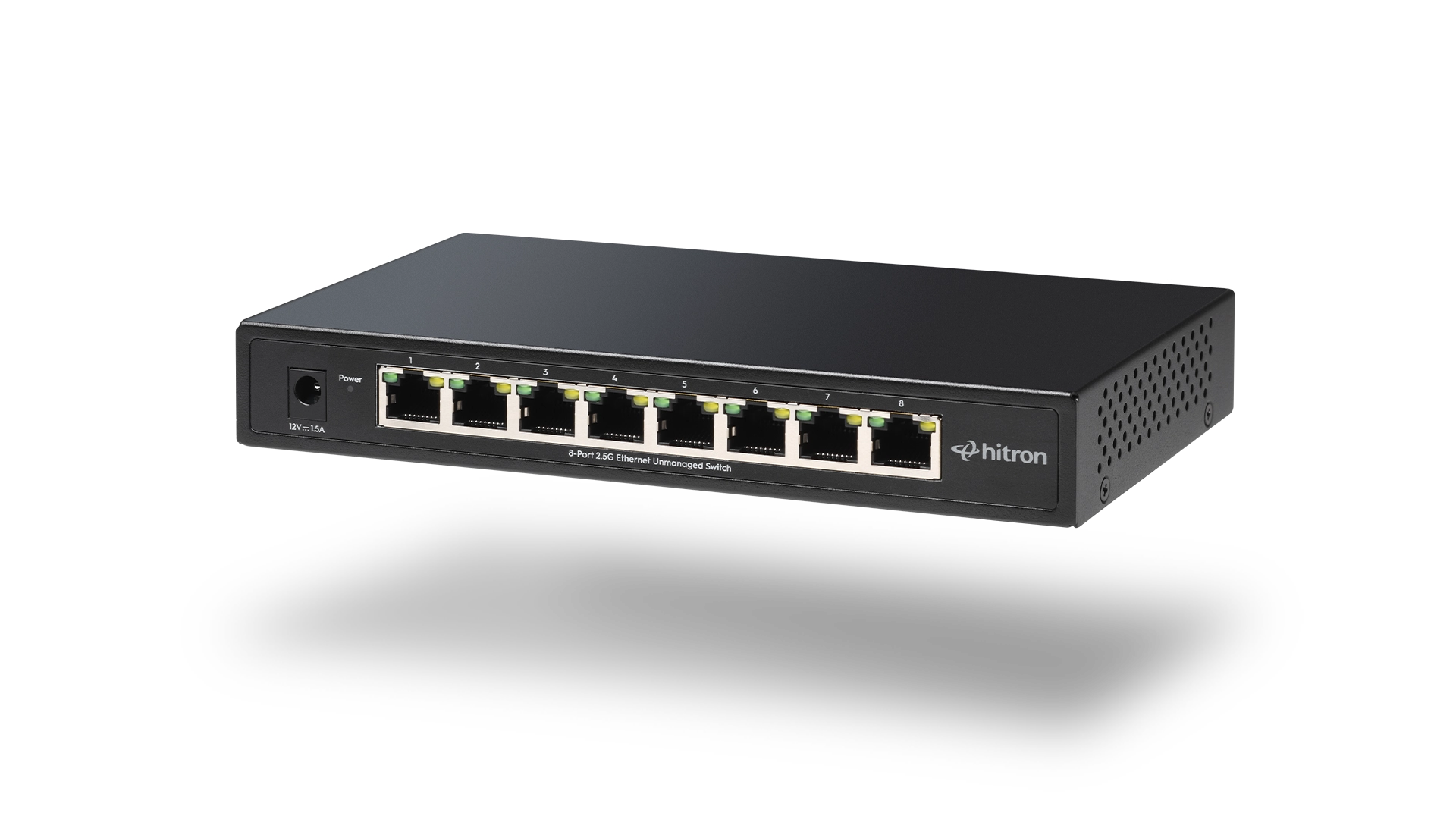
Adding an Ethernet switch is one of the easiest ways to expand your home or small office network. Whether you’re connecting desktop computers, gaming consoles, smart TVs, network-attached storage (NAS), or security cameras, an Ethernet switch gives you more wired connections without replacing your router.
Fortunately, unmanaged Ethernet switches are designed to be simple. Most are truly plug-and-play. However, a few common mistakes can prevent you from getting the performance and reliability you expect.
This guide explains the most common Ethernet switch mistakes, why they happen, and how to avoid them.
Mistake #1: Choosing the Wrong Number of Ports
One of the first decisions when buying an Ethernet switch is choosing how many ports you’ll need. It’s easy to focus only on the devices you have today, but home and small office networks often grow over time.
Before choosing a switch, make a list of the devices you want to connect now, then think about what you might add in the next few years. You may eventually install a network-attached storage (NAS) device, another gaming console, a desktop computer, a printer, or a WiFi access point.
As a general guideline:
Devices to Connect
Recommended Switch
If your device count is close to the maximum number of available ports, consider moving up to the next size. Having one or two spare ports makes it easy to add new devices later without replacing your switch.
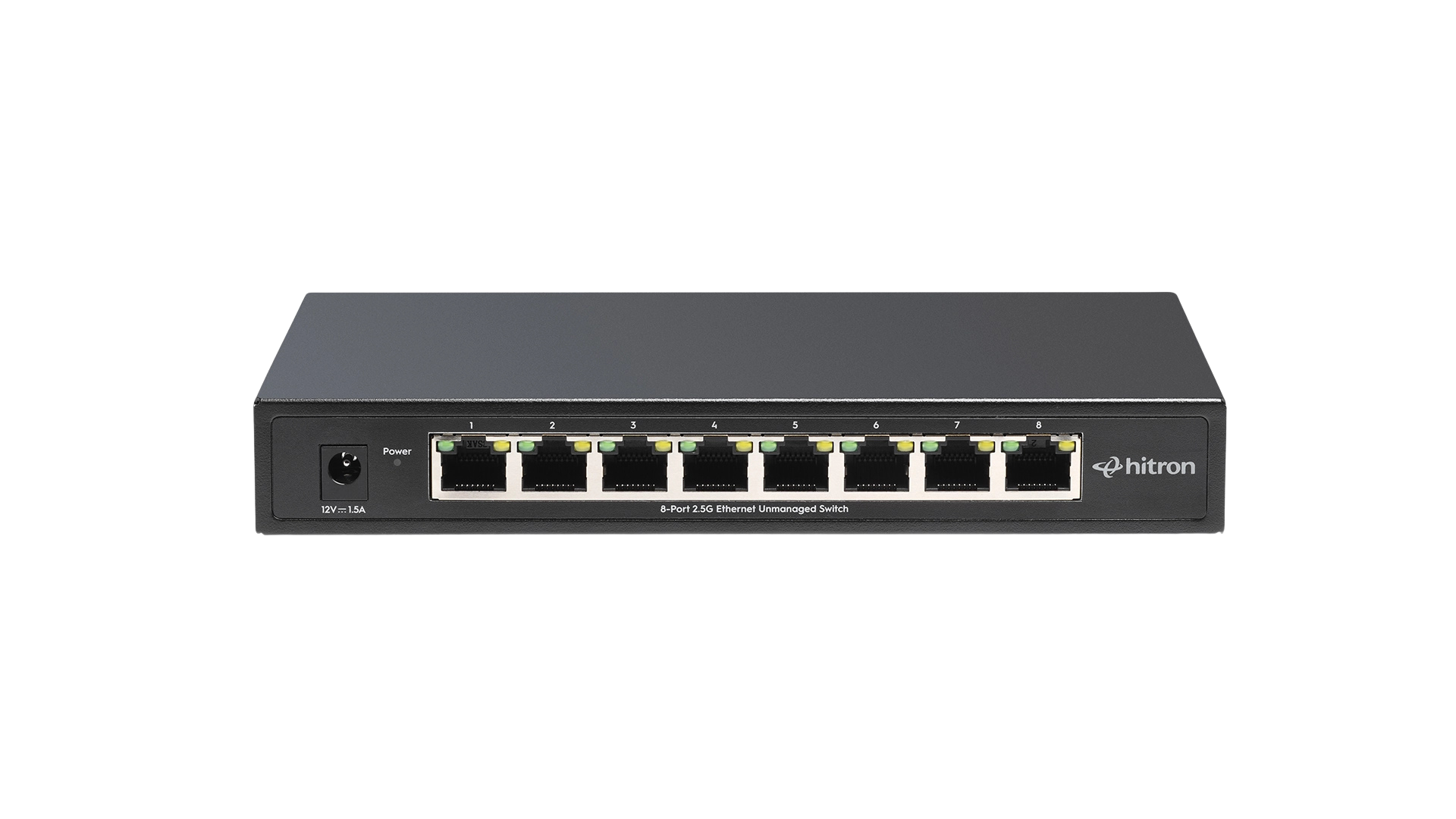
5-Port vs 8-Port Ethernet Switch
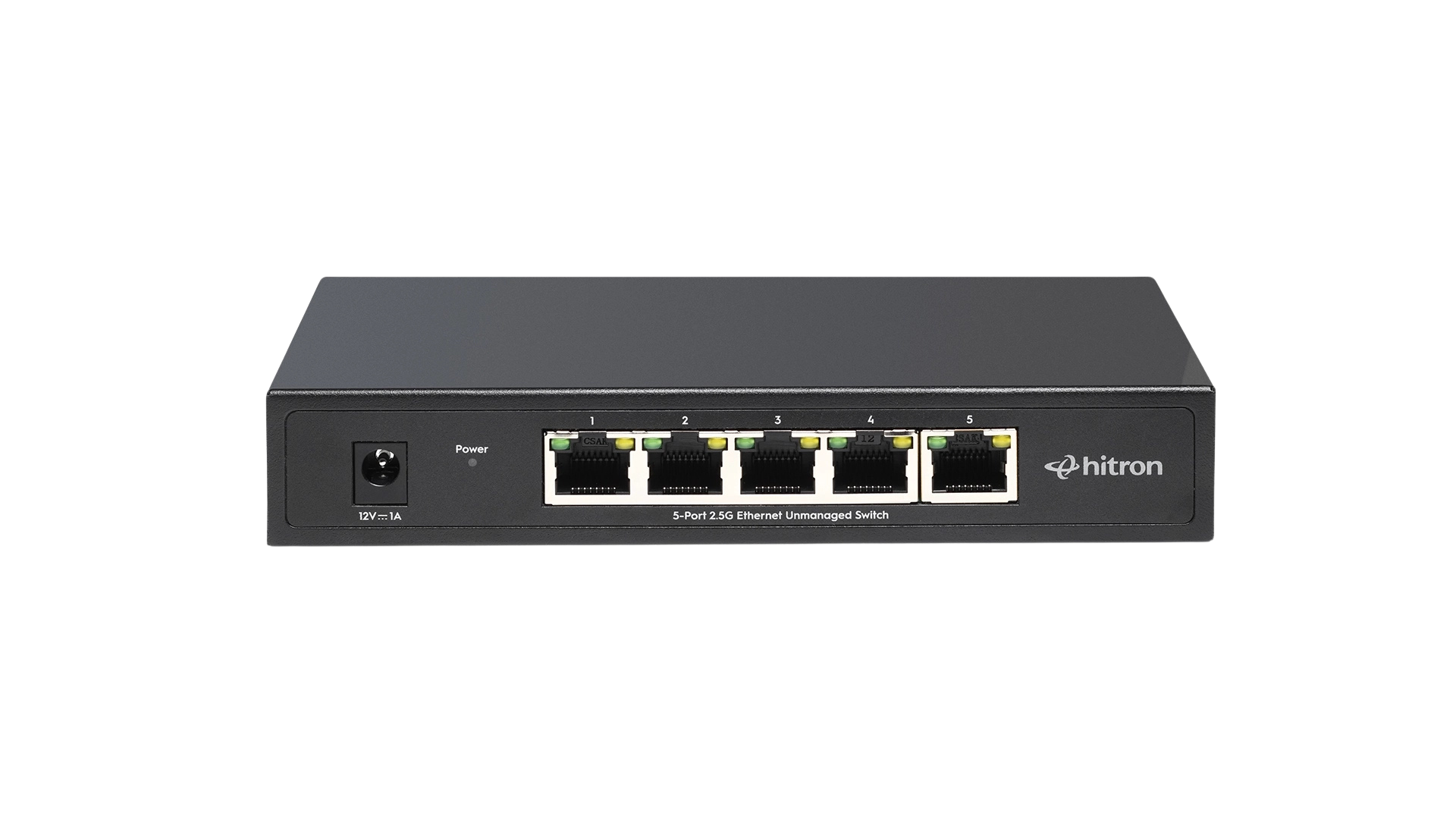
5-Port Ethernet Switch
Best For: Small Homes, Apartments
Desktop

Smart TV

Gaming Console

Printer
8-Port Ethernet Switch
Best For: Medium to Large Homes, Home Offices
Desktop

Smart TV

Gaming Console

Security Camera
WiFi Access Point

Printer
Mistake #2: Plugging Devices Into the Router Instead of the Switch
Some people continue plugging every new device into their router, forgetting the Ethernet switch is there.
Instead, the switch should become the central connection point for your wired devices.
A simple setup looks like this:
Ethernet Switch Simple Setup

Mistake #3: Expecting an Ethernet Switch to Increase Internet Speed
One of the biggest misconceptions is that adding an Ethernet switch automatically makes your internet connection faster.
An Ethernet switch does not increase the speed provided by your Internet Service Provider (ISP).
Instead, it allows more devices to communicate efficiently across your local wired network.
For example:
- File transfers between computers can be much faster.
- Backups to a NAS can complete more quickly.
- Multiple wired devices can communicate simultaneously without competing for WiFi airtime.
If your internet plan delivers 500 Mbps, adding a switch won’t magically increase it to 1 Gbps.
What it can do is provide more consistent wired performance and eliminate WiFi-related issues like interference and signal loss.
Mistake #4: Using the Wrong Type of Ethernet Switch
Not every Ethernet switch is designed for the same purpose.
There are two primary categories:
Non-PoE Ethernet Switches
These are ideal for:
- Desktop computers
- Gaming consoles
- Smart TVs
- Network storage (NAS)
- Printers
PoE Ethernet Switches
PoE (Power over Ethernet) switches supply both power and data through a single Ethernet cable.
They’re commonly used for:
- IP security cameras
- Ceiling-mounted WiFi access points
- VoIP phones
- Smart door access systems
If your devices don’t require power over Ethernet, a standard unmanaged switch is usually the simplest and most cost-effective choice.
If you’re planning to install security cameras or ceiling access points, a PoE switch can eliminate the need for separate power adapters.
Non-PoE vs PoE
Power over Ethernet (PoE) delivers both power and data over a single Ethernet cable.
NON-PoE Switches
Provide network data only. Devices must be plugged into a power outlet.
Desktop
Data Only
Smart TV
Data Only
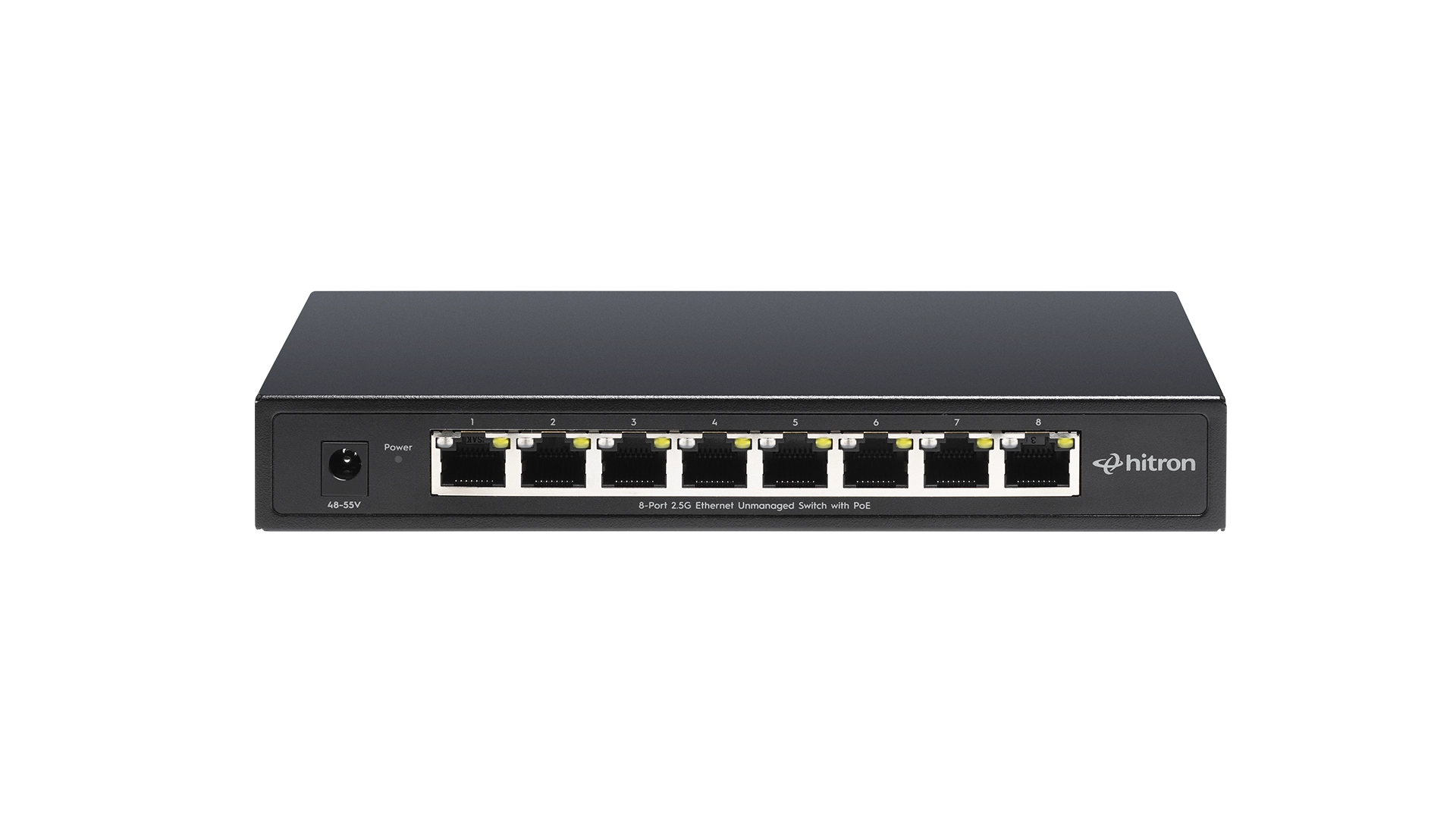
PoE Switches
Deliver both data and power over a single Ethernet cable, simplifying installation and reducing clutter.
Security Camera
Data + Power
WiFi Access Point
Data + Power

VoIP Phone
Data + Power

Key Benefit:
PoE reduces the need for power outlets near devices, making installation easier, especially in hard-to-reach or high locations.
Mistake #5: Using Older Ethernet Cables
Sometimes the switch isn’t the problem—the cable is.
Older Ethernet cables may not support today’s faster network speeds.
For best performance:
Cable
Supports
If you’re investing in a 2.5 Gigabit Ethernet switch, using damaged or outdated cables could prevent your devices from reaching their full performance.
Mistake #6: Assuming Every Device Needs a Wired Connection
Ethernet is excellent for devices that benefit from stable, uninterrupted connections.
These include:
- Desktop PCs
- Gaming consoles
- NAS devices
- Smart TVs
- Streaming boxes
- Workstations
Other devices work perfectly well over WiFi, including:
- Smartphones
- Tablets
- Smart speakers
- Smart home sensors
Using wired connections where they matter most helps reduce congestion on your WiFi network.
Mistake #7: Buying a Managed Switch When You Don’t Need One
Many first-time buyers assume a managed switch is “better.”
For most homes and small offices, an unmanaged switch offers everything needed:
- Plug-and-play installation
- No software configuration
- Automatic device detection
- Lower cost
Managed switches are designed for business environments that require features such as VLANs, traffic prioritization, and advanced monitoring.
Mistake #8: Forgetting Future Network Growth
Home networks tend to grow over time.
Many households eventually add:
- A NAS for backups
- Additional gaming systems
- Smart TVs
- WiFi access points
- IP security cameras
- Work-from-home equipment
Planning for expansion now can save you from replacing your switch later.
Choosing a switch with a few extra available ports is often a worthwhile investment.
FAQs
Can I connect an Ethernet switch to another Ethernet switch?
Yes. This is called cascading switches and is a common way to expand a network when additional ports are needed.
Can I use an Ethernet switch with fiber internet?
Yes. The Ethernet switch connects to your router, regardless of whether your internet service uses cable, fiber, or fixed wireless.
Can I plug a switch directly into my modem?
Usually no. In most home networks, the switch should connect to the router, which manages IP addresses, security, and internet sharing for all your devices.
Do unmanaged Ethernet switches require setup?
No. Unmanaged switches are plug-and-play and begin forwarding traffic automatically after they’re connected.
Choosing the Right Ethernet Switch
Avoiding a few common mistakes can help you build a faster, more organized, and more reliable home network. For most homes and small offices, an unmanaged switch offers an easy way to expand wired connectivity without complicated configuration.
If you’re still deciding which switch is right for your setup, read How to Choose the Right Ethernet Switch for Your Home or Small Office. It explains how to compare port counts, speeds, and PoE features so you can choose a switch that fits both your current needs and future network growth.