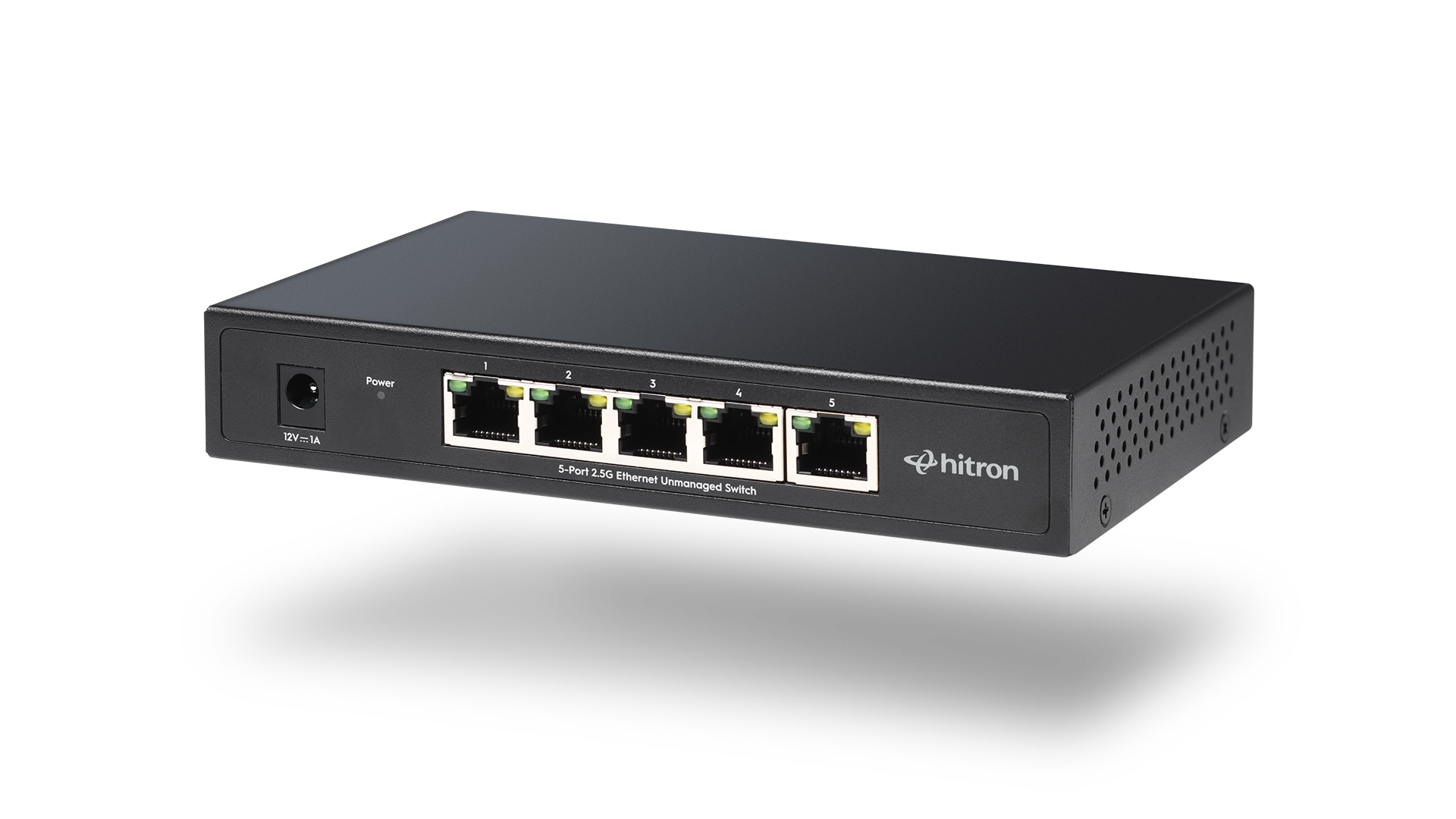
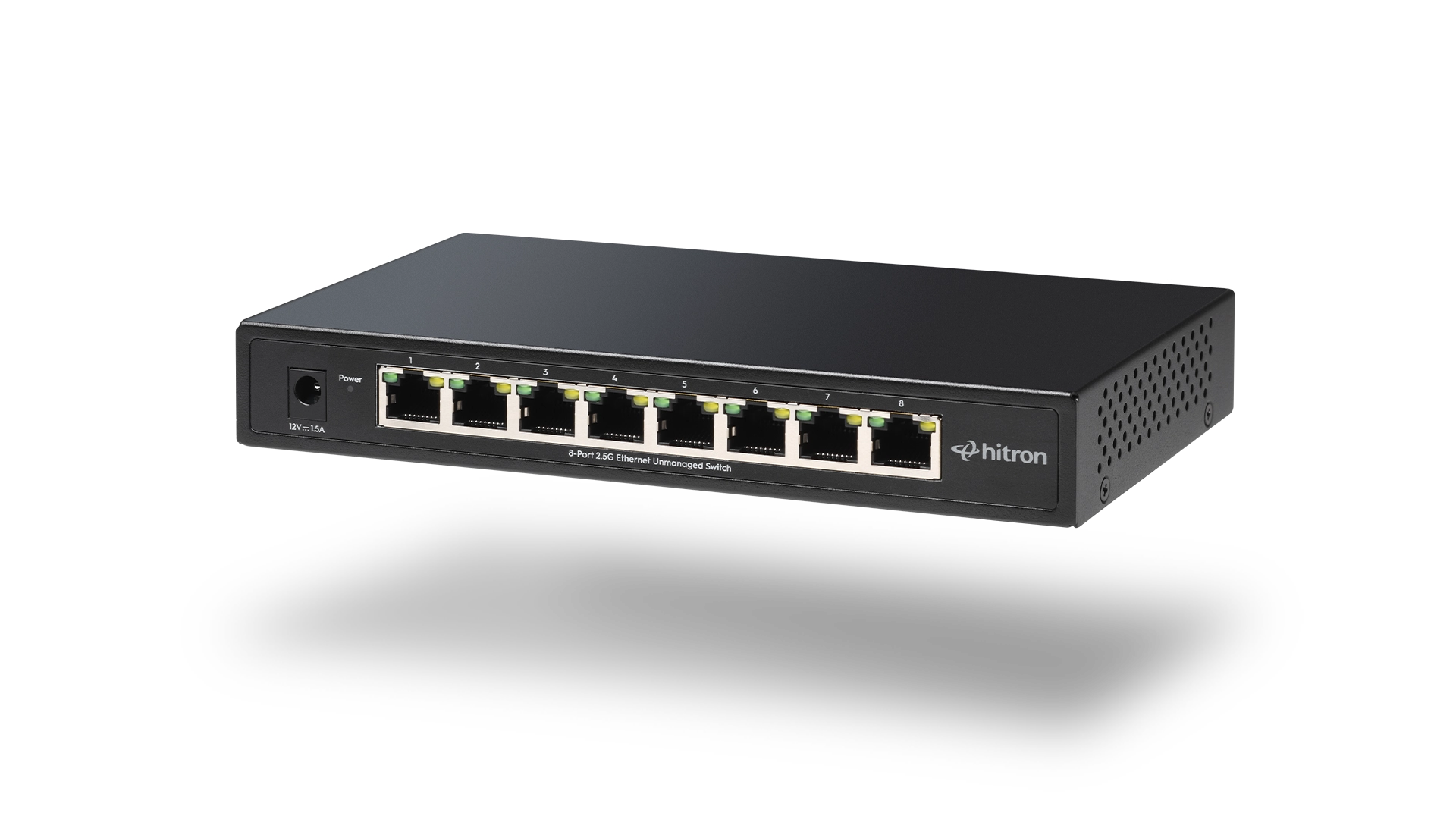
A Power over Ethernet (PoE) switch can simplify your home or small business network by allowing one Ethernet cable to carry both data and electrical power to compatible devices.
Instead of installing separate power cables for devices like security cameras, wireless access points, VoIP phones, and smart building equipment, a PoE switch delivers power and network connectivity through the same Ethernet cable.
However, not every PoE switch is the same. Before buying one, it is important to understand how much power you need, how many devices you want to connect, what network speeds your devices require, and whether the switch will support your future needs.
Here are 10 things to know before choosing a PoE switch.
1. Understand What a PoE Switch Does
A PoE switch combines the functions of a traditional Ethernet switch with the ability to provide power to compatible network devices.
A standard Ethernet switch only transfers network data. A PoE switch sends both:
- Data through the Ethernet connection
- Electrical power through the same Ethernet cable
A typical PoE setup looks like this:
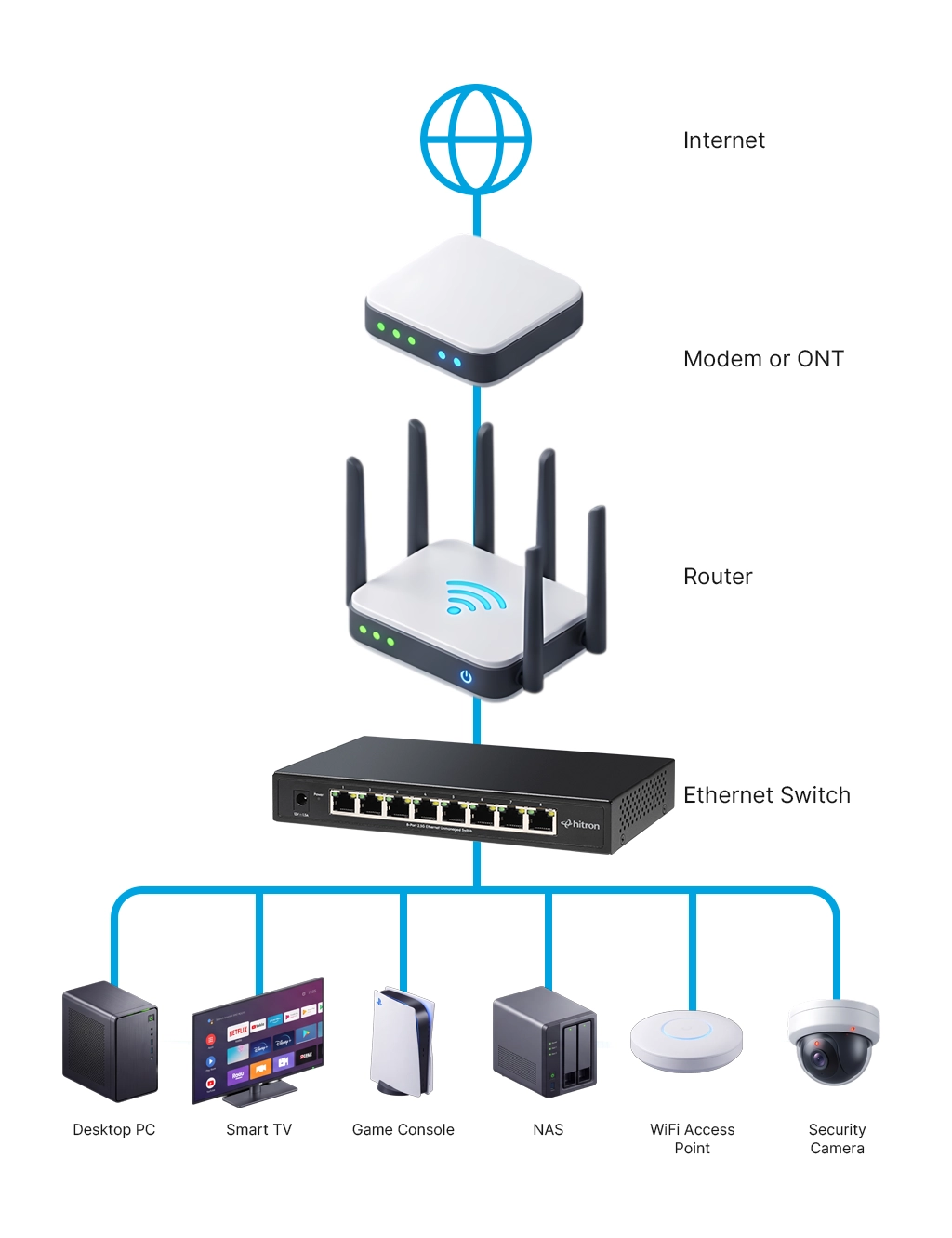
This makes installation easier because devices can be placed where they are needed without requiring a nearby electrical outlet.
👉 Read: Unmanaged Ethernet Switches Explained: Simple, Fast, No Setup
2. Know Which Devices You Want to Power
The first question to ask before buying a PoE switch is:
What devices will I connect to it?
Different PoE-powered devices require different amounts of power.
Common PoE devices include:
Security Cameras
Security cameras are one of the most common reasons people install PoE switches. PoE allows cameras to be placed in locations where running electrical wiring may be difficult.
WiFi Access Points
PoE is commonly used for ceiling-mounted or wall-mounted access points because Ethernet can deliver both network connectivity and power.
VoIP Phones
Businesses often use PoE switches to simplify phone installations by eliminating separate power adapters.
Smart Building Devices
Door access systems, sensors, and other connected devices may also use PoE.
Understanding your devices helps determine the type of PoE switch you need.
3. Check the PoE Standard and Power Requirements
Not all PoE switches provide the same amount of power.
PoE standards determine how much power can be delivered to connected devices. Common standards include:
- 802.3af (PoE) for lower-power devices
- 802.3at (PoE+) for devices requiring more power
- 802.3bt (higher-power PoE) for advanced equipment
For example, a basic security camera may work with standard PoE, while a high-performance wireless access point may require PoE+.
Before purchasing a PoE switch, check the power requirements of your devices and make sure the switch can provide enough power.
4. Consider the Total PoE Power Budget
One of the most important specifications on a PoE switch is the PoE power budget.
The power budget is the total amount of electricity the switch can provide across all PoE ports.
For example:
A switch may have eight PoE ports, but it may not be able to provide maximum power to all eight devices at the same time.
When calculating your requirements, consider:
- Number of PoE devices
- Power required by each device
- Whether you plan to add more devices later
Choosing a switch with additional power capacity gives your network room to grow.
👉 Read: 5-Port vs 8-Port Ethernet Switch: Which One Should You Choose?
5. Choose the Right Number of Ports
PoE switches are available with different numbers of ports, commonly:
- 5 ports
- 8 ports
- 16 ports
- 24 ports
- More for larger installations
Choose a switch based on the number of devices you need today, not only what you need right now.
For example:
- A homeowner installing two security cameras may only need a small PoE switch.
- Someone installing multiple cameras, access points, and smart devices may need additional ports.
Having extra ports available can prevent replacing your switch later as your network expands.
👉 Read: 5-Port vs 8-Port Ethernet Switch: Which One Should You Choose?
6. Check the Ethernet Speed
PoE switches are available with different Ethernet speeds.
Traditional networks may use Gigabit Ethernet, while newer networks are moving toward faster connections such as 2.5 Gigabit Ethernet.
The speed you need depends on your connected devices and network requirements.
Higher-speed Ethernet can help support:
- Multiple high-resolution security cameras
- Faster wireless access points
- Large file transfers
- Higher-speed internet connections
A PoE switch should match the performance requirements of the devices connected to it.
For more information about network speeds, see:
👉 Read: What Is 2.5G Ethernet and Why Does It Matter?
7. Understand the Difference Between Managed and Unmanaged PoE Switches
PoE switches generally fall into two categories:
Unmanaged PoE Switches
Unmanaged switches are designed for simple installations.
They are typically:
- Easy to install
- Plug-and-play
- Suitable for homes and small networks
You connect your devices, and the switch automatically handles the network connection.
Managed PoE Switches
Managed switches provide advanced controls, including:
- Network monitoring
- Traffic management
- VLAN configuration
- Security settings
They are commonly used in larger business networks where administrators need more control.
For many home users and small installations, an unmanaged PoE switch provides the simplicity needed without unnecessary configuration.
👉 Read: Managed vs Unmanaged Ethernet Switches: Which Is Right?
8. Think About Where the Switch Will Be Installed
PoE switches are often installed in locations such as:
- Home offices
- Network cabinets
- Entertainment areas
- Security equipment locations
- Small business environments
Consider:
- Available space
- Ventilation
- Noise levels
- Cable organization
Fanless PoE switches can be a good choice for homes because they operate quietly.
A well-planned installation also makes future troubleshooting easier.
9. Make Sure Your Ethernet Cables Support PoE
PoE uses Ethernet cables to deliver both power and data.
Most modern Ethernet cables can support PoE, including:
- Cat5e
- Cat6
- Cat6a
However, cable quality and length matter.
Long cable runs can affect performance, especially when delivering higher amounts of power.
Before installing a PoE network, make sure your cables are properly rated for the speed and power requirements of your devices.
10. Plan for Future Network Growth
Your network needs today may not be the same as your network needs tomorrow.
Many homes are adding more connected devices, including:
- Security cameras
- Smart home devices
- Additional WiFi access points
- Home office equipment
A PoE switch can be part of a larger home network upgrade that improves how devices connect and receive power.
Choosing the right switch today can help avoid replacing equipment as your network grows.
👉 Read: Common Ethernet Switch Mistakes to Avoid
Is a PoE Switch Right for Your Network?
A PoE switch is a practical solution when you need to connect devices that require both network access and power.
Before buying one, consider:
- Which devices you need to power
- How much power those devices require
- How many ports you need
- The Ethernet speed your network supports
- Whether you want a simple or advanced installation
For homeowners adding security cameras, improving WiFi coverage, or building a more connected home network, a PoE switch can make installation easier while reducing cable clutter.
Hitron offers both Non-PoE and PoE Ethernet Switches to purchase on Hitron’s Shopify store or through Amazon.