
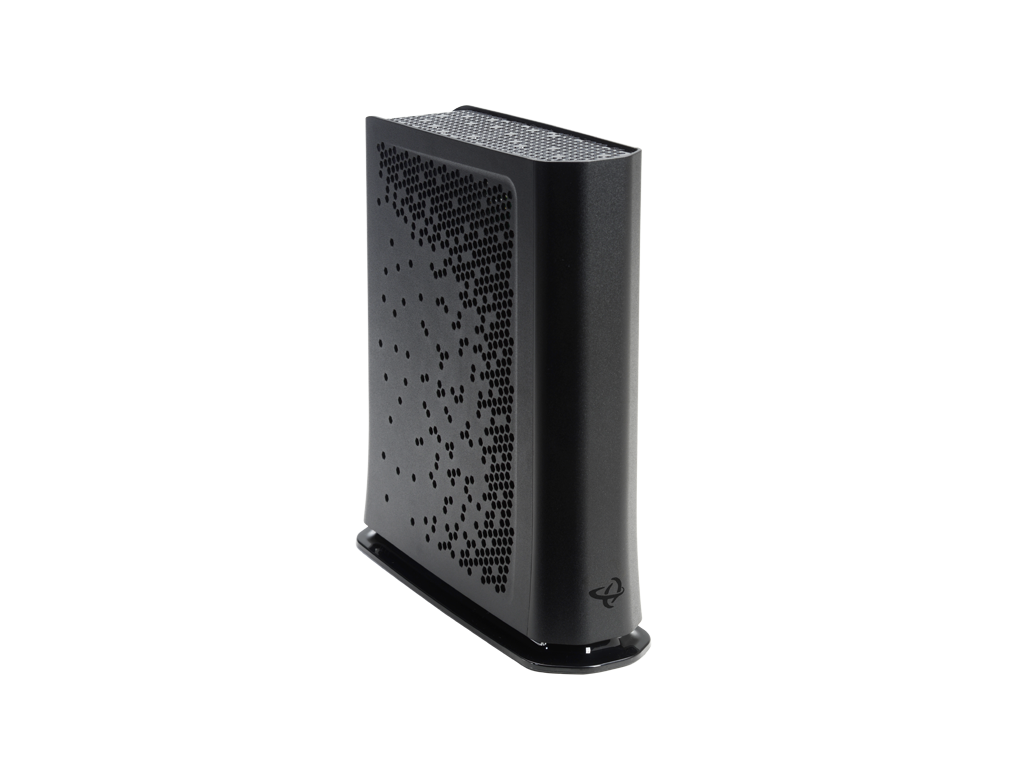
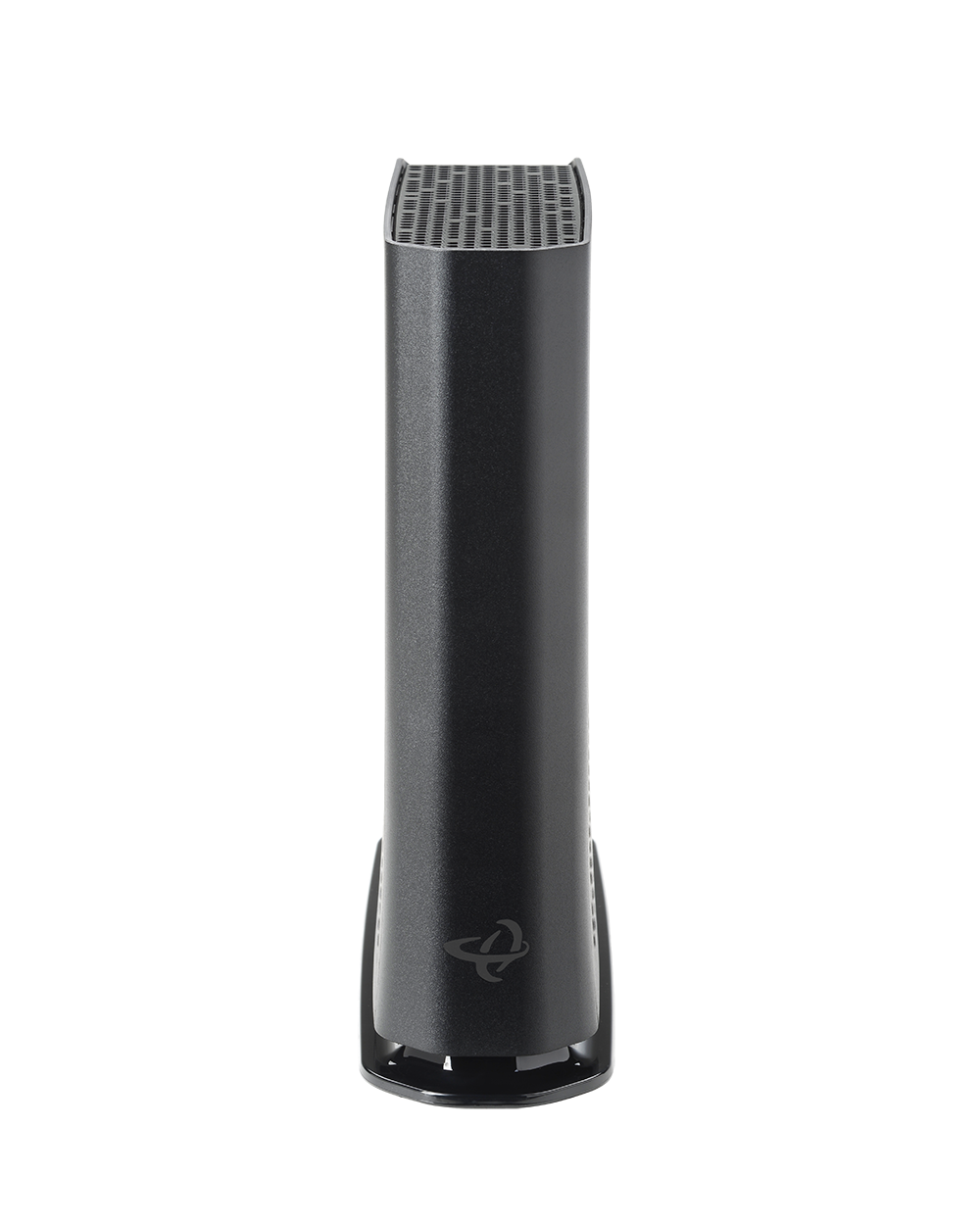
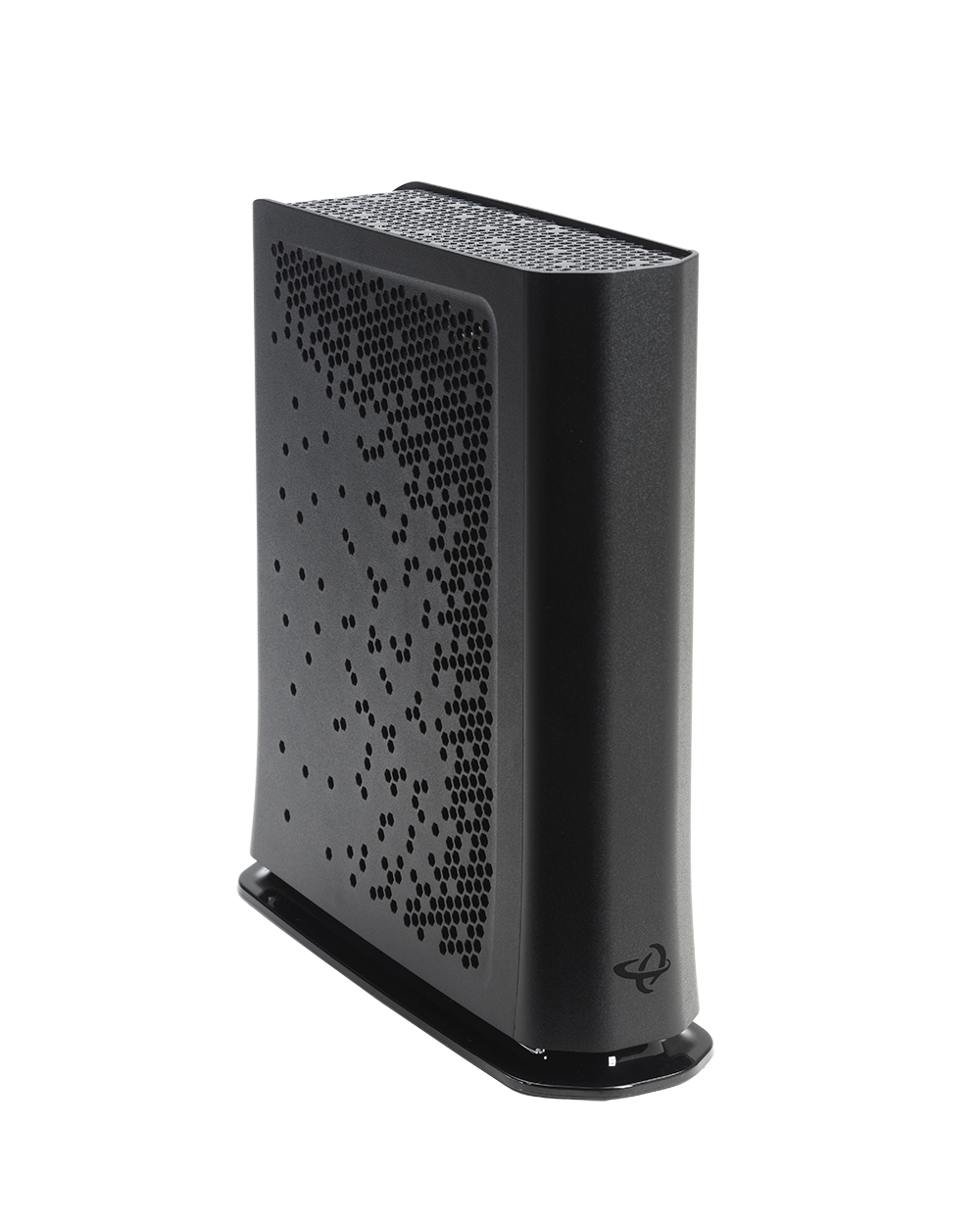
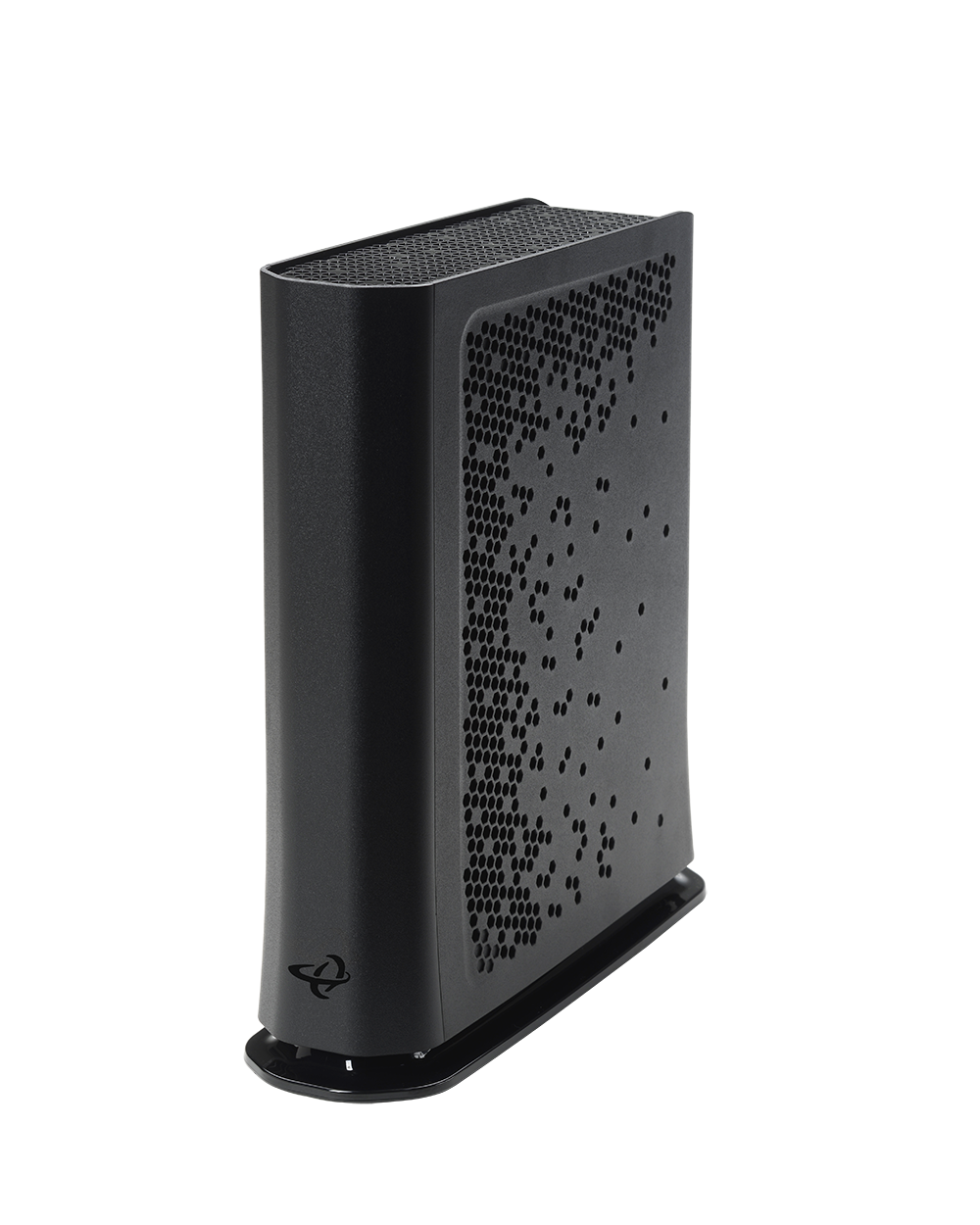
DOCSIS 3.1 with DOCSIS 3.0 Compatibility
2×2 OFDM/OFDMA + 32×8 DOCSIS 3.0 bonding ensures multi-gigabit downstream capability with backward compatibility for existing networks.
Flexible Return Path for Future-Ready Upgrades
Switchable upstream (5–42 MHz / 5–85 MHz) supports migration to mid-split deployments without replacing hardware.
Wi-Fi 6 Advantage
Dual-band Wi-Fi 6 with 4×4 5 GHz and 4×4 2.4 GHz radios delivers faster speeds, better range, and more efficient use of spectrum to handle today’s connected homes.
Multi-Gig Wired Connectivity
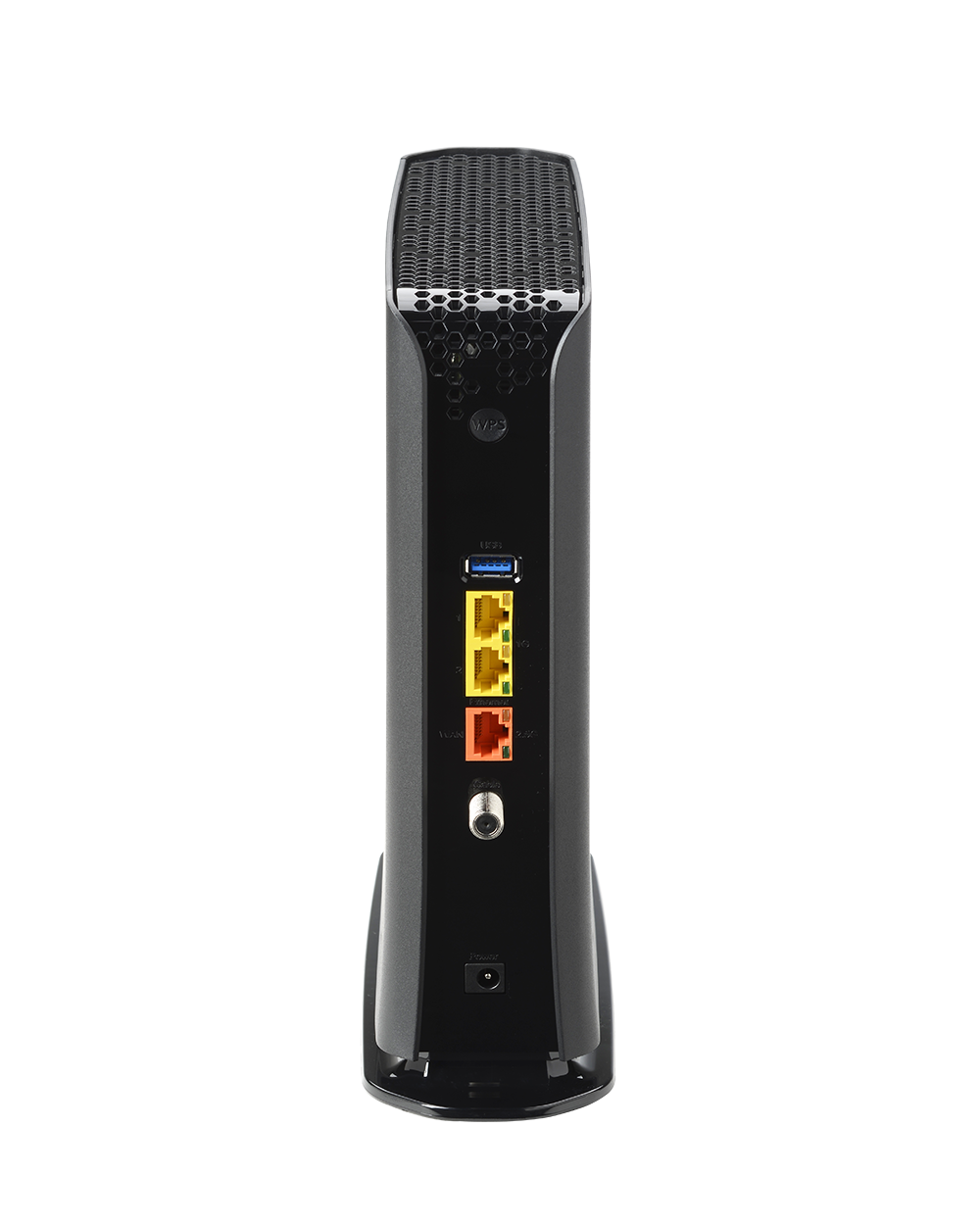
2× 2.5 Gbps Ethernet ports plus 2× 1 Gbps ports support premium wired devices and high-bandwidth backhaul.
Carrier-Grade Management
TR-069, TR-369, HNAP, SNMP, and TFTP for simplified provisioning and remote troubleshooting—reducing support costs and truck rolls.
TPIA Market Approved
Approved by many Canadian carriers for the TPIA market, ensuring wide compatibility and streamlined deployments for wholesale ISPs.
Benefits for Service Providers
- Optimized for Mid-Tier Service Plans: Provides reliable Wi-Fi 6 and multi-gig wired support without overspecifying for basic packages.
- Simplified Deployments: Combines modem and router functionality into a single, operator-friendly gateway.
- Proven Market Acceptance: Pre-approved for TPIA use by leading Canadian carriers, making it easy to adopt and deploy at scale.
- Subscriber Satisfaction: Meets the growing demand for faster, more stable Wi-Fi and wired performance in modern households.
Key Specifications
- DOCSIS Support: DOCSIS 3.1 (2×2 OFDM/OFDMA) + DOCSIS 3.0 (32×8)
- Upstream: Switchable 5–42 MHz / 5–85 MHz
- Wi-Fi: Dual-band Wi-Fi 6 (4×4 5 GHz + 4×4 2.4 GHz)
- Ethernet Ports: 2× 2.5 Gbps + 2× 1 Gbps
- Management: TR-069, TR-369, HNAP, SNMP, TFTP
- Other Features: IPv4/IPv6, multiple SSIDs, integrated DLNA media server, advanced firewall
Documentation
Other Products to Consider
Product
Modem Type
Frequency
WiFi
Wired LAN
Voice
Learn More about Cable Modems & Routers
How to Tell If Your Cable Modem Is Going Bad
If your Internet is cutting in and out—or your modem just doesn’t seem to work like it used to—your modem may be the problem. Most people don’t realize that modems can and do go bad over time. In this guide, you’ll learn the signs of a failing cable modem, why it...
How to Reset a Cox Cable Modem
If your Internet isn’t working right now, here’s what you need to know fast:Restarting your Cox modem is a quick power cycle that keeps your settings and often fixes slow or dropped connections. Resetting, on the other hand, erases everything and restores factory...
Spectrum Modems: What You Should Know Before Buying or Upgrading
Not all modems work with Spectrum. To use your own modem, it must be on Spectrum’s approved modem list and support the right DOCSIS standard (usually DOCSIS 3.1). Spectrum offers rental modems, but many customers choose to buy their own to save money and get better...
What’s Required to Be an Approved Xfinity Modem Router?
To use your own modem with Xfinity, it must be approved by Comcast, support DOCSIS 3.1, and match the speed tier of your Internet plan. Approved modems are listed on Xfinity’s website and are tested for performance and reliability. Choosing a compatible modem gives...
What Modems Work with Xfinity? (And How to Choose the Right One)
Yes, you can use your own modem with Xfinity—as long as it’s compatible with their network. To avoid rental fees and get faster speeds, choose a DOCSIS 3.1 cable modem that is certified by Xfinity. Hitron’s CODA and CODA56 modems are reliable, high-performance options...