
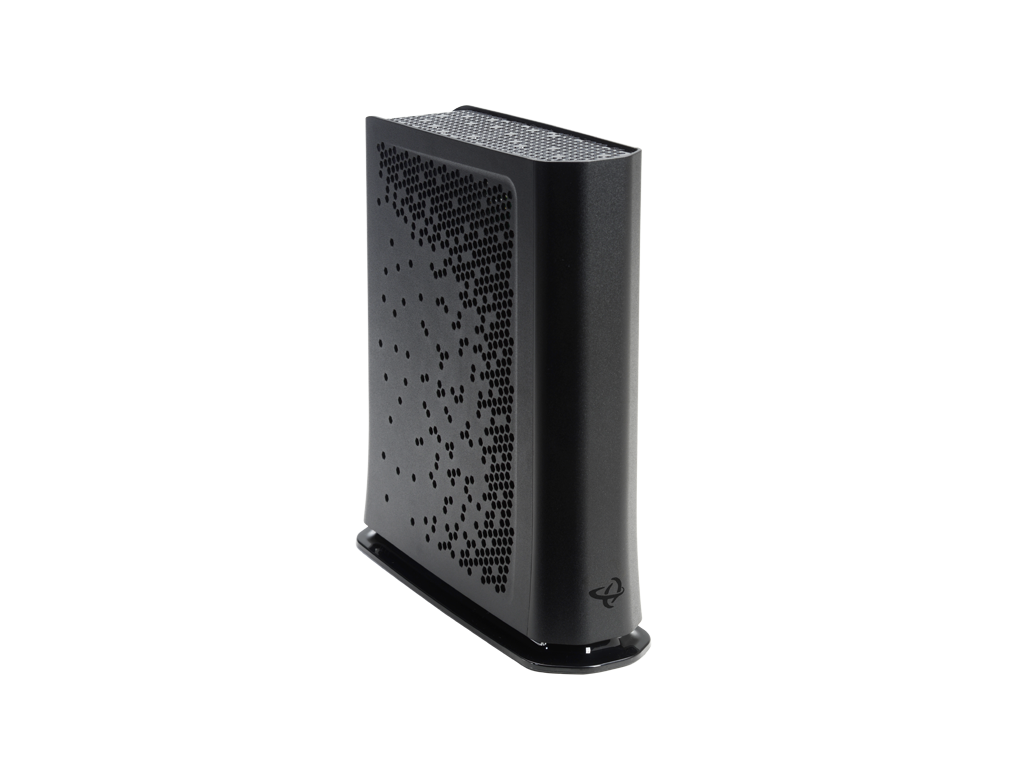
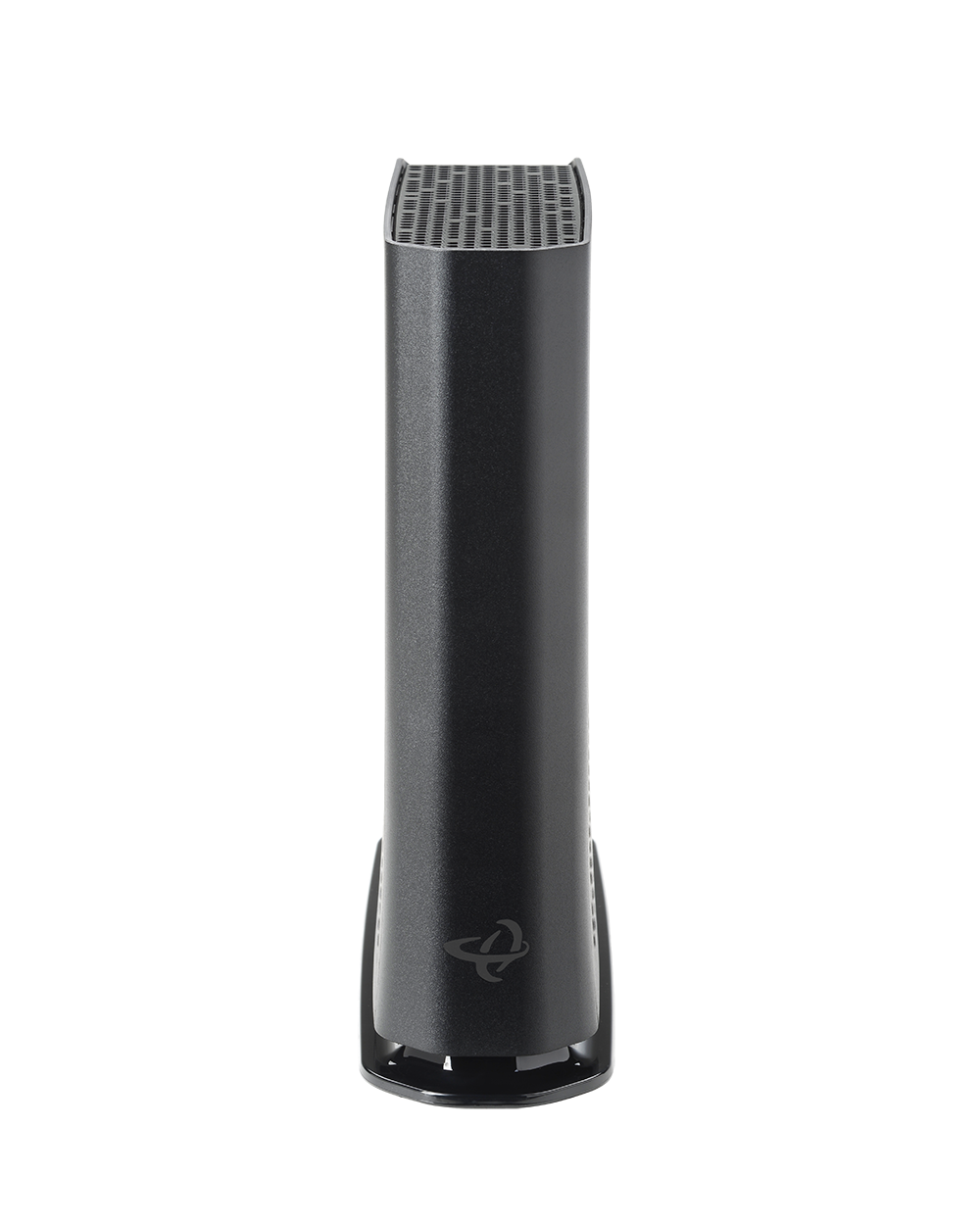
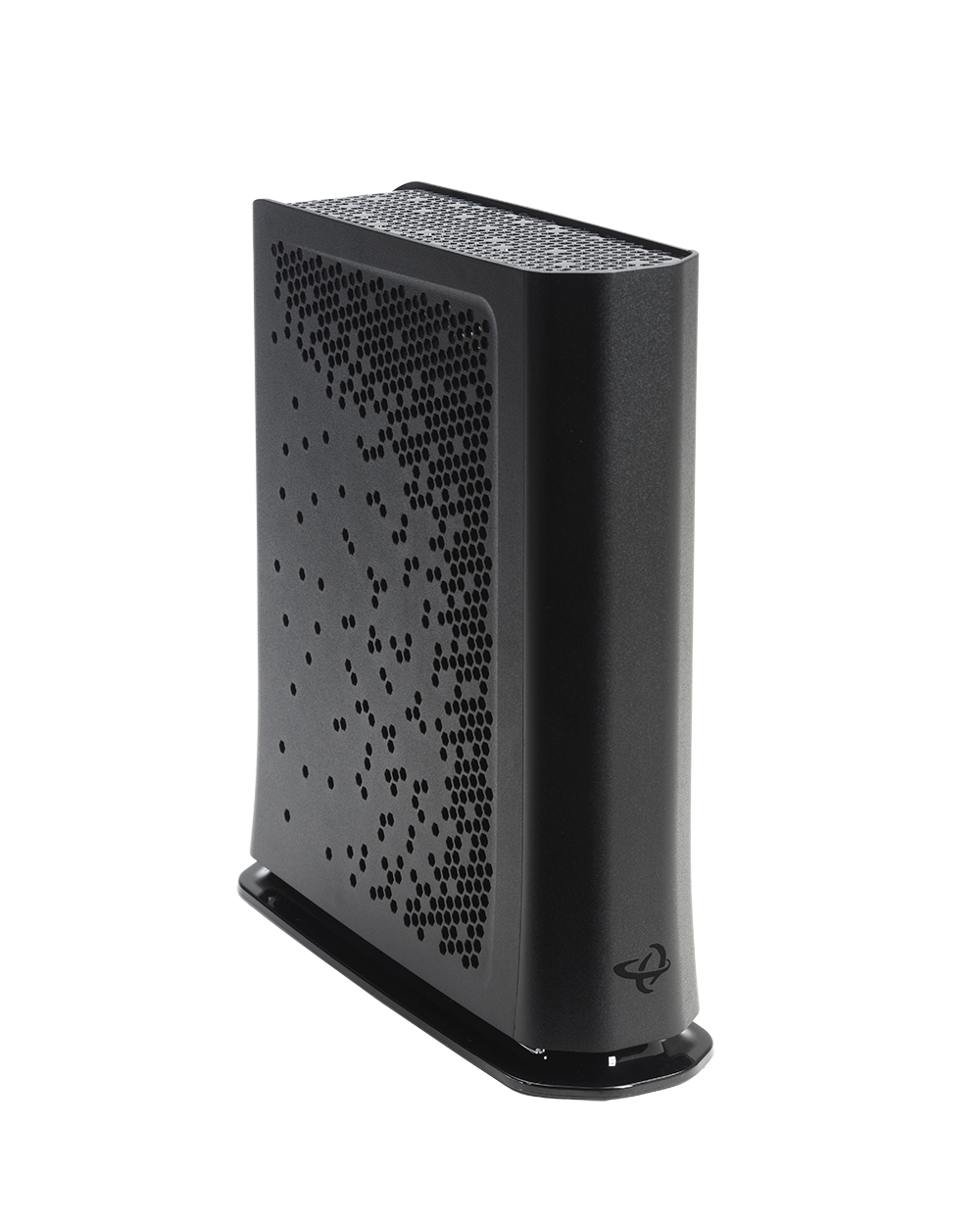
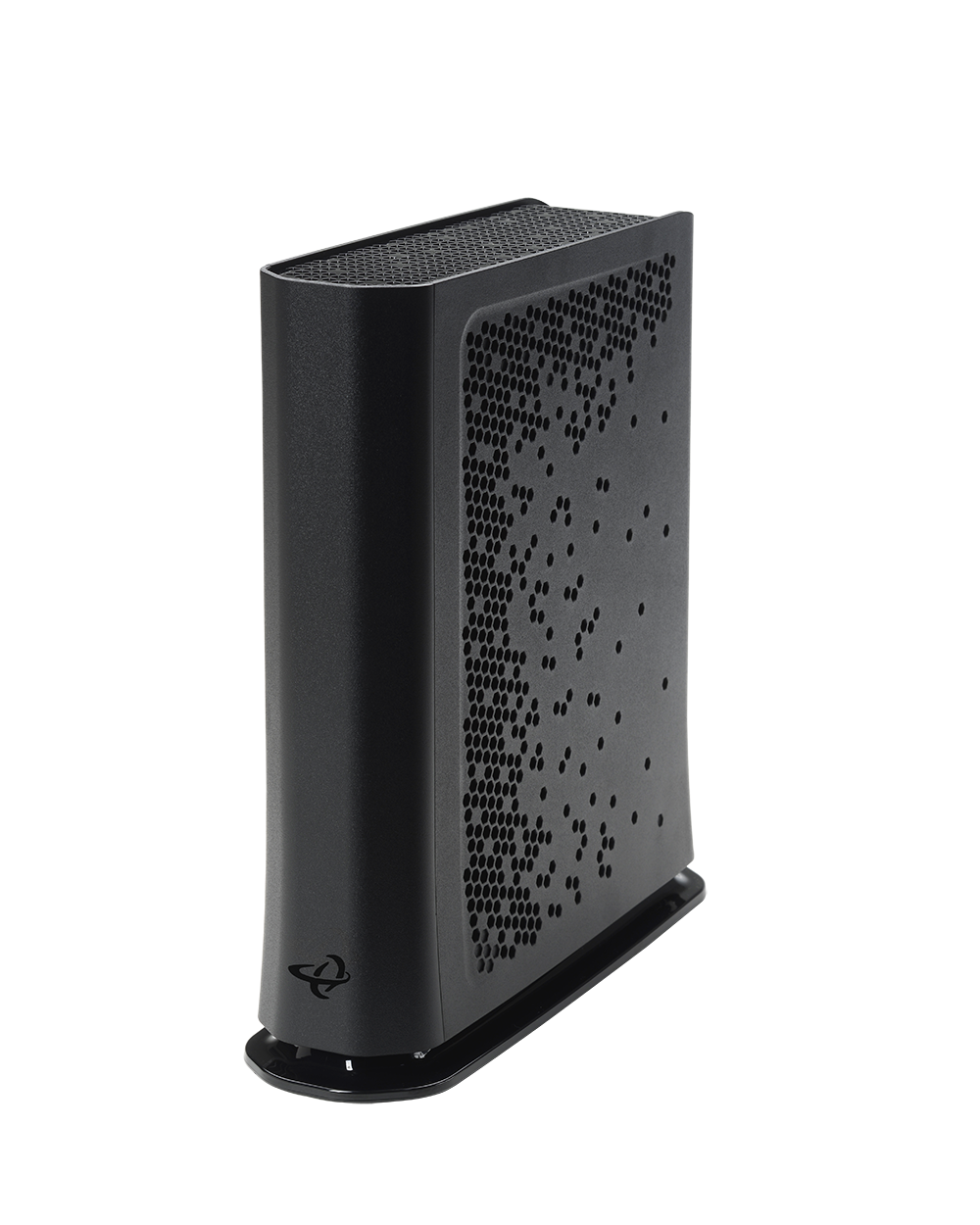
DOCSIS 3.1 with DOCSIS 3.0 Compatibility
2×2 OFDM/OFDMA + 32×8 DOCSIS 3.0 bonding ensures multi-gigabit downstream capability with backward compatibility for existing networks.
Flexible Return Path for Future-Ready Upgrades
Switchable upstream (5–42 MHz / 5–85 MHz) supports migration to mid-split deployments without replacing hardware.
Wi-Fi 6 Advantage
Dual-band Wi-Fi 6 with 4×4 5 GHz and 4×4 2.4 GHz radios delivers faster speeds, better range, and more efficient use of spectrum to handle today’s connected homes.
Multi-Gig Wired Connectivity
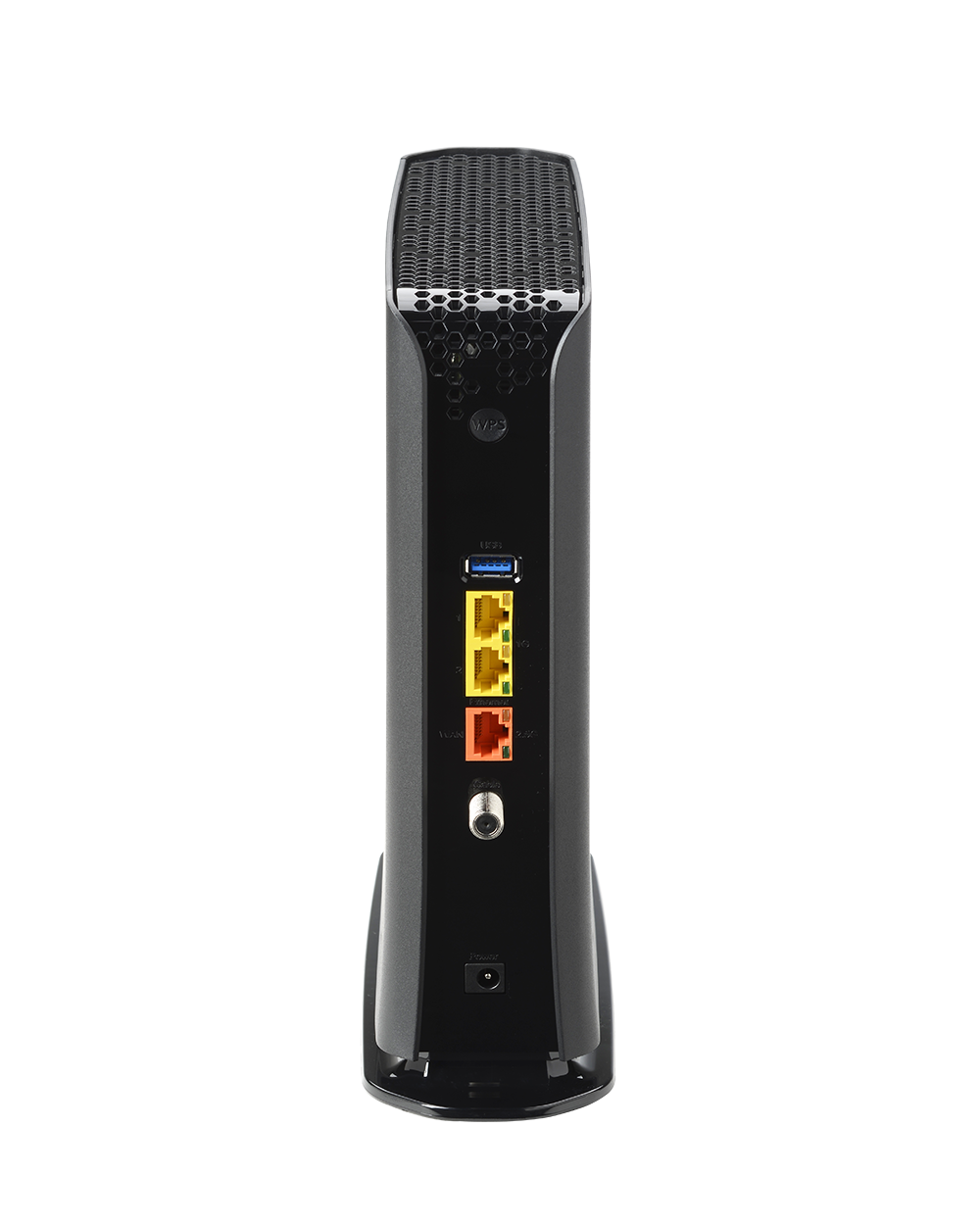
2× 2.5 Gbps Ethernet ports plus 2× 1 Gbps ports support premium wired devices and high-bandwidth backhaul.
Carrier-Grade Management
TR-069, TR-369, HNAP, SNMP, and TFTP for simplified provisioning and remote troubleshooting—reducing support costs and truck rolls.
TPIA Market Approved
Approved by many Canadian carriers for the TPIA market, ensuring wide compatibility and streamlined deployments for wholesale ISPs.
Benefits for Service Providers
- Optimized for Mid-Tier Service Plans: Provides reliable Wi-Fi 6 and multi-gig wired support without overspecifying for basic packages.
- Simplified Deployments: Combines modem and router functionality into a single, operator-friendly gateway.
- Proven Market Acceptance: Pre-approved for TPIA use by leading Canadian carriers, making it easy to adopt and deploy at scale.
- Subscriber Satisfaction: Meets the growing demand for faster, more stable Wi-Fi and wired performance in modern households.
Key Specifications
- DOCSIS Support: DOCSIS 3.1 (2×2 OFDM/OFDMA) + DOCSIS 3.0 (32×8)
- Upstream: Switchable 5–42 MHz / 5–85 MHz
- Wi-Fi: Dual-band Wi-Fi 6 (4×4 5 GHz + 4×4 2.4 GHz)
- Ethernet Ports: 2× 2.5 Gbps + 2× 1 Gbps
- Management: TR-069, TR-369, HNAP, SNMP, TFTP
- Other Features: IPv4/IPv6, multiple SSIDs, integrated DLNA media server, advanced firewall
Documentation
Other Products to Consider
Product
Modem Type
Frequency
WiFi
Wired LAN
Voice
Learn More about Cable Modems & Routers
Cable Modem Router Must-Have Features
We wrote a similar article about the must-have key features for a cable modem. But this one focuses on the key features of a cable modem router. What’s the difference? Cable modem: A cable modem is a hardware device that uses a coax cable to connect your computer...
Should You Buy or Rent a Cable Modem?
When you connect with an Internet service provider (ISP) to set up Internet in your home, often they will try to make installation easier by offering a modem or modem/router for an additional fee per month. This seems like the best option and more convenient because...
Cable Modem Must-Have Features
If you are looking to set up Internet in your home for the first time or upgrade your current Internet service and set up, there are things to consider. One of those things is the hardware you need to make everything work. Even with wireless Internet, there is...
Cable Modems 101: Difference Between DOCSIS 3.0 & 3.1
If you have cable Internet, which is broadband from your Internet service provider (ISP) that uses coaxial cables to deliver bandwidth, then you have a DOCSIS cable modem. DOCSIS stands for Data Over Cable Service Interface Specification. It’s a cable technology...
Cable Modem vs Cable Modem Router
Is it better to have a modem, a router, or a combo modem router? Are there benefits to having a modem with a router, or should you keep them separate? These are the questions we are answering on this page. Cable modems and cable modem routers sound very similar but...