
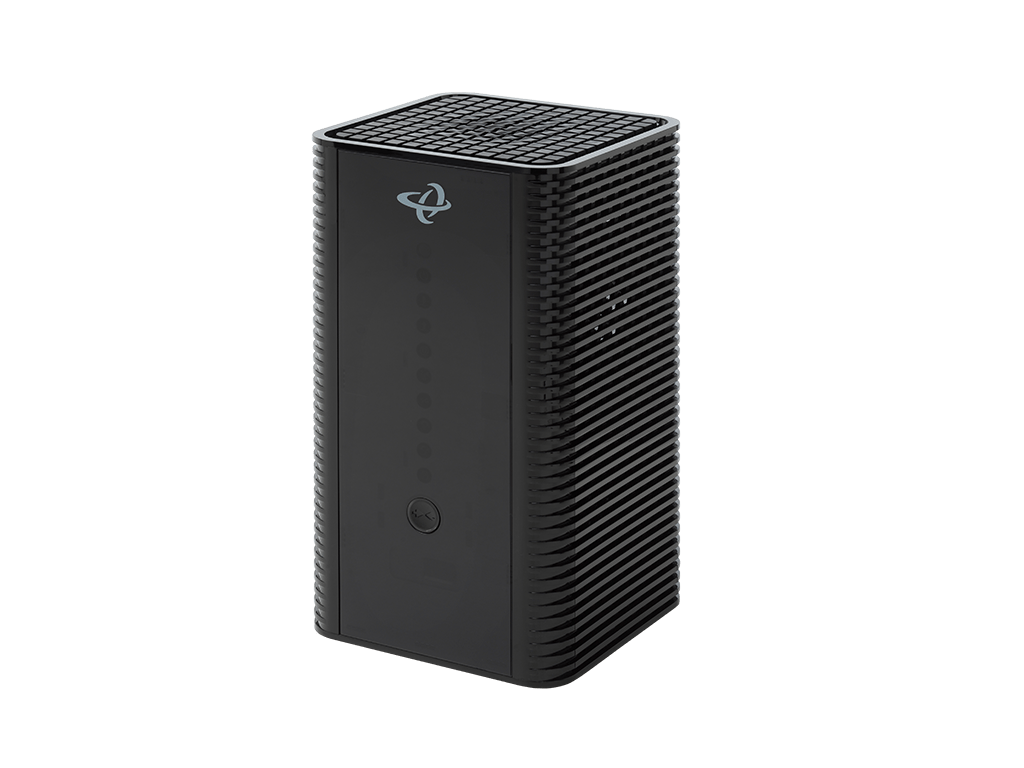
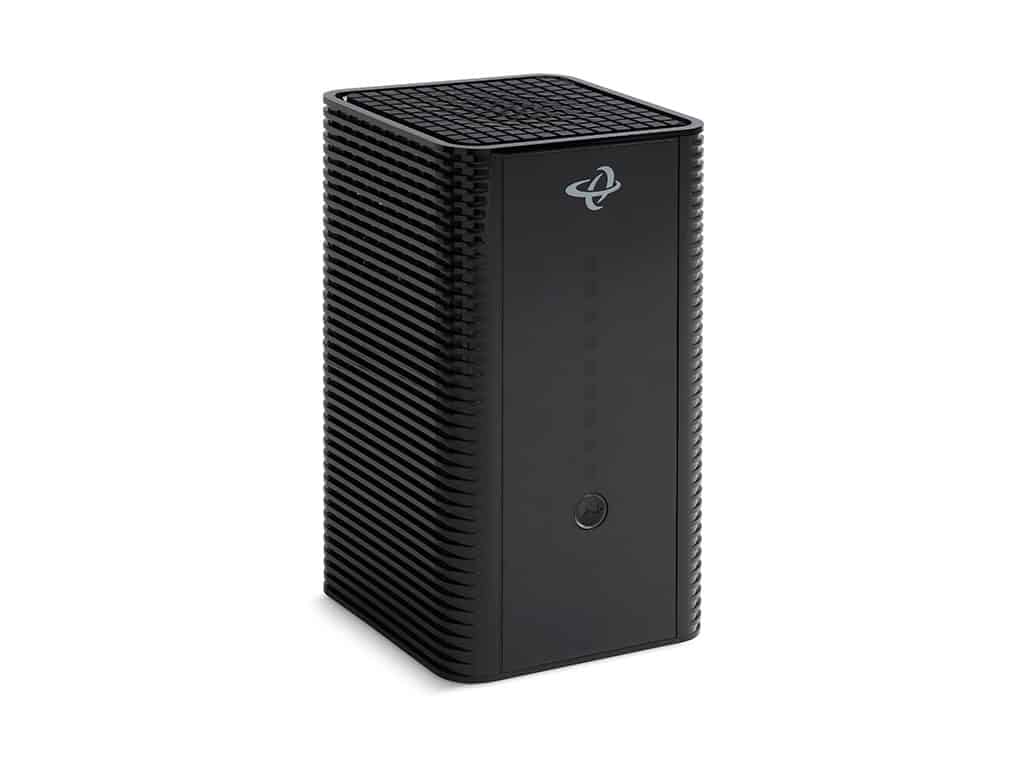
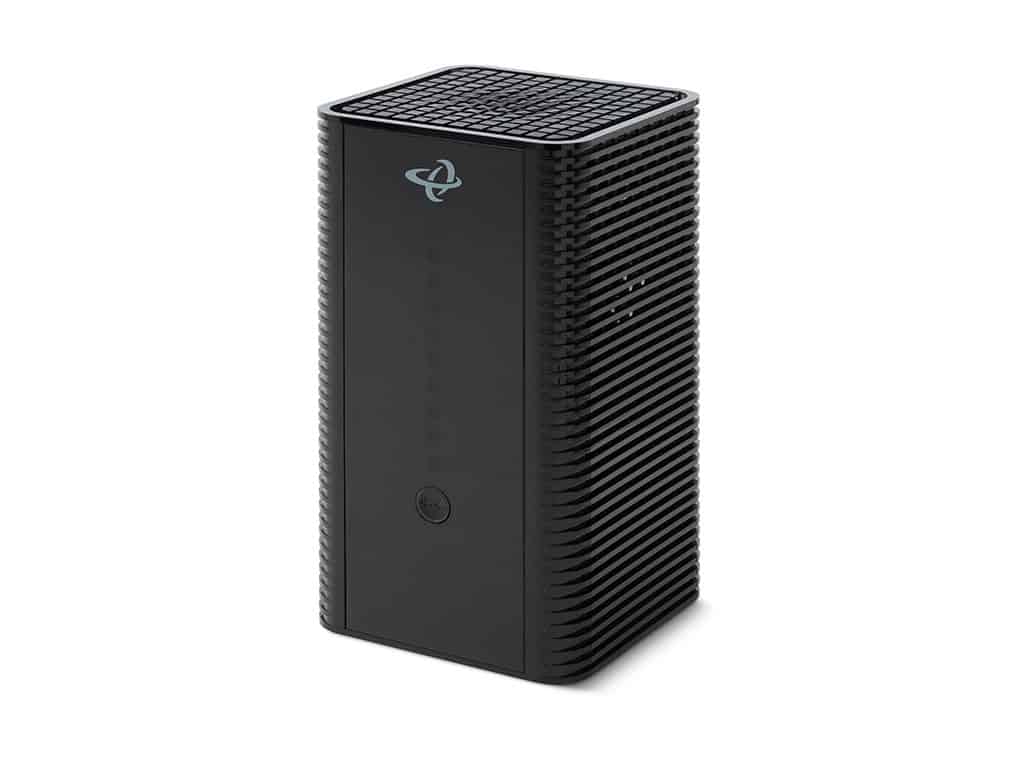
DOCSIS 3.1 with Backward Compatibility
Supports 2×2 OFDM/OFDMA + 32×8 DOCSIS 3.0 channel bonding, providing gigabit-class performance today while staying compatible with legacy DOCSIS 3.0 networks.
Wi-Fi 5 (802.11ac)
Dual-band Wi-Fi with 4×4 5 GHz 802.11ac Wave 2 MU-MIMO and 3×3 2.4 GHz 802.11n, delivering stable coverage and speeds suitable for standard home usage.
All-in-One Simplicity
Combines modem and router functionality in a single box, reducing installation complexity, lowering inventory costs, and simplifying support.
Wired Connectivity
Four Gigabit Ethernet ports for wired devices plus a USB 3.0 port for storage and media sharing.
Remote Manageability
Full support for TR-069, TR-369 (USP), SNMP, and proprietary MIBs for operator control and visibility.
Benefits for Service Providers
- Cost-Optimized Deployment: Perfect for entry-level or lower service tiers where Wi-Fi 6 or Wi-Fi 7 is not required.
- Simplified Operations: One integrated gateway reduces truck rolls and customer setup issues.
- Carrier-Grade Reliability: Proven DOCSIS 3.1 technology for consistent performance.
- Meets Everyday Needs: Provides the Wi-Fi and wired connectivity households require for day-to-day activities.
Key Specifications
- DOCSIS Support: DOCSIS 3.1 (2×2 OFDM/OFDMA) + DOCSIS 3.0 (32×8)
- Wi-Fi: Dual-band Wi-Fi 5 (4×4 5 GHz 802.11ac Wave 2 + 3×3 2.4 GHz 802.11n)
- Ethernet Ports: 4× Gigabit LAN
- USB Ports: 1× USB 3.0
- Management: TR-069, TR-369 USP, SNMP, EasyMesh support
- Other Features: IPv4/IPv6, multiple SSIDs, advanced firewall and parental controls
Other Products to Consider
Product
Modem Type
Frequency
WiFi
Wired LAN
Voice
Learn More about Cable Modems & Routers
Cable Modem Router Must-Have Features
We wrote a similar article about the must-have key features for a cable modem. But this one focuses on the key features of a cable modem router. What’s the difference? Cable modem: A cable modem is a hardware device that uses a coax cable to connect your computer...
Should You Buy or Rent a Cable Modem?
When you connect with an Internet service provider (ISP) to set up Internet in your home, often they will try to make installation easier by offering a modem or modem/router for an additional fee per month. This seems like the best option and more convenient because...
Cable Modem Must-Have Features
If you are looking to set up Internet in your home for the first time or upgrade your current Internet service and set up, there are things to consider. One of those things is the hardware you need to make everything work. Even with wireless Internet, there is...
Cable Modems 101: Difference Between DOCSIS 3.0 & 3.1
If you have cable Internet, which is broadband from your Internet service provider (ISP) that uses coaxial cables to deliver bandwidth, then you have a DOCSIS cable modem. DOCSIS stands for Data Over Cable Service Interface Specification. It’s a cable technology...
Cable Modem vs Cable Modem Router
Is it better to have a modem, a router, or a combo modem router? Are there benefits to having a modem with a router, or should you keep them separate? These are the questions we are answering on this page. Cable modems and cable modem routers sound very similar but...