A 2.5 Gigabit Ethernet switch is designed to move data across your wired network faster than traditional Gigabit (1G) switches—without requiring new cabling or complex setup. It’s a practical upgrade for homes and small offices where internet speeds, WiFi standards, and connected devices have outgrown older networking hardware.
This guide explains what a 2.5G Ethernet switch is, when it makes sense to use one, and how to choose the right type for your setup.
What Is a 2.5 Gigabit Ethernet Switch?
A 2.5 Gigabit Ethernet switch connects multiple wired devices and allows them to communicate at speeds up to 2.5 Gbps per port. It acts as a central hub that manages traffic between devices such as routers, computers, network storage, and access points.
Key characteristics:
- Faster than traditional 1 Gigabit switches
- Works with most existing Cat5e and Cat6 cables
- Automatically adjusts speed per connected device
- No configuration required for unmanaged models
This makes 2.5G switches a practical upgrade path—delivering higher performance without requiring new wiring or advanced networking knowledge.
When 2.5G Ethernet Actually Matters — And When It Doesn’t
When a 2.5G Switch Makes Sense
A 2.5G switch is useful when your network includes:
- Multi-gig internet plans (over 1 Gbps)
- WiFi 6 or WiFi 6E routers that can exceed Gigabit speeds on the wired backhaul
- Network-attached storage (NAS) for backups or media libraries
- Home offices with large file transfers, video production, or cloud syncing
- Multiple wired devices competing for bandwidth at the same time
In these scenarios, a Gigabit switch can become a bottleneck—even if your internet connection is fast.
When You May Not Need 2.5G Yet
You may not see immediate benefits if:
- Your internet plan is well under 1 Gbps
- Most devices connect wirelessly and don’t rely on wired backhaul
- You have only one or two low-bandwidth wired devices
A 2.5G switch won’t slow anything down—but it may be more capacity than your current setup needs.
👉 Related: 1G vs 2.5G Ethernet: When Faster Switches Actually Matter
Unmanaged vs Managed Ethernet Switches (Brief Overview)
Most home and small-office users choose unmanaged Ethernet switches.
Unmanaged Switches
- Plug-and-play operation
- No configuration or software
- Automatically adjust speeds per device
- Ideal for homes and small offices
Managed Switches
- Require configuration and networking knowledge
- Offer VLANs, traffic control, and monitoring
- Designed for IT-managed environments
For most non-enterprise environments, unmanaged switches deliver faster networking without added complexity.
👉 Related: Unmanaged Ethernet Switches Explained: Simple Networking Without Setup
PoE vs Non-PoE Switches (What’s the Difference?)
Some Ethernet switches support Power over Ethernet (PoE), which allows them to send both data and power through the same Ethernet cable.
PoE Switches are useful for powering:
- Security cameras
- WiFi access points
- VoIP phones
Non-PoE Switches are ideal when:
- Devices already have their own power
- You want lower cost and lower power consumption
PoE does not affect network speed—it simply determines how devices receive power.
👉 Related: Do You Need PoE? Power Over Ethernet Explained for Home and Small Office
How Many Ports Do You Need?
The number of ports determines how many wired devices you can connect directly to the switch.
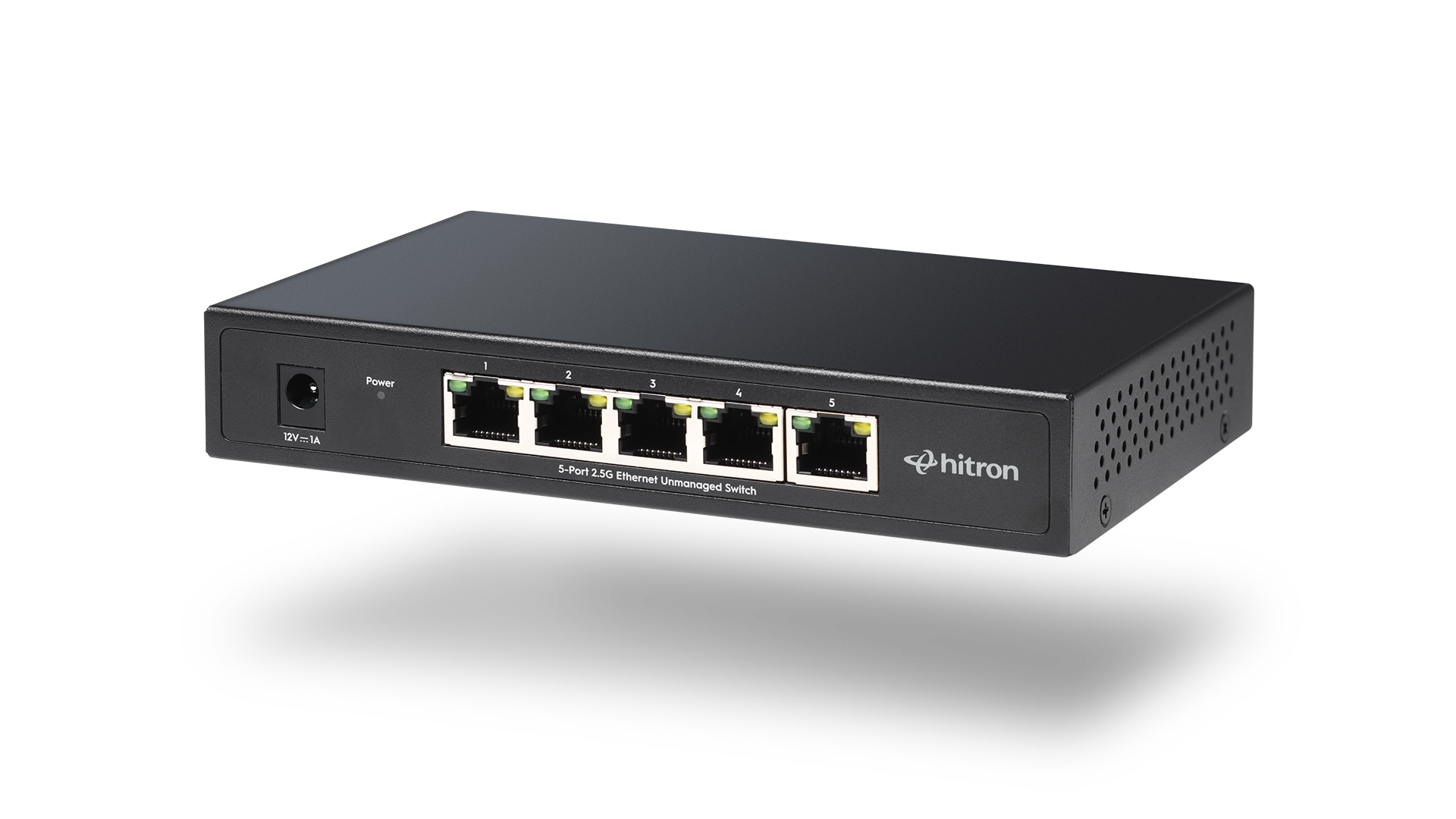
- 5-port switches work well for compact setups
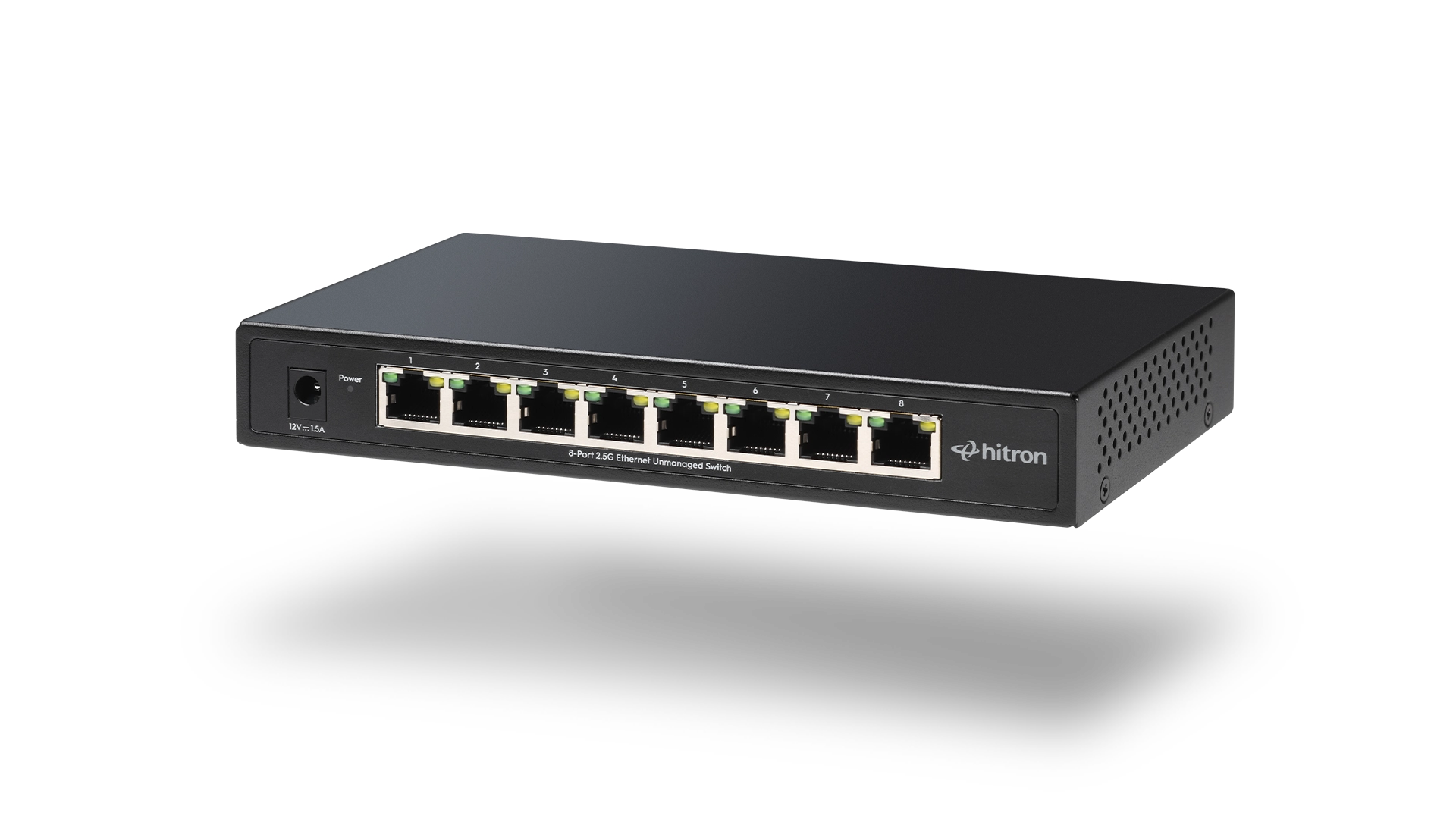
- 8-port switches provide room to grow without daisy-chaining
Choosing more ports than you currently need helps avoid replacing the switch later.
👉 Related: 5-Port vs 8-Port Ethernet Switch: How Many Ports Do You Really Need?
Choosing the Right 2.5G Ethernet Switch for Your Setup
Rather than focusing on brand names or marketing claims, the right switch depends on four factors:
- Speed requirements (Gigabit vs 2.5G)
- Number of wired devices
- Whether PoE is required
- Preference for simple, unmanaged operation
The decision block below summarizes these choices.
2.5G Ethernet Switch Decision Guide
Choose a 5-Port 2.5G Switch If:
- You have a small wired setup
- You want a compact, quiet switch
- You don’t need PoE
Hitron APEX 2005 — 5-Port 2.5G Unmanaged Ethernet Switch
Choose an 8-Port 2.5G Switch If:
- You want room to grow
- You have multiple wired devices
- You prefer not to chain switches
Hitron APEX 2008 — 8-Port 2.5G Unmanaged Ethernet Switch
Why Hitron’s Approach Focuses on Real-World Networking
At Hitron Technologies, Ethernet switches are designed around how people actually use their networks—not around features that add cost or complexity without clear benefit.
That means:
- Simple, unmanaged operation
- Support for modern multi-gig speeds
- Quiet, fanless designs for home environments
- Compatibility with existing cabling and devices
This approach allows faster, more reliable wired networking without requiring enterprise-level expertise.
Do I need new Ethernet cables for a 2.5G switch?
Will a 2.5G Ethernet switch make my internet faster?
Are 2.5G switches backward compatible with Gigabit devices?
Is a managed switch better for home use?
Does PoE affect network speed?
Continue Learning About Ethernet Switches
To explore specific scenarios and comparisons, see these related guides:
👉 1G vs 2.5G Ethernet: When Faster Switches Actually Matter
👉 Unmanaged Ethernet Switches Explained: Simple Networking Without Setup
👉 Do You Need PoE? Power Over Ethernet Explained for Home and Small Office
👉 5-Port vs 8-Port Ethernet Switch: How Many Ports Do You Really Need?