An unmanaged Ethernet switch expands your wired network instantly. Plug it in, connect your devices, and it works automatically. No configuration, no software, no network expertise required.
Why Unmanaged Switches Still Make Sense in Modern Networks
Networking conversations often drift toward complexity. VLANs, managed interfaces, cloud dashboards. Yet most homes and many small offices simply need more Ethernet ports and consistent wired performance.
An unmanaged Ethernet switch solves one problem cleanly. It expands your wired network without adding management overhead.
If you want a deeper breakdown of how Ethernet switches function in general, see our guide on What Is an Ethernet Switch and How Does It Work? That article covers switching fundamentals. This one focuses specifically on unmanaged models and where they make sense.
What an Unmanaged Ethernet Switch Actually Does
An unmanaged switch connects multiple wired devices to your router and intelligently forwards data to the correct destination. It automatically learns which device lives on which port and routes traffic efficiently.
Here is what happens behind the scenes:
- The switch identifies connected devices.
- It builds a forwarding table automatically.
- It sends traffic only where it needs to go.
- It maintains simultaneous full-speed communication across ports.
There is no login page. No firmware configuration. No traffic rules to define.
That simplicity is intentional.
Real World Example: Multi-Gig Internet Without a Multi-Gig Backbone
A common scenario today involves upgrading to a 2 Gig cable modem while still relying on older Gigabit switching hardware.
The result is a silent bottleneck.
For example, a home with:
- A multi-gig cable modem
- A gaming desktop
- A NAS device
- A 4K streaming setup
- A work-from-home workstation
If the wired distribution is limited to 1 Gig, the backbone is constrained even if the modem is not.
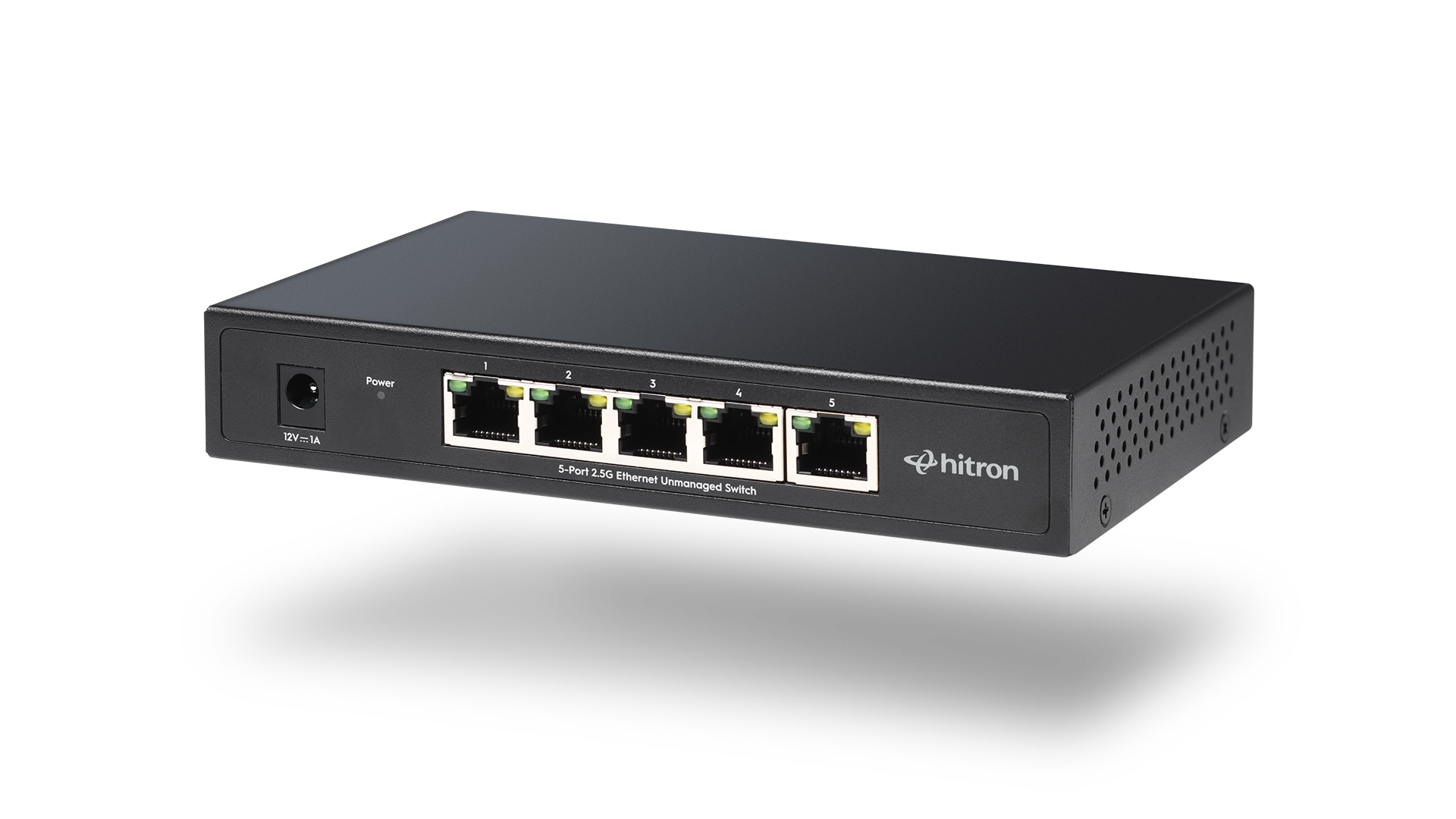
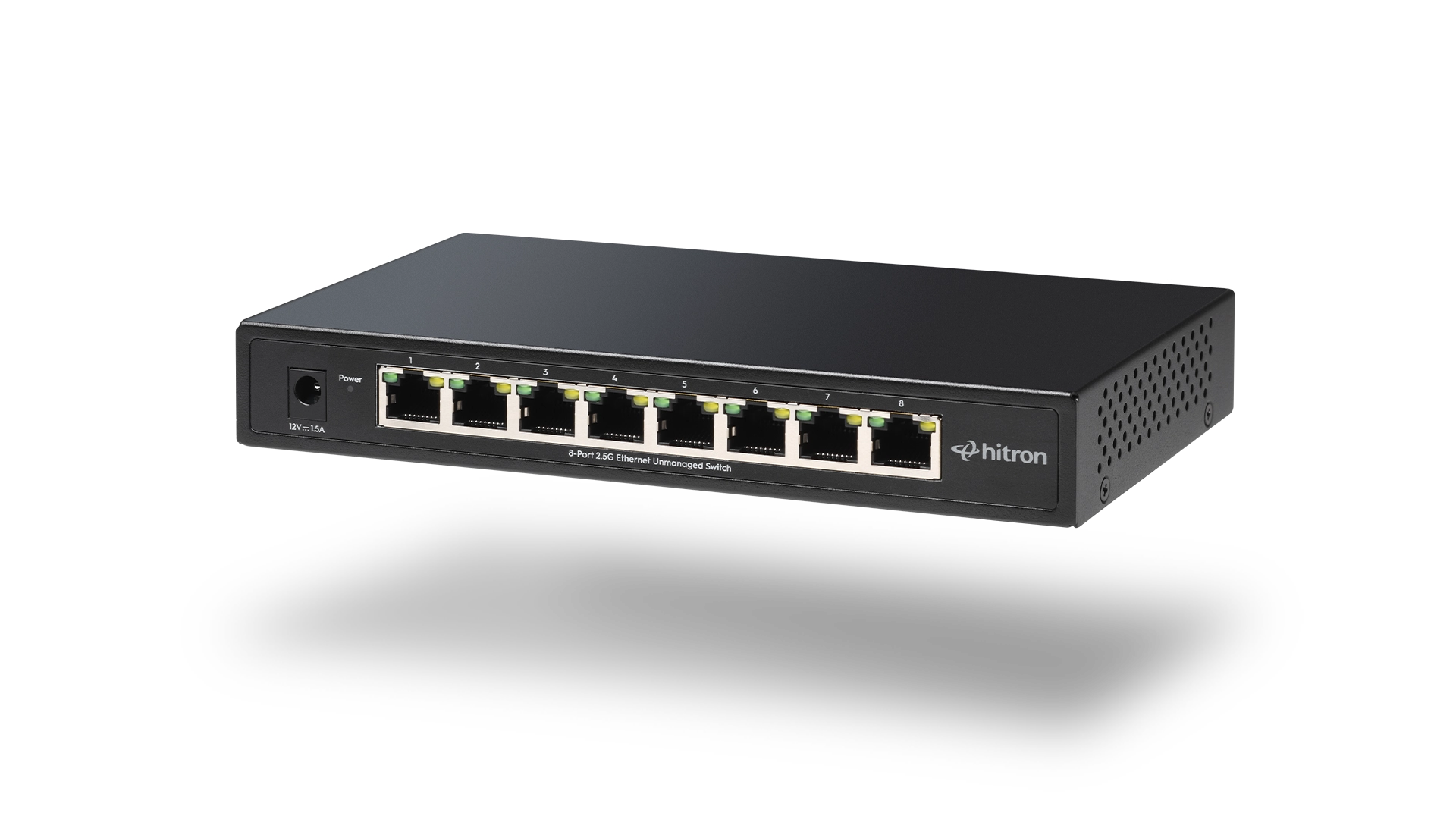
This is where a 2.5 Gig unmanaged switch such as the Hitron APEX2005 or Hitron APEX2008 becomes practical. These switches are designed to distribute multi-gig speeds properly across five or eight ports without requiring configuration.
They are not complex devices. They are simply built for higher throughput.
If you want to explore how multi-gig switching differs from standard Gigabit, refer to our article on 2.5 Gigabit Ethernet Switches Explained for a more detailed speed comparison.
Unmanaged vs Managed Switches: What Most Homes Actually Need
Managed switches are valuable in environments where network segmentation and traffic control are required.
Unmanaged switches are built for:
- Homes
- Small offices
- Media rooms
- Gaming environments
- Work-from-home setups
Here is a straightforward comparison:
Feature
Unmanaged
Managed
If you are not actively configuring network policies, unmanaged is usually the correct choice.
5-Port vs 8-Port: Choosing the Right Size
Port count is often the more important decision.
5-Port Switch Example
A compact setup with a modem, router uplink, desktop, and gaming console may only require five ports. The Hitron APEX2005 fits this scenario well.
8-Port Switch Example
Homes with multiple wired devices such as NAS systems, smart TVs, VoIP phones, and access points may benefit from an 8-port option like the Hitron APEX2008.
Both models are unmanaged. The difference is simply expansion capacity.
For a broader guide on port planning and wired backbone design, see our article on Building a High-Performance Wired Home Network.
Why Simplicity Improves Stability
From a network engineering perspective, fewer configuration layers often mean fewer potential failure points.
Unmanaged switches remove variables. There are no misconfigured VLANs, no firmware dashboards left open, no QoS rules accidentally limiting bandwidth.
In residential environments especially, stability often comes from removing unnecessary complexity.
Hitron designs networking hardware used by service providers globally. That same philosophy of reliability and thermal stability carries into retail unmanaged switches such as the APEX2005 and APEX2008.
Fanless cooling. Metal enclosures. Auto-negotiation. Clean, predictable operation.
When an Unmanaged Ethernet Switch is the Right Solution
An unmanaged switch is ideal if:
- Your router has run out of ports
- You want stable wired speeds for gaming or streaming
- You use a NAS for backups or media storage
- You upgraded to multi-gig internet
- You prefer hardware that requires no configuration
It may not be necessary if your entire network is WiFi-based and no wired performance demands exist.
Frequently Asked Questions
Do unmanaged Ethernet switches reduce internet speed?
Is a 2.5 Gigabit unmanaged switch worth it?
Can I use an unmanaged switch with any router?
Expanding Your Wired Network with Confidence
If your network needs more wired ports or proper multi-gig distribution, an unmanaged Ethernet switch is often the most efficient solution.
Hitron’s APEX2005 and APEX2008 are designed for modern home and small office environments that demand stable, high-speed wired connectivity without added configuration.
👉 Explore Hitron’s unmanaged Ethernet switches to build a simple, reliable wired backbone for your network.