
Learn More
Helpful Topics to Enhance Your Knowledge

PON, EPON, GPON: Everything You Need to Know
A look at the basics of fiber optic networking, including an explanation of PON, EPON, GPON and understanding OLT, ONT/ONU and more.
What is a Passive Optical Network (PON)?
A passive optical network (PON) is a fiber-optic network that allows an Internet service provider (ISP) and consumer to communicate. This is how you get broadband access with fiber-optic services (FiOS). PON is one protocol. Learn more.
What is GPON technology?
GPON (Gigabit Passive Optical Network) is a next-generation PON standard that allows more fiberoptic-coverage and flexibility. Learn more.
What is an ONT used for?
ONT stands for Optical Network Terminal. It is the endpoint device in a fiber to the home (FTTH) or fiber to the business (FTTB) system. Learn more.

What is the Difference Between ONT & ONU?
An optical network terminal (ONT) and optical network unit (ONU) are essentially the same things. The difference is the physical location of the devices, but they function the same in FTTH. Learn more.
Do You Need a Modem with an ONT?
Unlike a cable modem, FiOS does not use DOCSIS. Therefore, on a fiber-optic network you do not need a modem. You need an optical network terminal (ONT). Learn more.
What is the Difference Between OLT and ONT?
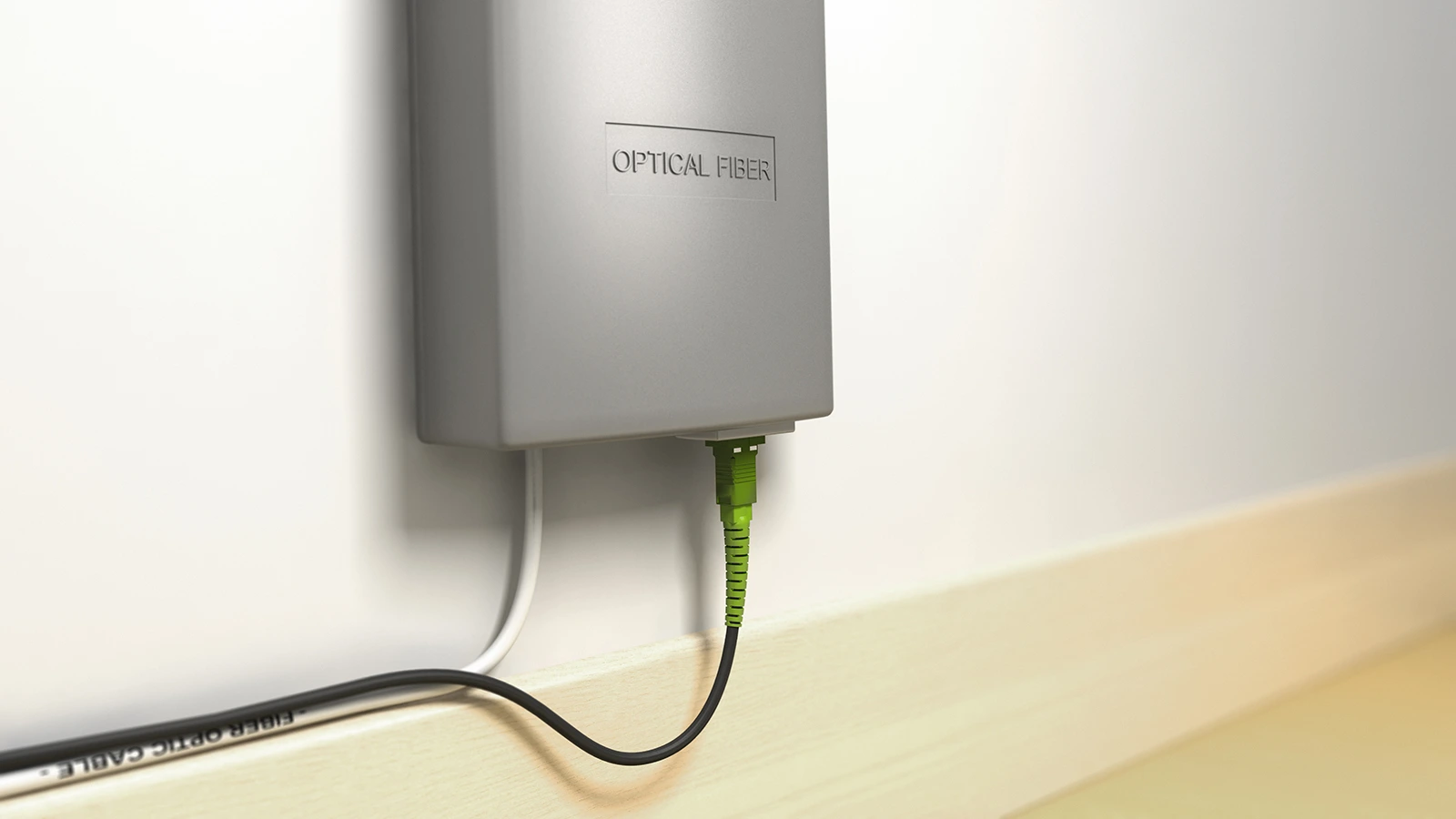
OLT stands for Optical Line Terminal. It is you Internet service providers’ (ISP) equipment. ONT stands for Optical Network Terminal. This is the equipment on your end. Learn more about how they fit into your fiber optic network.

ONT: What It Is & How It Works
Learn what an ONT is, how it works with fiber Internet, where it’s installed, and how it differs from a cable modem.

What is a Fiber Optic Router?
A fiber optic router is a small box that translates data from your fiber modem (or ONT) to communicate a Wi-Fi signal to the devices on your local network. Learn more.

What is a Router?
A router is a small box that translates data from your modem to communicate a Wi-Fi signal to the devices on your local network. Learn more.

Why Buy a Gateway Instead of a Modem?
Should you invest in your own Internet equipment and buy a gateway or cable modem router instead of a modem? Or, should you rent it from your Internet service provider (ISP)? It depends on cost and your preferences. Here are some pros and cons to help you decide.
What is a Gateway?
A gateway is a small box hardware device that is a combination of both a modem and a router in one. It gives you wireless Internet access by communicating with your ISP and sending a Wi-Fi signal to the devices on your local network. Learn more.

The Difference Between a Modem and a Router
A modem and a router have similar features, but each device has a specific function. You can get away with having just a modem to connect to the Internet, but if you have multiple devices, then you need a router too. Here’s the difference between each device.
Cable Modem vs DSL Modem or Fiber
There are different types of modems that give you Internet access, including cable modems, DSL modems and dial-up modems. You can also get fiber-optic Internet. Learn the difference between these technologies to choose the right one for you.

What is a Cable Modem & How Does It Work?
A cable modem is a small box that communicates to your Internet service provider (ISP) and connects you to the Internet through a coaxial cable. The modem translates digital data from your ISP to your router to get a Wi-Fi signal to your devices. Learn more.

The Ultimate Cable Modem Upgrade to DOCSIS 3.1 & Wi-Fi 6
The biggest cable modem upgrade to DOCSIS 3.1 & Wi-Fi 6 means faster Internet connection and better performance. Learn more about what this upgrade means and if you need it.