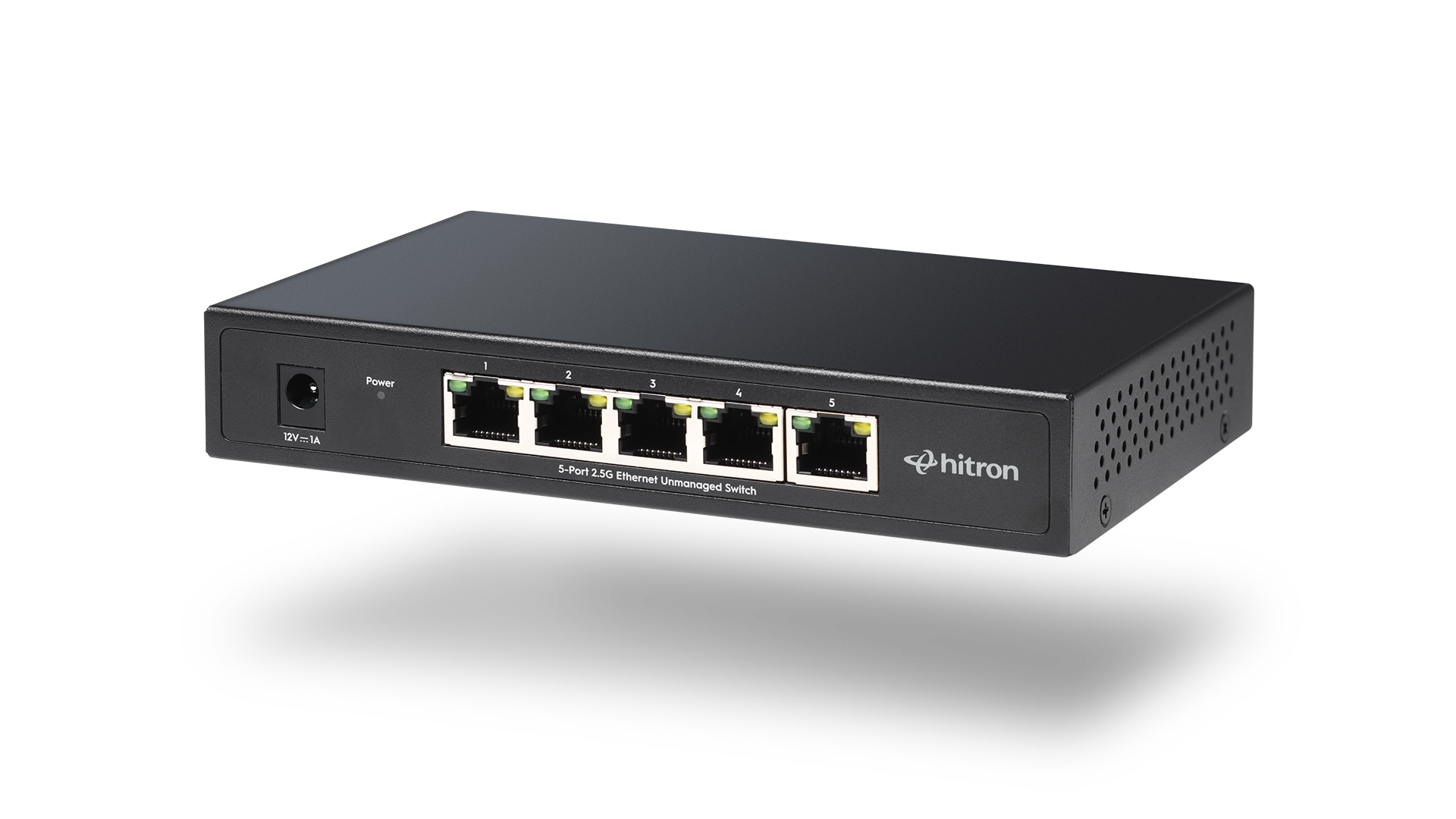
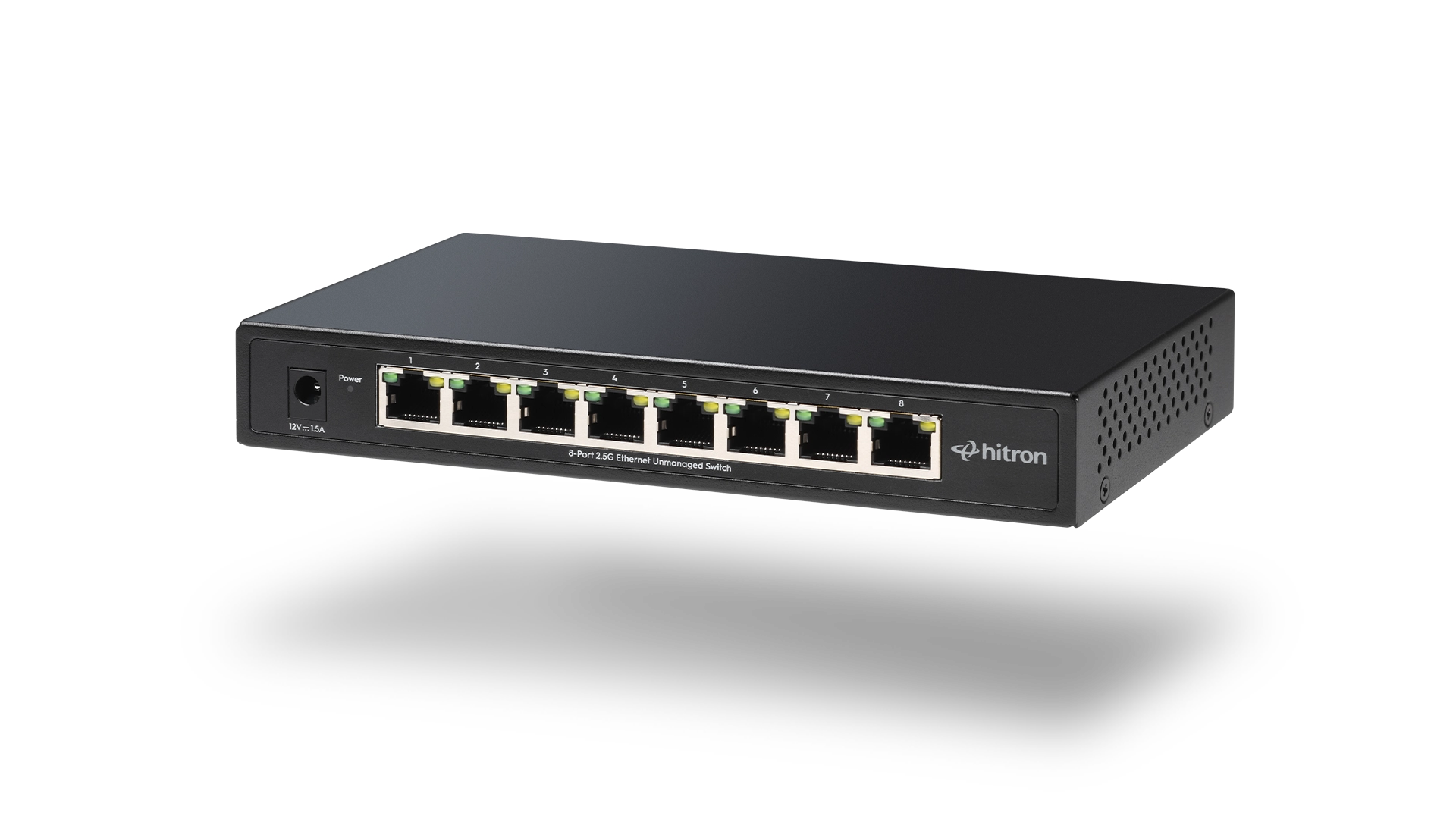
Ethernet switches are often described as either managed or unmanaged, but the difference is not about speed. It is about control, complexity, and how much hands-on involvement a network actually requires. In many home and small office environments, reliability and simplicity outweigh advanced configuration options. Hitron designs Ethernet switches with this reality in mind, focusing on straightforward operation for everyday wired networks.
What Is a Managed Ethernet Switch?
A managed Ethernet switch allows detailed control over how network traffic flows. These switches are typically configured through a web interface or software and are common in business and enterprise environments.
Managed switches can offer:
- Network segmentation using VLANs
- Traffic prioritization for specific applications
- Monitoring and diagnostics
- Access control and security policies
These features are useful when multiple users, departments, or services must be isolated or tightly controlled.
What Is an Unmanaged Ethernet Switch?
An unmanaged Ethernet switch is designed to work automatically. Devices connect, negotiate speed, and begin communicating without configuration.
Unmanaged switches are typically used in:
- Home offices
- Small businesses without IT staff
- Media rooms and workstations
- Simple network expansions
They provide the same wired connectivity without requiring ongoing management.
Why Most Homes and Small Offices Choose Unmanaged
Advanced features are only valuable when they are actively used. In many environments, managed switch features remain untouched, adding cost and complexity without improving the experience.
Unmanaged switches are often preferred because they:
- Require no setup or maintenance
- Reduce the risk of misconfiguration
- Operate quietly and reliably
- Integrate easily with consumer and prosumer routers
For remote work and small teams, simplicity often leads to fewer disruptions.
When a Managed Switch Makes Sense
Managed switches are the right tool when the network itself must enforce rules.
They are most appropriate when:
- Multiple departments share the same network
- Security policies require traffic separation
- VoIP or video traffic must be prioritized
- An IT professional manages the environment
In these cases, the added control justifies the additional setup and oversight.
Comparing Managed and Unmanaged Switches
Feature
Managed Switch
Unmanaged Switch
This comparison highlights that the choice is about operational needs, not raw performance.
Performance and Speed Considerations
Both managed and unmanaged switches deliver the same port speeds when using comparable hardware. A Gigabit unmanaged switch moves data just as efficiently as a managed one at the same speed rating.
The difference lies in how traffic is controlled, not how fast it travels.
Common Misconceptions
- Managed switches do not automatically make a network faster
- Unmanaged switches are not less reliable
- Most small networks do not require VLANs or traffic shaping
Understanding these points helps avoid unnecessary upgrades.
FAQs
Can a managed switch improve internet performance?
Are unmanaged switches secure?
Is a managed switch harder to use?
Can a network use both managed and unmanaged switches?
Choosing the Right Fit for Your Network
For most home offices and small workspaces, an unmanaged Ethernet switch delivers everything needed without added complexity. The APEX2005 5-Port Gigabit Ethernet Switch is well suited for compact setups with a few wired devices, while the APEX2008 8-Port Gigabit Ethernet Switch provides additional capacity for growing networks and multi-device environments.
Explore and purchase the APEX2005 or APEX2008 Ethernet Switch to build a wired network that stays reliable, easy to manage, and aligned with how your home or small office actually operates.