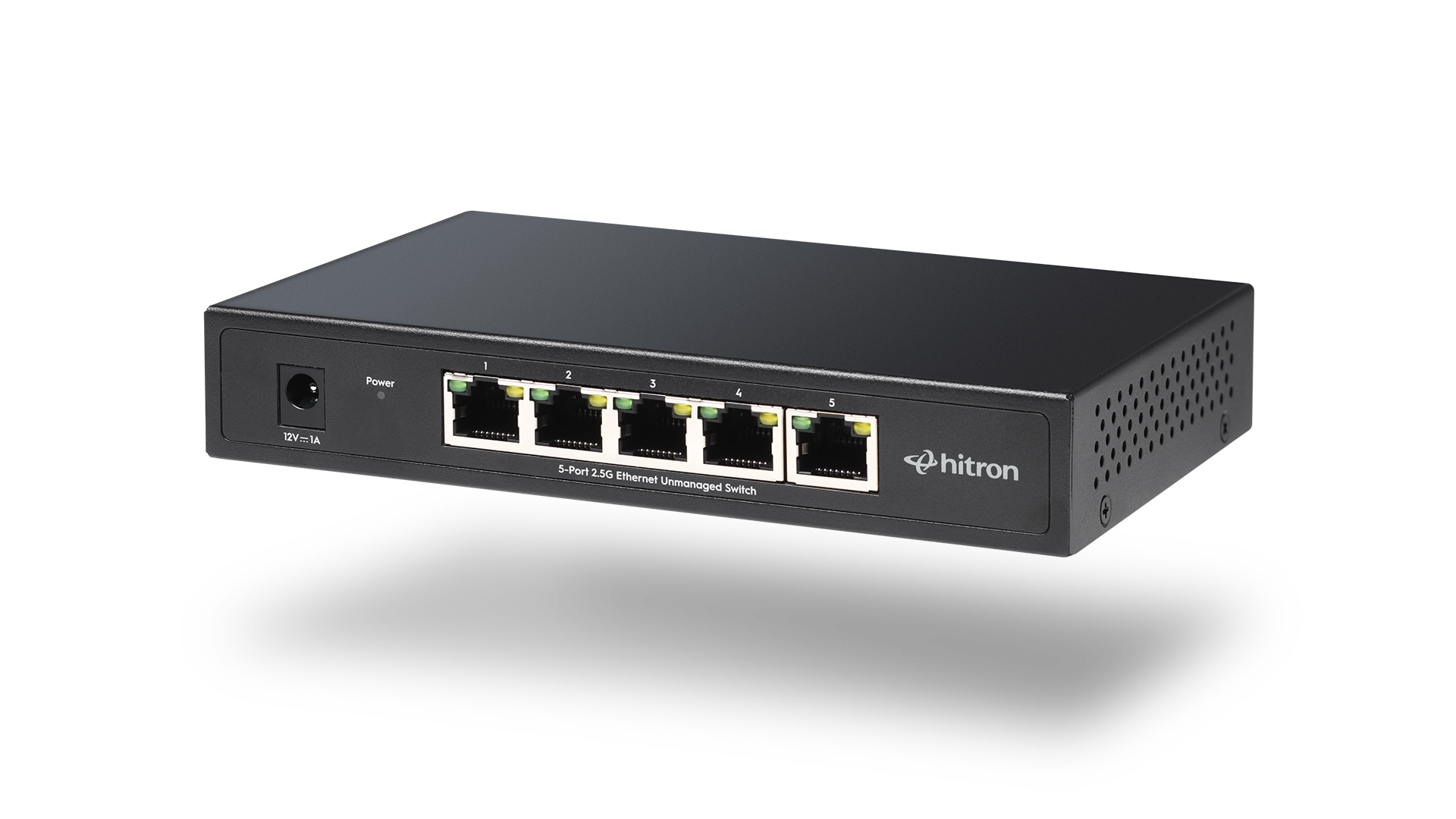
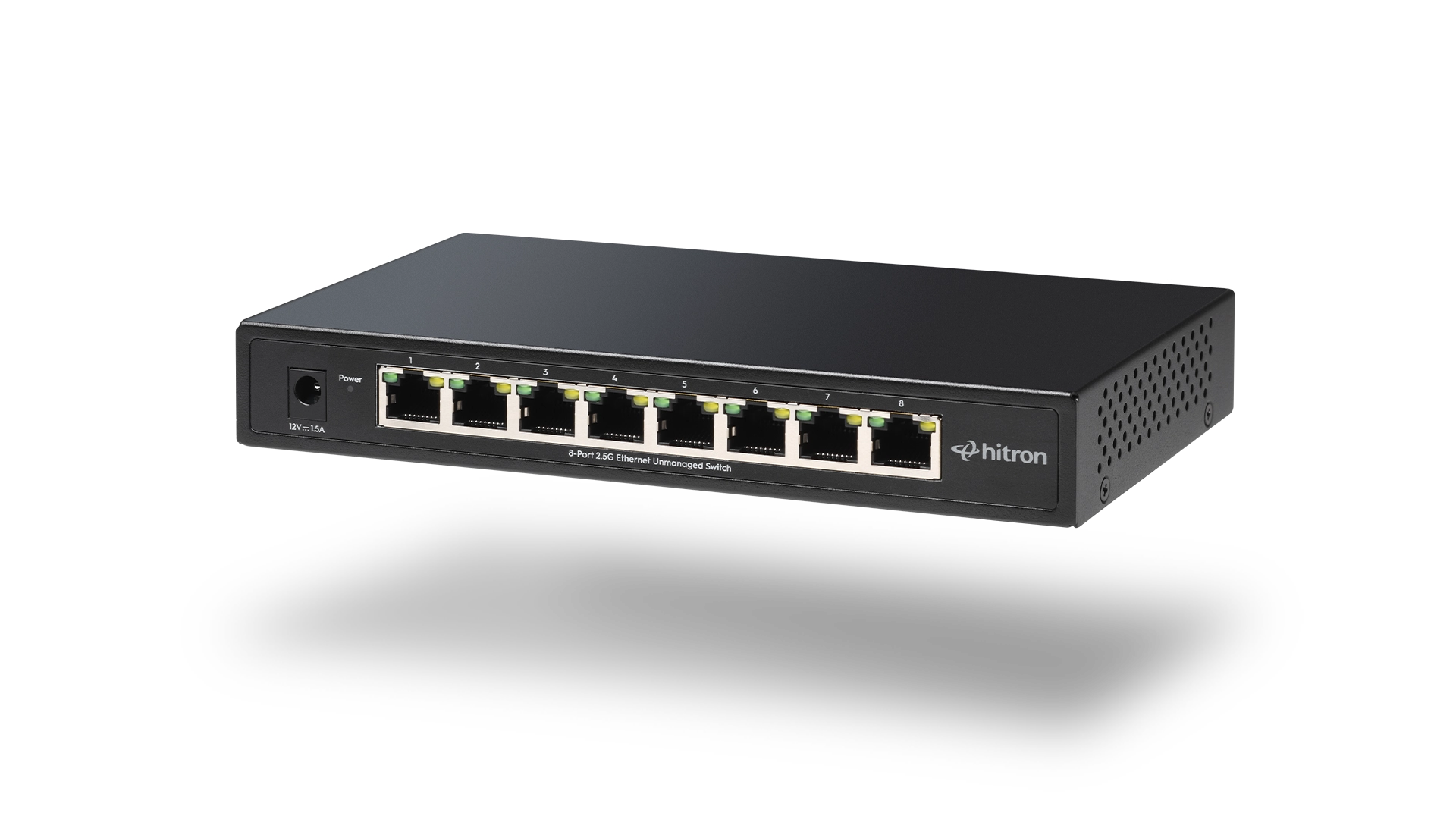
Choosing an Ethernet switch is less about chasing specs and more about understanding how devices connect and communicate in your space. Many home offices and remote work environments rely on a router plus an Ethernet switch to support wired connections for computers, printers, docks, and media devices. Hitron designs Ethernet switches intended for these everyday environments, where reliability, simplicity, and quiet operation matter most.
Start with the Devices You Need to Connect
The first step is identifying which devices benefit most from wired Ethernet. In most setups, these include:
- Desktop computers or laptop docking stations
- Network printers or scanners
- VoIP phones
- Media devices or streaming boxes
- Network-attached storage
List the devices that require consistent, low-latency connections rather than occasional access.
Decide How Many Ports You Really Need
Port count is one of the most important decisions and one of the easiest to underestimate.
A good rule of thumb:
- Count current wired devices
- Add one or two extra ports for future growth
This avoids replacing the switch later as needs change.
Understand Speed Without Overthinking It
For most home offices and remote work setups, Gigabit Ethernet is more than sufficient. It supports video conferencing, cloud-based work, file transfers, and backups without becoming a bottleneck.
Unless the setup includes multi-gig internet service or specialized equipment, choosing a reliable Gigabit switch is often the most practical option.
Choose Unmanaged for Simplicity
Unmanaged switches are designed to work immediately after plugging them in. They require no software, no configuration, and no network expertise.
This makes them ideal for:
- Home offices
- Shared workspaces
- Small businesses without IT staff
Managed switches offer advanced control features, but those features are rarely necessary in typical home environments.
Consider Where the Switch Will Live
Placement affects comfort and usability more than many people expect.
Look for a switch that:
- Operates silently
- Has a compact footprint
- Can sit on a desk or shelf without distraction
- Uses standard Ethernet cabling
Fanless designs are especially well suited for quiet workspaces.
Setup Type
Typical Needs
Switch Size
This approach keeps the network flexible without unnecessary complexity.
Common Mistakes to Avoid
- Buying too few ports and running out quickly
- Choosing advanced features that will never be used
- Ignoring physical placement and noise
- Assuming a switch improves internet speed rather than device connectivity
An Ethernet switch is about connection reliability, not raw internet performance.
FAQs
Does an Ethernet switch improve WiFi?
Is a Gigabit switch enough for working from home?
Do Ethernet switches require maintenance?
Can multiple switches be used together?
Choose a Switch That Grows with You
The right Ethernet switch supports today’s devices while leaving room for what comes next. For smaller, focused setups, the APEX2005 5-Port Gigabit Ethernet Switch provides dependable wired connectivity without taking up extra space. For expanding home offices or multi-device environments, the APEX2008 8-Port Gigabit Ethernet Switch offers added flexibility while maintaining the same plug-and-play simplicity.
Explore and purchase the APEX2005 or APEX2008 Ethernet Switch to build a wired network that matches how you work, create, and connect every day.