Most home routers only include 2 to 4 Ethernet ports. That may have worked years ago. It does not work for modern homes filled with smart TVs, gaming consoles, streaming devices, desktops, and network storage.
If you have run out of ports, you do not need a new router. You need an Ethernet switch.
This guide explains exactly how to add more ports to your router, why it works, and how to choose the right switch for your setup.
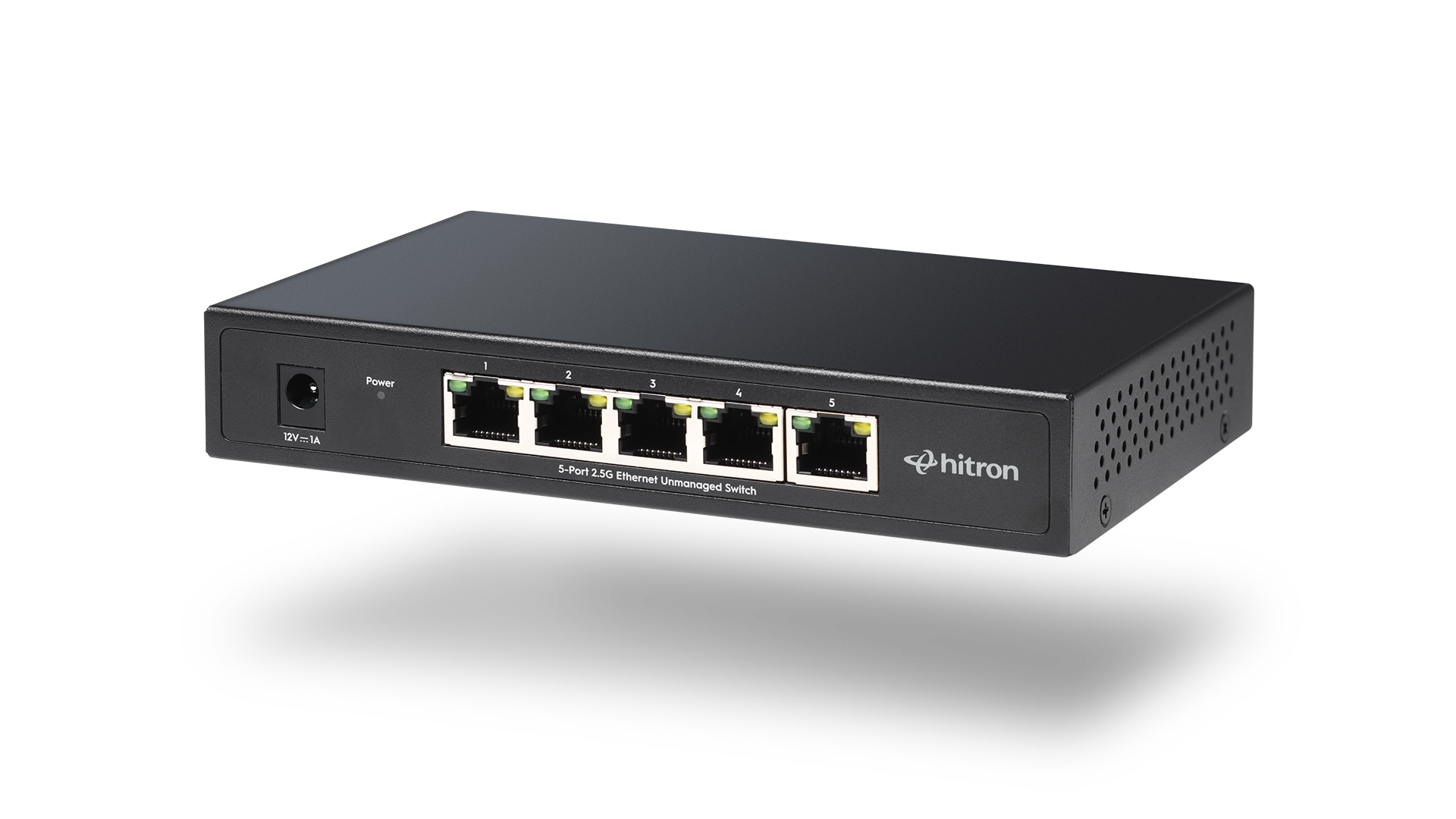
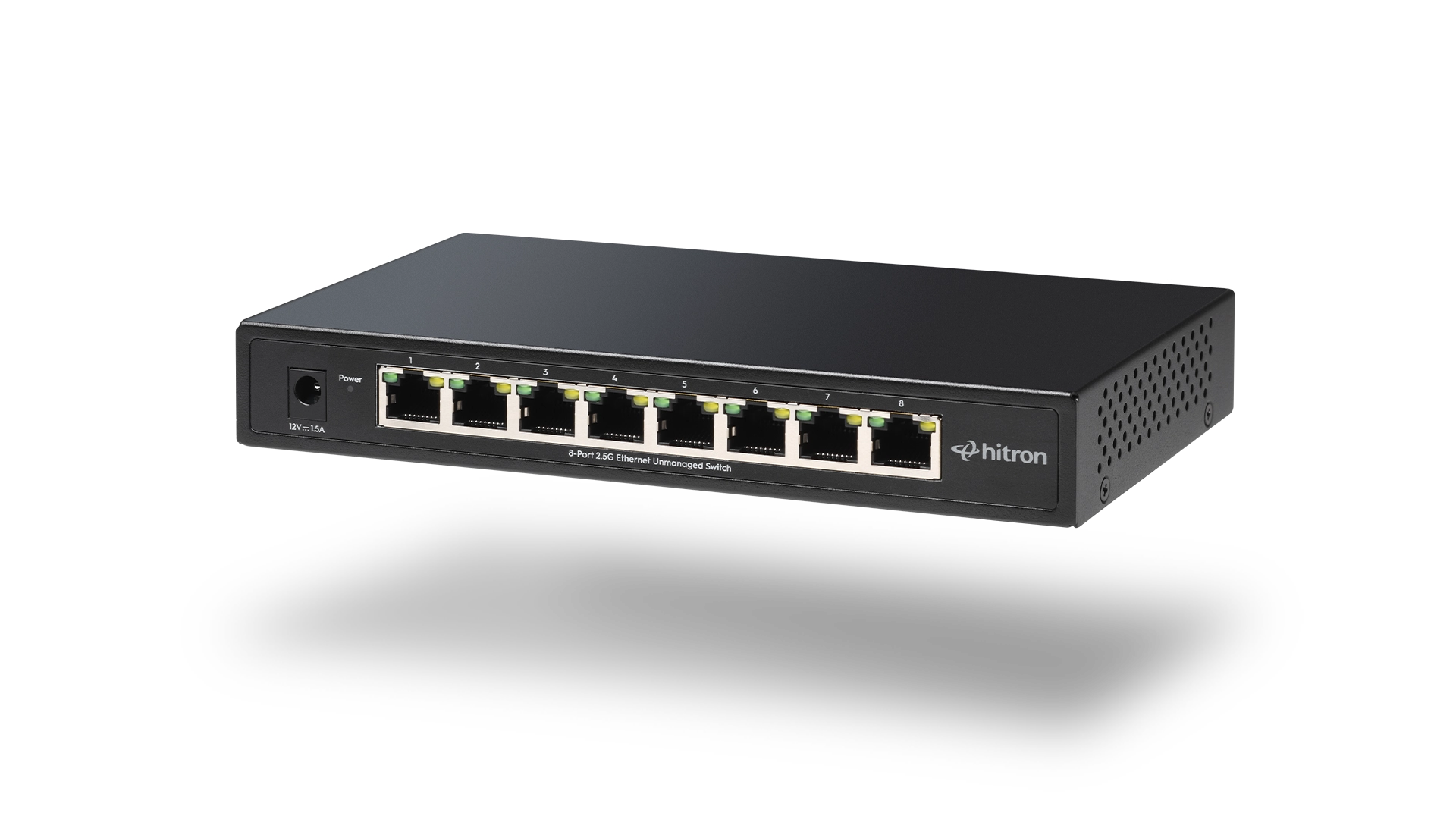
To add more ports to your router, connect an Ethernet switch, like Hitron’s APEX2005 or APEX2008, to one of your router’s LAN ports. The switch expands your wired network instantly, allowing multiple devices to connect without replacing your router.
Why Routers Have Limited Ethernet Ports
Most consumer routers are designed for basic household needs. Manufacturers limit the number of LAN ports to reduce cost and size.
Today’s typical wired devices include:
- Smart TVs
- Streaming devices like Roku or Apple TV
- Gaming consoles
- Desktop PCs
- Network Attached Storage (NAS)
- Smart home hubs
- Work-from-home equipment
Four ports fill up quickly.
When you run out of ports, the correct solution is expansion, not replacement.
The Right Way to Add More Ethernet Ports
The proper way to expand wired connectivity is with an Ethernet switch.
An Ethernet switch connects to your router and provides additional LAN ports.
The setup looks like this:
Router → Ethernet Switch → Wired Devices
That is all it takes.
There is no configuration required for unmanaged switches. No login screens. No software setup.
Step-by-Step: Adding More Ports
Step 1: Choose the Right Ethernet Switch
For most home users, an unmanaged switch is ideal. It automatically handles traffic without requiring configuration.
If you need up to 4 additional ports near a media center or home office, a 5-port switch such as the Hitron APEX2005 is a practical option.
If you expect to connect 6 to 8 wired devices or want more expansion headroom, an 8-port model like the Hitron APEX2008 provides additional flexibility.
Step 2: Connect the Switch to Your Router
- Plug an Ethernet cable into any LAN port on your router.
- Connect the other end into any port on the switch.
Modern switches automatically detect uplink connections. There is no special port required.
Step 3: Connect Your Wired Devices
Plug your TV, gaming console, desktop, NAS, or other wired devices into the remaining switch ports.
Within seconds, they will be online.
Does Adding a Switch Reduce Internet Speed?
No, not when you choose the correct hardware.
Modern switches use non-blocking architecture, meaning all ports can transmit data simultaneously without interfering with each other.
If you are using a multi-gig modem with a 2.5G Ethernet port, pairing it with a 2.5G switch ensures your internal wired network does not become the bottleneck.
👉 Related: Gigabit vs 2.5 Gigabit Ethernet Switch: What’s the Difference?
How Many Ports Do You Actually Need?
Use this simple framework:
Choose a 5-port switch if:
- You need 3 to 4 additional wired devices
- Your setup is centered around a TV console or small office desk
- You want compact and simple expansion
Choose an 8-port switch if:
- You have multiple gaming systems
- You use network storage
- You work from home full time
- You plan to expand in the future
👉 Related: 5 Port vs 8 Port Ethernet Switch: Which Should You Buy?
Should You Choose Gigabit or 2.5 Gigabit?
Many modern cable modems now include 2.5 Gigabit Ethernet ports. If your switch only supports 1 Gigabit, your internal wired speeds are capped.
Upgrading to 2.5G provides:
- Higher internal transfer speeds
- Better NAS performance
- Future readiness for multi-gig internet plans
👉 Related: 2.5 Gigabit Ethernet Switch: Is It Worth Upgrading?
When Would You Need a Managed Switch Instead?
Unmanaged switches are ideal for simple expansion.
Managed switches become useful when you need:
- VLAN segmentation
- Traffic prioritization
- Monitoring network usage
- Separating work and home networks
👉 Related: Managed vs Unmanaged Ethernet Switch: What’s the Real Difference?
If your router has run out of Ethernet ports, the solution is straightforward:
Add an Ethernet switch.
It is faster, simpler, and more cost-effective than replacing your router. Whether you choose a compact 5-port model like the Hitron APEX2005 or a higher-capacity 8-port model like the Hitron APEX2008, expanding your wired network improves stability and keeps your WiFi free for mobile devices.
FAQs
Can I plug an Ethernet switch into another Ethernet switch?
Yes. You can connect a switch to your router or to another switch to expand further. Just ensure your main uplink supports the required speed to avoid bottlenecks.
Is an Ethernet splitter the same as a switch?
No. An Ethernet splitter does not function like a switch and often does not allow simultaneous connections. A switch actively manages traffic between devices.
Will adding a switch improve WiFi performance?
Indirectly, yes. Moving high-bandwidth devices like TVs and gaming consoles to wired connections reduces WiFi congestion and can improve overall wireless performance.
Do I need to configure an unmanaged switch?
What is the best Ethernet switch for home use?
Ready to Expand Your Network the Right Way?
If you have run out of Ethernet ports, the solution does not require replacing your router or overcomplicating your setup. A properly matched Ethernet switch instantly expands your wired capacity, improves network organization, and keeps your connection running smoothly as your device count grows.
Whether you need a compact 5-port solution like the Hitron APEX2005, a higher-capacity 8-port option such as the Hitron APEX2008, choosing the right switch ensures your home network is built to handle today’s demands and tomorrow’s upgrades.
Explore Hitron’s Ethernet switch lineup and create a wired backbone that grows with you.