WiFi has become the default way most devices connect, but many home offices and remote work setups still depend on wired Ethernet for consistency and control. In practice, the most reliable home networks often combine both approaches. Hitron builds Ethernet switches designed to support these hybrid networks, where wired connections handle critical tasks and WiFi serves mobile and casual devices.
How WiFi and Ethernet Differ at a Practical Level
WiFi connects devices through radio signals shared across the air. Ethernet uses physical cables to deliver data directly between devices and the network.
This fundamental difference affects how each performs in real environments:
- WiFi speeds fluctuate based on distance, walls, and interference
- Ethernet delivers consistent performance regardless of nearby devices
- Wireless networks share bandwidth among all connected devices
- Wired connections operate independently on each port
These differences matter most when reliability is more important than convenience.
When WiFi Works Well
WiFi is ideal for devices that move around or do not require constant throughput.
Typical examples include:
- Smartphones and tablets
- Laptops used throughout the home
- Smart home devices
- Casual browsing and streaming
For general internet access, WiFi offers flexibility without the need for cables.
When a Wired Network Is the Better Choice
An Ethernet switch becomes valuable when stability and predictability are required.
Wired Ethernet is often better for:
- Video conferencing and virtual meetings
- Desktop computers and docking stations
- Network printers and scanners
- Media servers or local storage
- Gaming systems where latency matters
In these cases, Ethernet avoids the variability that can disrupt time-sensitive tasks.
The Role of an Ethernet Switch in a WiFi Network
An Ethernet switch does not compete with WiFi. It complements it.
In most homes:
- The router provides internet access and WiFi
- An Ethernet switch connects wired devices to the router
- Wired devices free up wireless capacity for mobile devices
This balanced setup reduces congestion and improves overall network behavior.
Wired vs Wireless in Common Home Scenarios
Scenario
Better Choice
Reason
Rather than choosing one exclusively, many networks benefit from using both intentionally.
Why Wired Connections Feel More Reliable
Ethernet connections are not affected by neighboring networks, building materials, or changing signal conditions. Once connected, performance remains stable throughout the day.
This reliability is why wired networks are still widely used in professional environments and why they continue to play a role in serious home offices.
FAQs
Is Ethernet faster than WiFi?
Does using Ethernet reduce WiFi congestion?
Is it difficult to add Ethernet to a home office?
Can WiFi and Ethernet be used together?
Build a Network That Matches How You Use It
WiFi offers convenience and flexibility, while Ethernet provides consistency and control. For many home offices and remote work setups, combining both delivers the best experience.
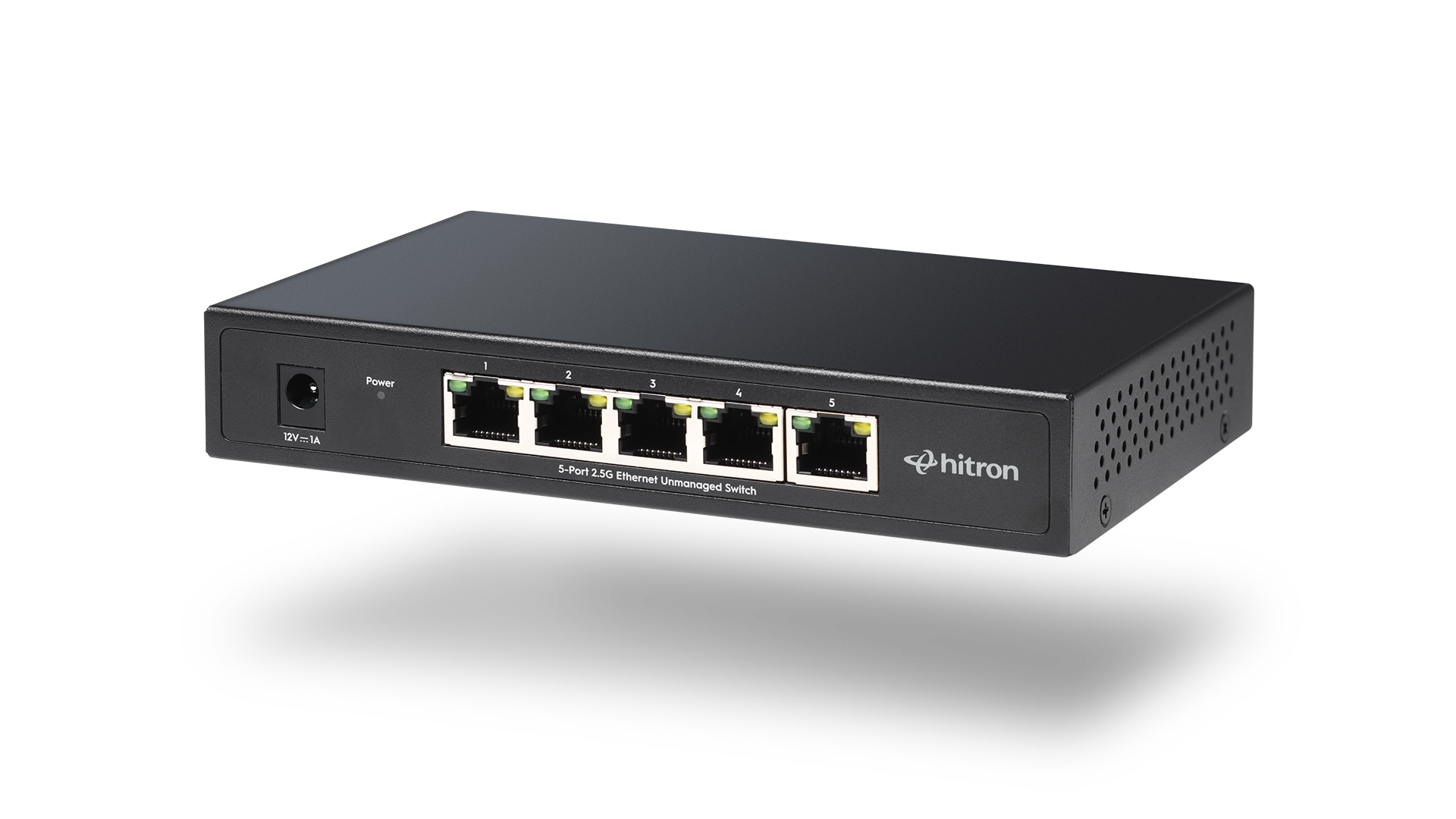
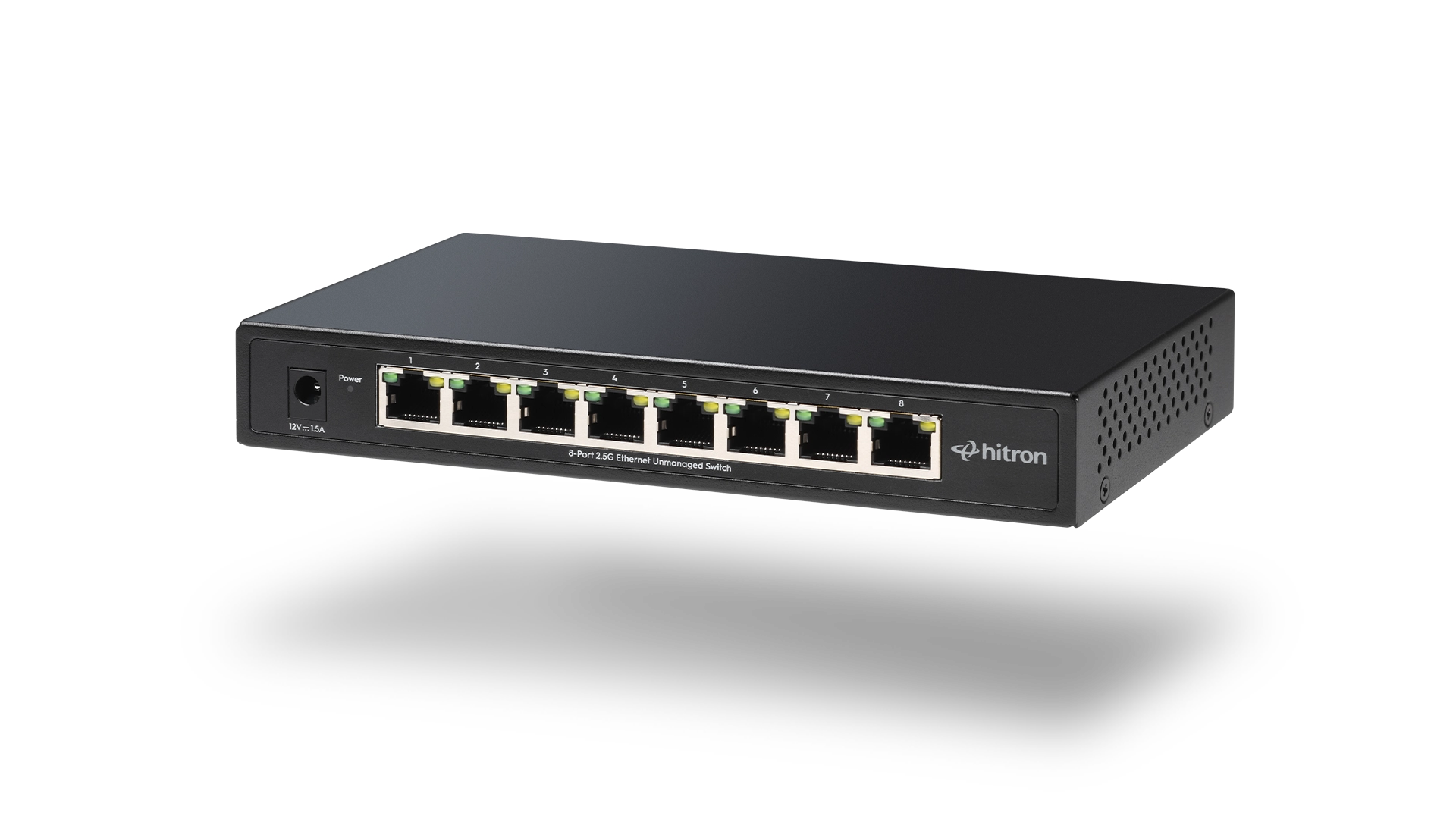
For smaller wired needs, the APEX2005 5-Port Gigabit Ethernet Switch adds reliable Ethernet connections without unnecessary complexity. For larger or expanding environments, the APEX2008 8-Port Gigabit Ethernet Switch provides additional capacity while maintaining simple, plug-and-play operation.
Explore and purchase the APEX2005 or APEX2008 Ethernet Switch to create a wired foundation that strengthens your WiFi network and supports how you work, stream, and connect every day.