Ethernet switches and routers are often mentioned together, but they solve different problems inside a network. In most homes and home offices, both devices are used at the same time, even if that is not always obvious.
Modern home networks frequently pair a router with an Ethernet switch to handle growing numbers of wired devices. Hitron designs Ethernet switches intended to complement routers in everyday residential and remote work setups, where simplicity and reliability matter more than advanced configuration.
What a Router Does
A router is the gateway between your local network and the internet. It connects to the modem and manages how data moves between your devices and the outside world.
Key responsibilities of a router include:
- Assigning IP addresses to devices
- Managing internet traffic
- Providing WiFi connectivity
- Applying basic security features such as firewalls
Without a router, devices on a home network would not be able to access the internet.
What an Ethernet Switch Does
An Ethernet switch expands the number of wired connections available on a network. It allows multiple devices to communicate with each other and share the same router connection.
Common uses for an Ethernet switch include:
- Adding wired ports for computers, printers, and docks
- Connecting media devices like TVs and game consoles
- Supporting wired office equipment in remote work setups
A switch does not replace a router. It works alongside one.
How Switches and Routers Work Together
In a typical home or small office network:
- The modem connects to the router
- The router connects to the internet and manages traffic
- An Ethernet switch connects to the router
- Wired devices connect to the switch
This setup allows the router to focus on network management while the switch handles device connectivity.
When You Need Only a Router
A router alone may be sufficient if:
- You rely primarily on WiFi
- Only one or two wired devices are used
- The router has enough built-in Ethernet ports
Many basic setups work well this way, especially in smaller living spaces.
When Adding an Ethernet Switch Makes Sense
An Ethernet switch becomes useful when:
- Router ports are already in use
- Wired connections are preferred for work or streaming
- Multiple devices need stable, low-latency connections
- A home office or media room is added
In these cases, a switch prevents congestion and reduces reliance on wireless connections.
Common Network Layout Examples
Scenario
Router Role
Switch Role
These layouts reflect how most real-world networks are built rather than idealized diagrams.
Choosing the Right Ethernet Switch
For home and remote work environments, unmanaged Ethernet switches are usually the best choice. They require no setup, operate silently, and integrate easily with existing routers.
Important considerations include:
- Number of Ethernet ports needed
- Desk or shelf placement
- Compatibility with standard Ethernet cables
- Quiet operation
FAQs
Can a switch replace a router?
Does adding a switch slow down the network?
Should work devices be wired instead of wireless?
Is setup required when adding a switch?
Build a Network That Fits How You Work
A router handles internet access and network control. An Ethernet switch adds the wired capacity needed for modern home offices and multi-device households.
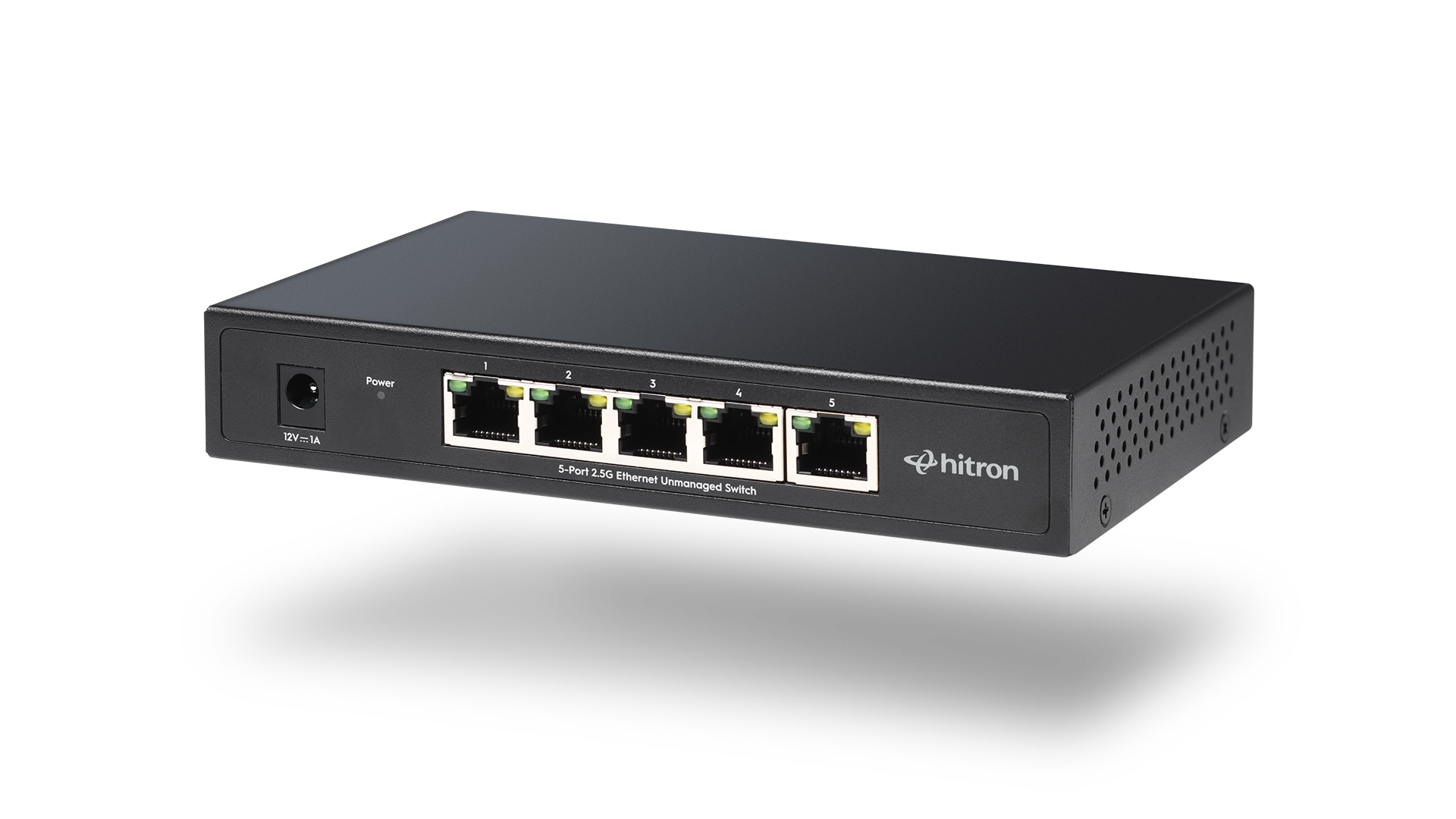
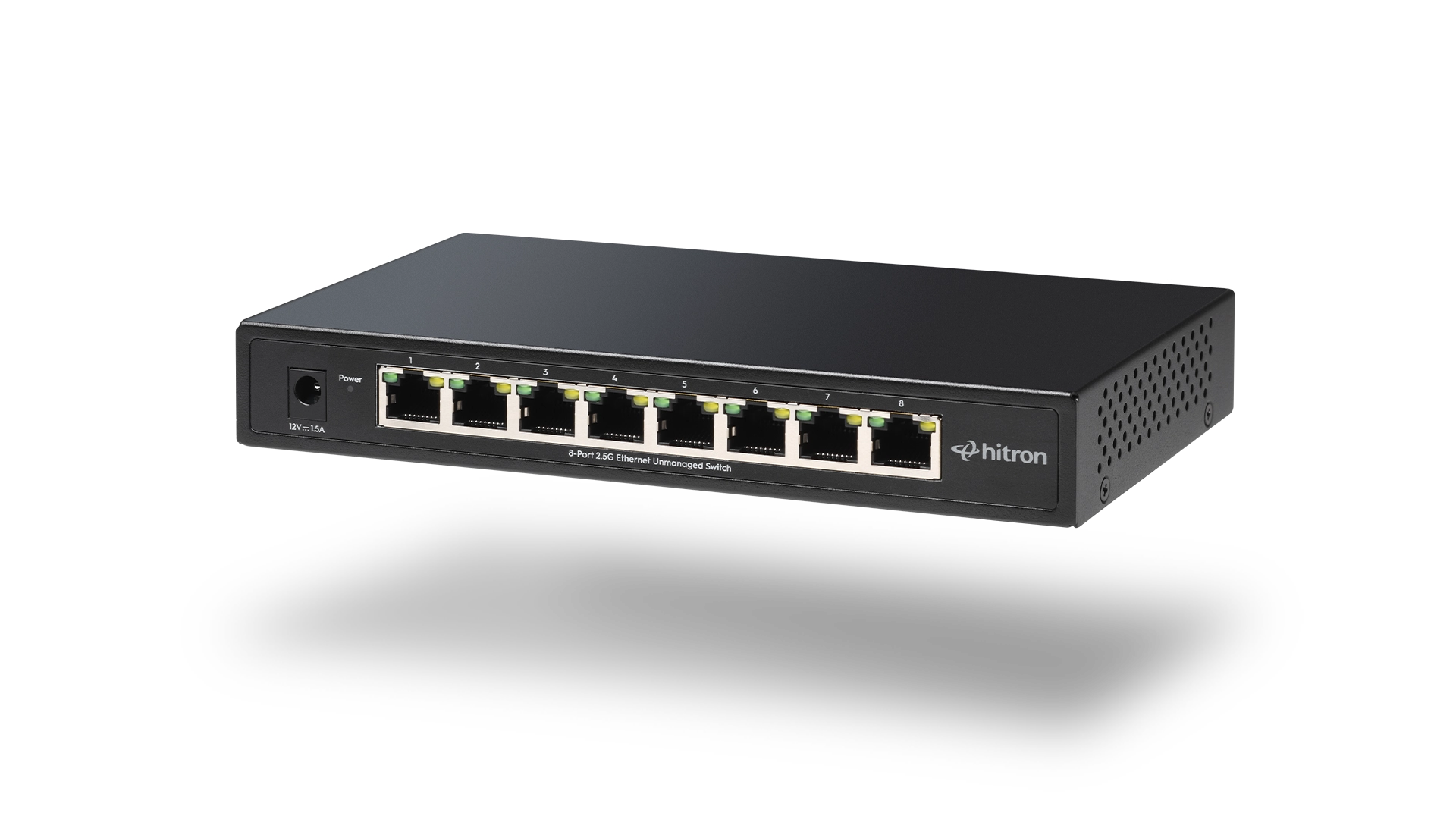
For smaller setups, the APEX2005 5-Port Gigabit Ethernet Switch provides a simple way to add reliable wired connections. For larger or expanding environments, the APEX2008 8-Port Gigabit Ethernet Switch offers additional capacity without added complexity.
Explore and purchase the APEX2005 or APEX2008 Ethernet Switch to create a wired network that works smoothly alongside your router and supports the way you use the internet every day.