Power over Ethernet (PoE) can simplify networking—but it isn’t necessary for every home or small office. This guide explains what PoE is, when it provides real value, and when a standard Ethernet switch is the better choice, so you can make the right decision before buying networking equipment.
What Is Power over Ethernet (PoE)?
Power over Ethernet (PoE) is a networking technology that allows a single Ethernet cable to deliver both:
- Data
- Electrical power
This means certain devices can operate without a separate power adapter or wall outlet, drawing power directly from a PoE-enabled Ethernet switch.
PoE is defined by IEEE standards and is commonly used in professional, commercial, and increasingly residential networks.
What Devices Actually Use PoE?
PoE is not universal—it is designed for specific device categories.
Common PoE-powered devices include:
- IP security cameras
- WiFi access points
- VoIP desk phones
- Smart doorbells
- Some IoT and access-control devices
Most everyday consumer devices do not use PoE, including:
- Desktop computers and laptops
- Gaming consoles
- TVs and streaming devices
- Network-attached storage (NAS)
- Printers
When PoE Makes Sense
Security Cameras
PoE is ideal for wired security cameras because it:
- Uses one cable for power and data
- Enables cleaner installations
- Allows centralized power management
- Reduces reliance on nearby electrical outlets
This is one of the most common and practical PoE use cases.
WiFi Access Points
Ceiling- or wall-mounted access points often rely on PoE because:
- Power outlets are rarely available at optimal mounting locations
- Wired backhaul improves reliability compared to WiFi extenders
- Placement flexibility improves coverage
PoE is especially useful in larger homes or small offices using multiple access points.
Small Offices & Light Commercial Spaces
PoE simplifies deployment when you need to support:
- Phones
- Cameras
- Access points
- Shared infrastructure devices
It reduces cable clutter and centralizes power control.
If you plan to power devices such as security cameras or WiFi access points through Ethernet, choose a PoE-enabled switch.
If all your devices already have their own power adapters, a non-PoE switch provides the same network performance.
👉 Non-PoE Switches
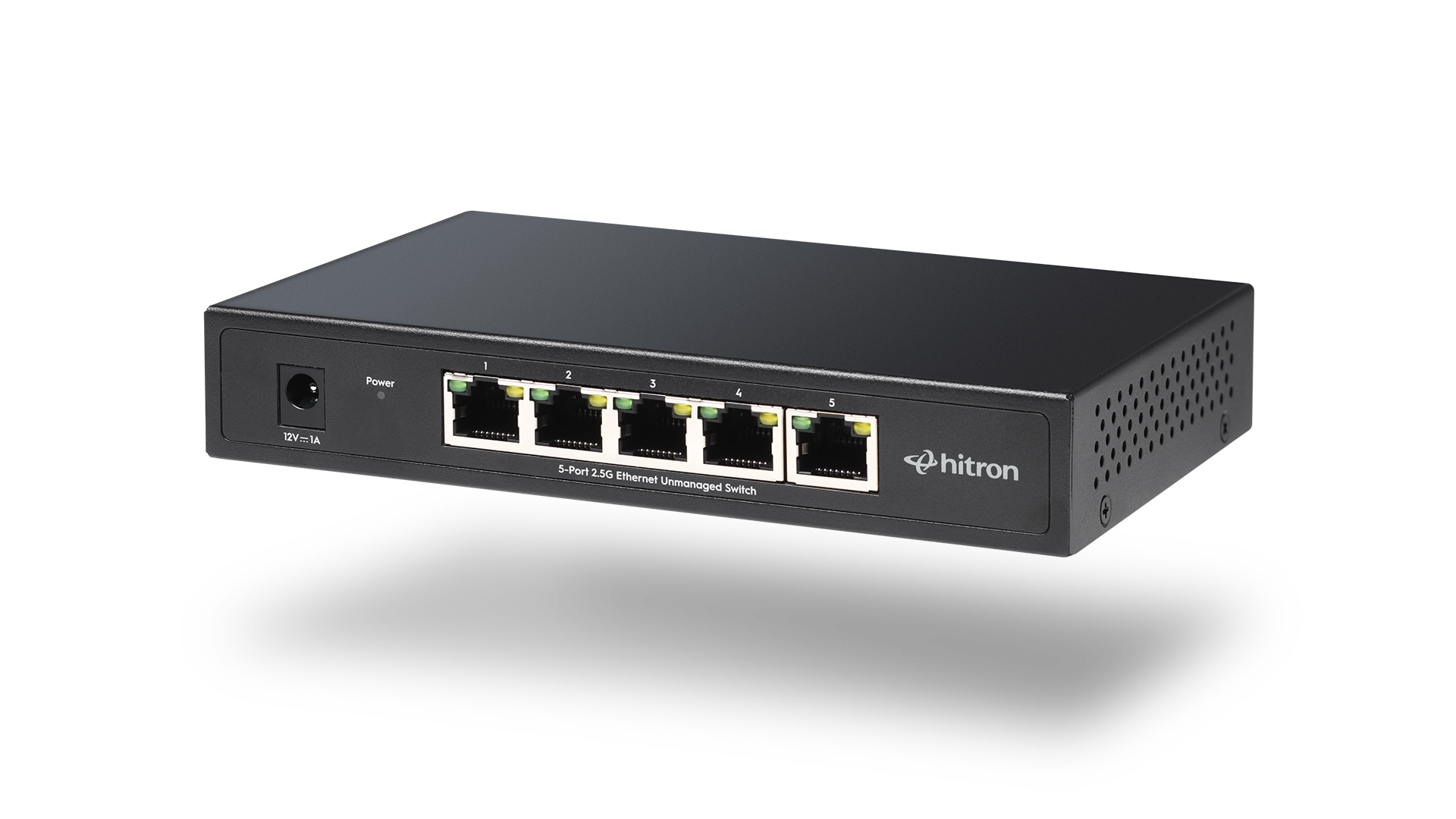
• APEX2005 – 5-Port 2.5G Switch
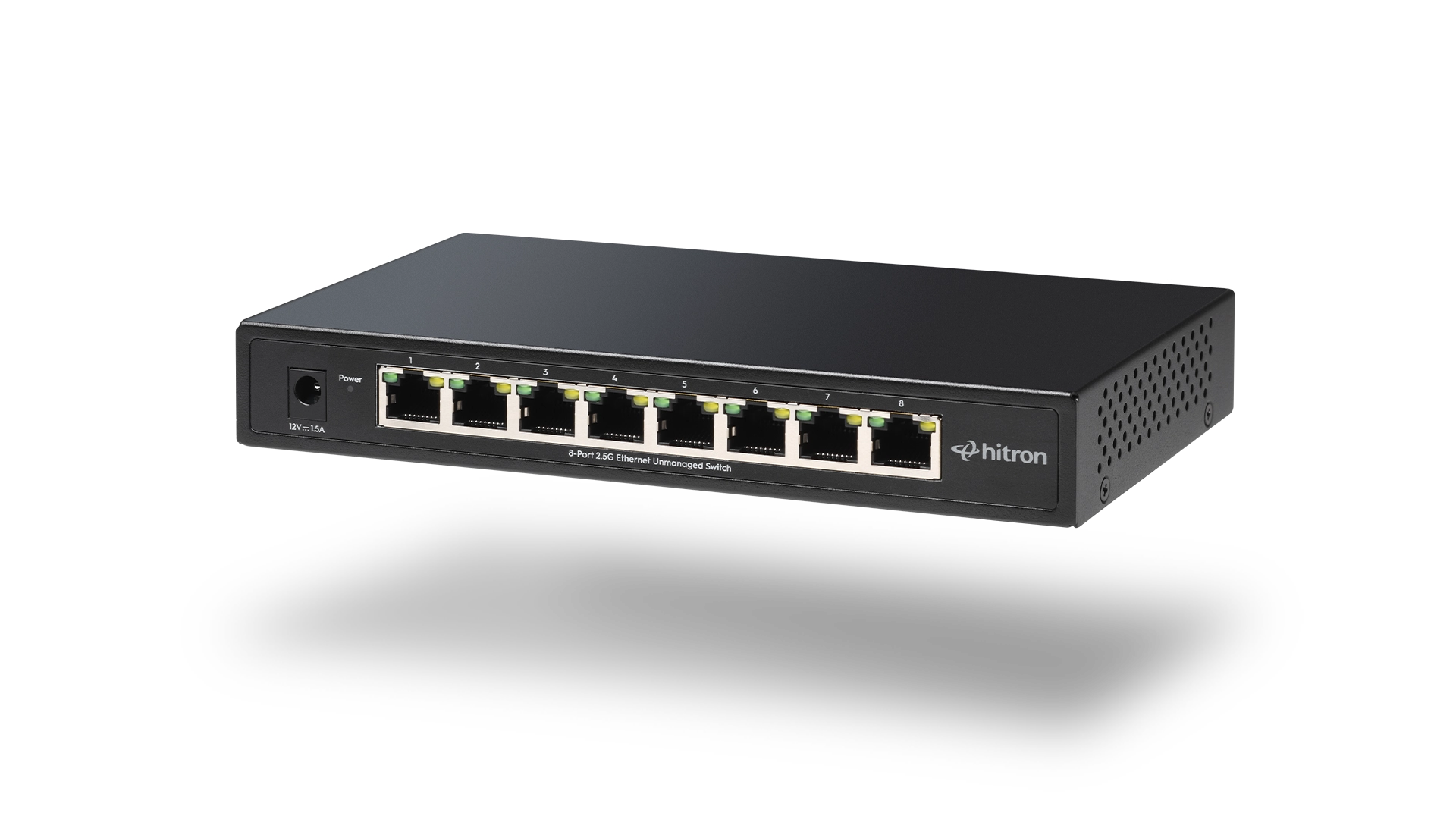
• APEX2008 – 8-Port 2.5G Switch
When You Do Not Need PoE
PoE adds value only if you are powering PoE-capable devices.
You typically do not need PoE if your network consists of:
- Gaming PCs and consoles
- Home office computers
- NAS systems
- Wired TVs and media players
- Devices that already require dedicated power adapters
In these cases, a non-PoE Ethernet switch is simpler and more cost-effective.
PoE vs Non-PoE Ethernet Switches
Feature
Non-PoE Switch
PoE Switch
Important:
A PoE switch works perfectly with non-PoE devices, but you only benefit from PoE if your devices support it.
Does PoE Affect Network Speed?
No. PoE does not change Ethernet speed.
Network performance is determined by:
- Ethernet speed (1G vs 2.5G)
- Switch backplane capacity
- Number of connected devices
- Local traffic such as file transfers and cameras
👉 Related: 1G vs 2.5G Ethernet: When Does It Matter?
PoE in Modern Home Networks
PoE is becoming more common in homes that use:
- Wired security systems
- Multiple WiFi access points
- Structured Ethernet wiring
- Centralized networking equipment
However, PoE is optional, not a requirement, for most households.
👉 Related: What Is a 2.5 Gigabit Ethernet Switch?
How to Decide If You Need PoE
Ask yourself one simple question:
Will any of my devices require power through an Ethernet cable?
- Yes → A PoE Ethernet switch makes sense
- No → A non-PoE Ethernet switch is the better choice
This decision helps avoid unnecessary cost while ensuring your network is properly equipped.
Choose the Right Switch for Your Network
All Hitron 2.5 Gigabit Ethernet switches are unmanaged and designed for reliable home and small office networks.
The right choice depends on how many wired devices you need to connect and whether any of them require Power over Ethernet (PoE).
Use the guidance above to select the model that fits your setup:
Each model name above links directly to its product page for full specifications and compatibility details.