The best Ethernet switch for a home office or remote work setup is an unmanaged Gigabit switch with enough ports for today’s devices and a few extras for growth, ensuring reliable wired connections for work-critical equipment.
Why Ethernet Still Matters for Remote Work
Video meetings, large file transfers, cloud backups, and VoIP calls all place steady demands on a home network. While WiFi is convenient, wired Ethernet remains the most consistent option for work that cannot afford interruptions.
This is why many home offices rely on a simple Ethernet switch to connect key devices. Hitron offers Ethernet switches designed specifically for these everyday work-from-home environments, where reliability matters more than advanced configuration.
What to Look for in an Ethernet Switch
The best switch for remote work is not the most complex one. It is the one that fits how the space is actually used.
Key qualities to prioritize:
- 5 Gigabit Ethernet speeds for modern internet plans
- Unmanaged operation for zero setup
- Silent, fanless design for desk or shelf placement
- Enough ports to handle current and future devices
- Compatibility with standard Ethernet cables
A switch that meets these criteria can run quietly in the background while work happens uninterrupted.
Port Count: The Real Decision
For most home offices, performance is identical across switch models. The real difference comes down to how many wired devices need to be connected.
Typical Home Office Devices
- Desktop or laptop dock
- VoIP phone
- Printer or scanner
- Secondary monitor hub
- Network-attached storage
Once these are accounted for, the remaining question is whether more devices may be added later.
5-Port vs 8-Port for Remote Work
Work Setup
Typical Needs
Recommended Choice
A smaller switch works well when the setup is fixed. An 8-port switch provides flexibility when work demands evolve.
Where Unmanaged Switches Shine
Unmanaged Ethernet switches are often the best fit for remote work. They require no configuration, no software, and no network expertise. Devices connect automatically, and traffic flows without manual tuning.
This simplicity reduces the chance of misconfiguration and keeps troubleshooting to a minimum, which is especially important when working remotely without on-site IT support.
Common Home Office Networking Scenarios
- A wired connection for a laptop dock improves video call stability
- Direct Ethernet for a printer avoids WiFi dropouts
- A wired NAS speeds up backups and file access
- Multiple wired devices reduce wireless congestion
In each case, the switch acts as a quiet coordinator rather than a complex control system.
FAQs
Is a Gigabit Ethernet switch fast enough for remote work?
Do Ethernet switches improve internet speed?
Can an Ethernet switch sit on a desk?
Is setup required for an unmanaged switch?
Choose a Switch that Supports Your Workday
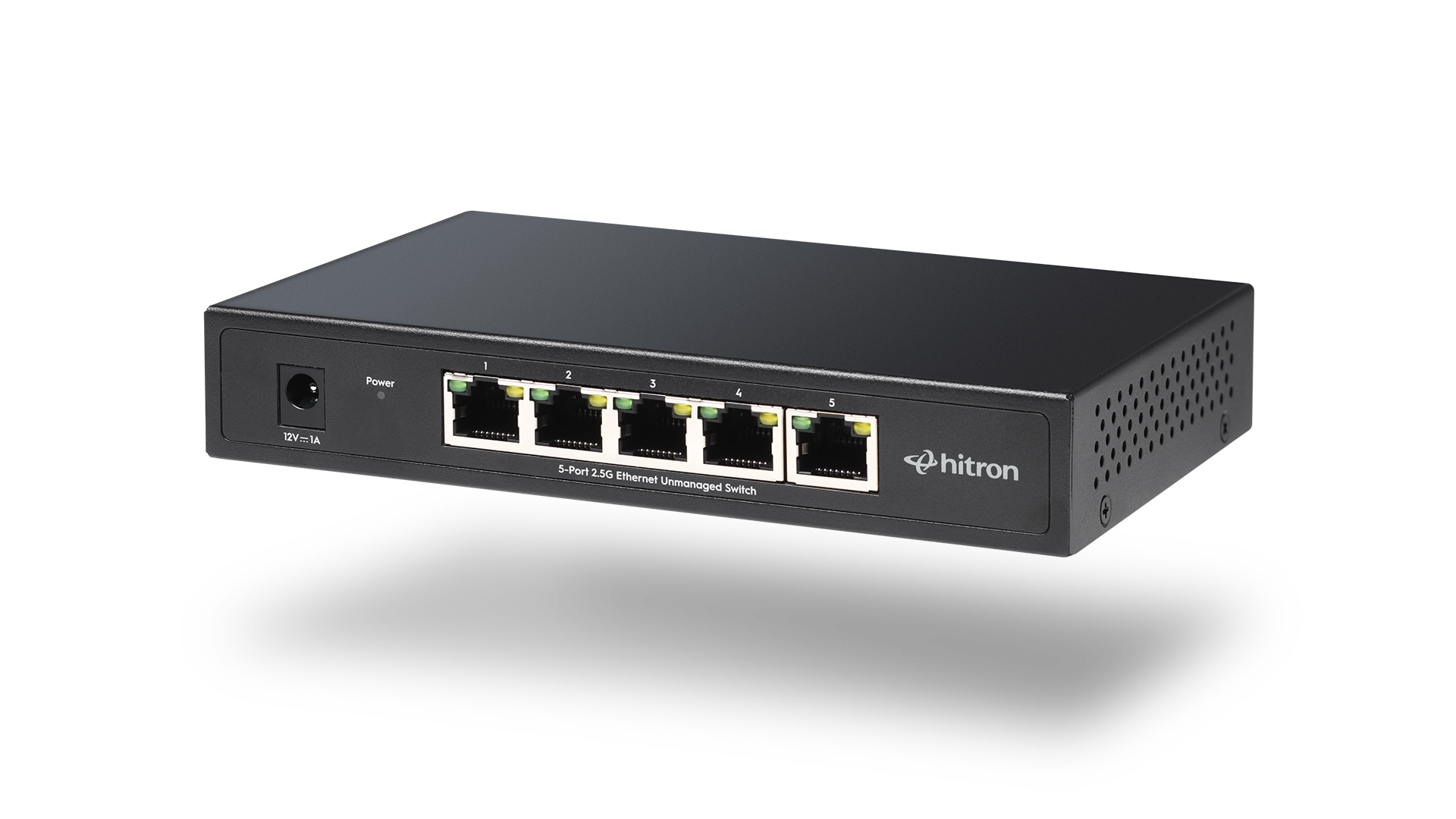
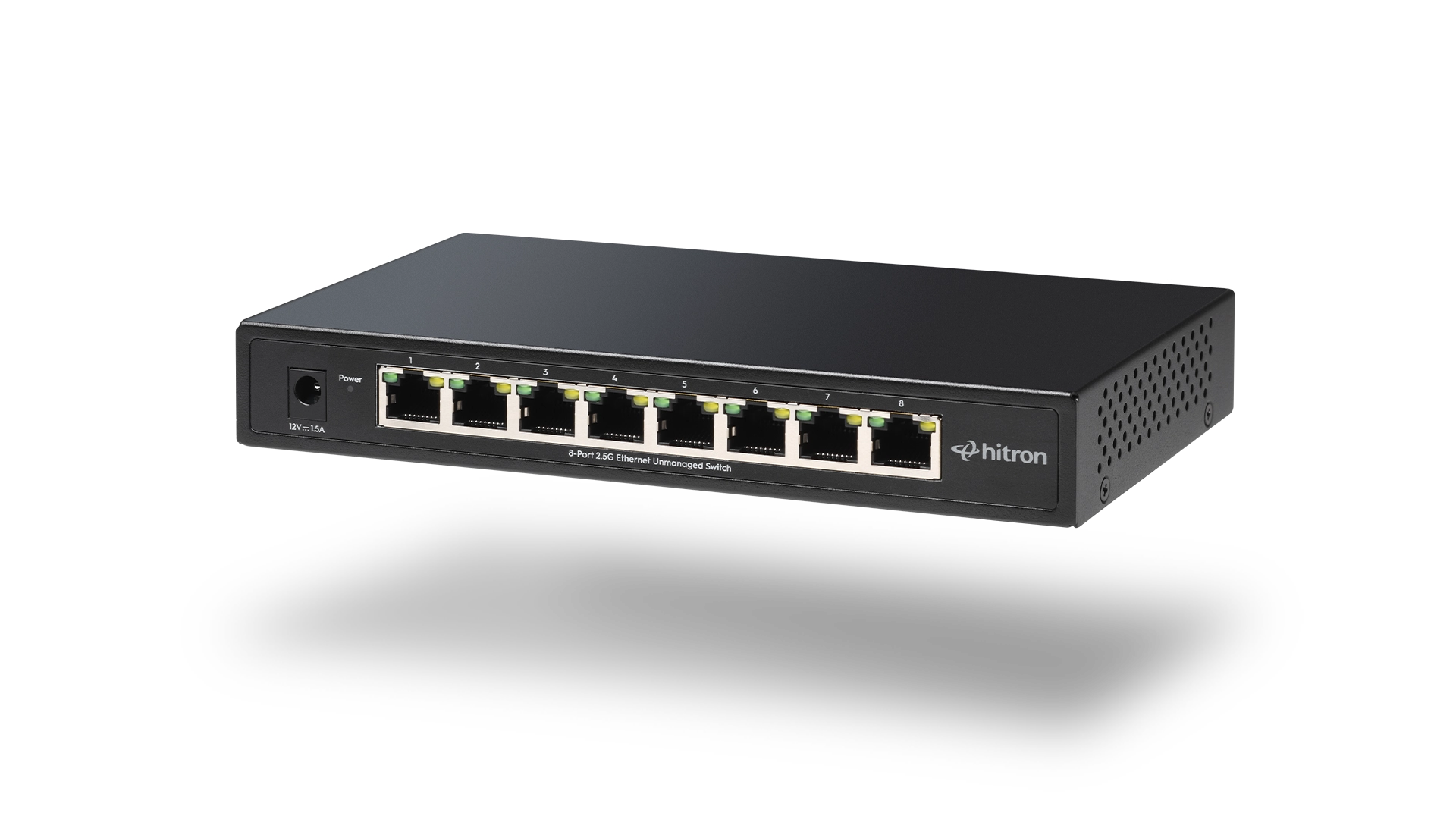
A dependable home office network starts with the right wired foundation. For compact setups with a few essential devices, the APEX2005 5-Port Gigabit Ethernet Switch provides reliable connectivity without unnecessary complexity. For larger or expanding workspaces, the APEX2008 8-Port Gigabit Ethernet Switch offers additional capacity while maintaining the same straightforward, plug-and-play experience.
Explore and purchase the APEX2005 or APEX2008 Ethernet Switch to build a wired home office network that supports focused, interruption-free remote work.