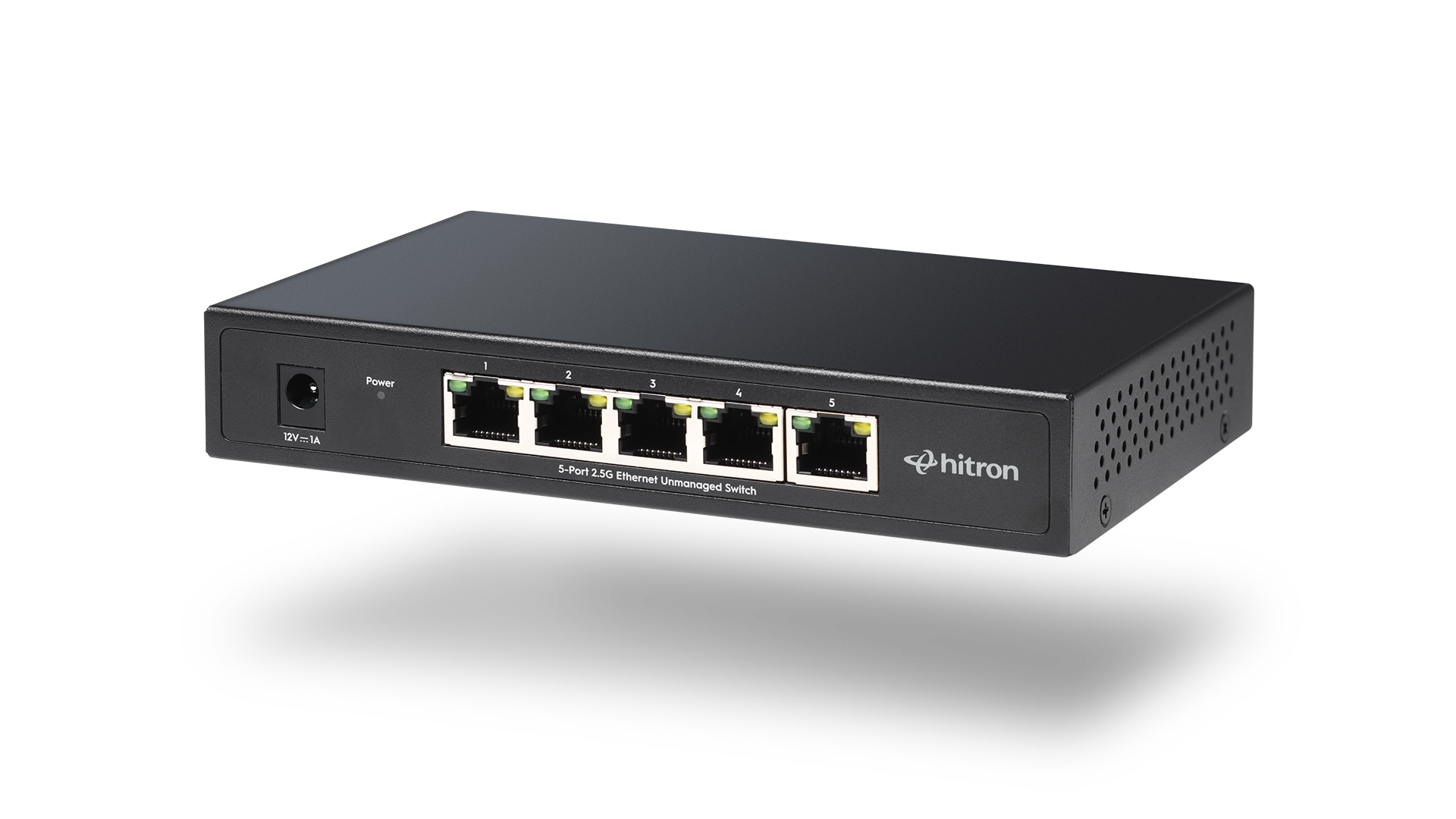
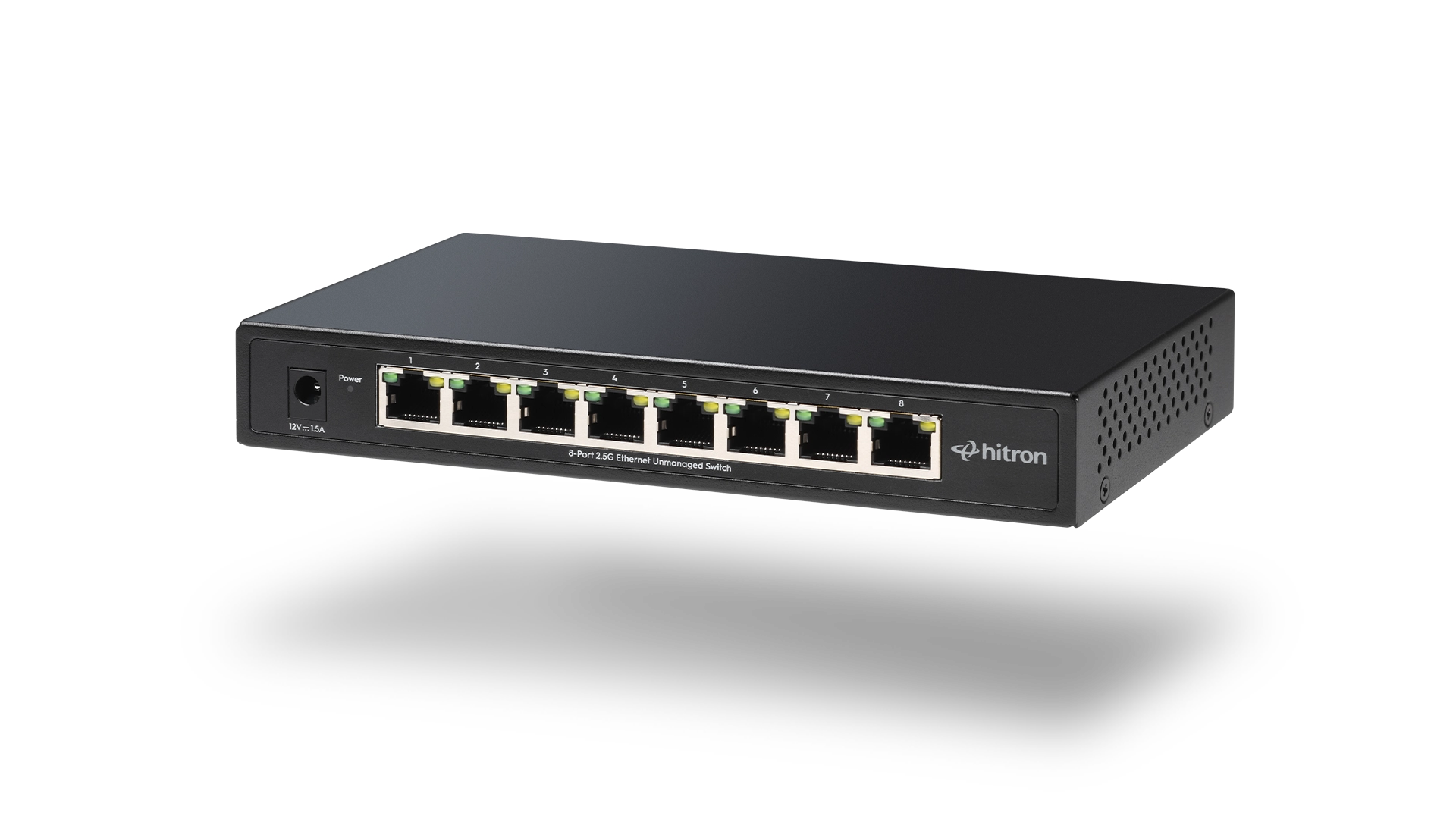
A 5-port Ethernet switch is ideal for small, fixed setups with a few wired devices. An 8-port switch offers the same performance but adds flexibility for home offices, media rooms, and growing networks.
Difference Between 5-Port & 8-Port Switch
Both 5-port and 8-port Ethernet switches do the same fundamental job. They connect wired devices to your network and to the internet. Performance is not the deciding factor – capacity is.
In real homes and small offices, the choice usually comes down to how many devices need a wired connection today and how likely that number is to grow over the next few years.
When a 5-Port Ethernet Switch Is Enough
A 5-port switch is a strong fit for compact setups where wired needs are predictable.
Choose a 5-port switch if you:
- Only need connections for one to three devices
- Live in an apartment or condo
- Want the smallest possible footprint
- Use Ethernet mainly for essentials such as:
- Smart TVs
- Gaming consoles
- Printers
- Desktop computers
For many households, a 5-port switch provides exactly what is needed without unused ports taking up space.
When an 8-Port Ethernet Switch Makes More Sense
An 8-port switch offers the same speed and reliability as a 5-port model, but with more room to grow.
Choose an 8-port switch if you:
- Expect to add devices over time
- Have a dedicated home office or media room
- Run a small business or point-of-sale system
- Use multiple streaming or gaming devices
- Need wired connections for security cameras or NVRs
This option reduces the chance of needing another upgrade later.
Speeds and Performance: What Stays the Same
Regardless of port count, both switch types deliver identical networking performance.
Typical features include:
- 5 Gigabit Ethernet speeds on every port
- Non-blocking architecture for consistent throughput
- Low latency for real-time applications
- Auto-MDI/MDI-X for simple cabling
- Silent, fanless operation
Port count affects capacity, not speed.
Common Switch Setup Examples
Setup Type
Connected Devices
Recommended Switch
These examples reflect typical real-world layouts rather than idealized diagrams.
FAQs
Do 8-port switches run slower than 5-port switches?
Is it better to buy a larger switch than needed?
Do these switches require setup or software?
Will unused ports waste electricity?
Choosing the Right Switch for Your Setup
Choose an Ethernet switch that fits current needs while leaving reasonable room for growth. A 5-port switch works well for compact, predictable setups. An 8-port switch is better for expanding networks, home offices, and multi-device environments.
For home and small office networks, Hitron offers two straightforward, unmanaged options designed for reliable everyday use:
- APEX2005 5-Port Gigabit Ethernet Switch
Ideal for smaller setups that need dependable wired connections for a few essential devices. - APEX2008 8-Port Gigabit Ethernet Switch
A better fit for growing networks, home offices, media rooms, and multi-device environments.
Both models are plug-and-play, fanless, and built to integrate easily with modern broadband equipment.
👉 View and purchase the APEX2005 or APEX2008 Ethernet Switch to expand your wired network with confidence.