What’s the Difference Between 1G and 2.5G Ethernet?
Feature
1 Gigabit Ethernet
2.5 Gigabit Ethernet
Both standards are widely supported and automatically negotiate speeds with connected devices.
When 1G Ethernet Is Enough
1G Ethernet works well if your network includes:
- One or two wired devices
- Basic browsing and video streaming
- No local file sharing or backups
- Minimal simultaneous network activity
For light, single-user environments, upgrading may provide little noticeable benefit.
When 2.5G Ethernet Matters
Gaming & Streaming
- Multiple consoles or gaming PCs running simultaneously
- Large game downloads or updates
- Reduced congestion during peak usage
2.5G Ethernet provides more headroom, keeping local traffic smooth when several devices are active.
Work from Home (WFH)
- Video calls alongside file syncing and backups
- Multiple wired workstations in the same space
- Reliable, low-latency connections during work hours
Wired 2.5G Ethernet helps maintain performance under shared loads.
NAS & Local File Transfers
- Faster backups and restores
- Improved performance for shared media libraries
- Better support for creative workflows and large files
These activities happen inside your network, not over the Internet—making Ethernet speed especially important.
Security Cameras & Smart Devices
- Always-on video streams
- Multiple cameras recording simultaneously
- Better separation from WiFi traffic
Higher local bandwidth improves reliability for persistent device traffic.
If you plan to power devices such as security cameras or WiFi access points through Ethernet, choose a PoE-enabled switch.
If all your devices already have their own power adapters, a non-PoE switch provides the same network performance.
👉 Non-PoE Switches
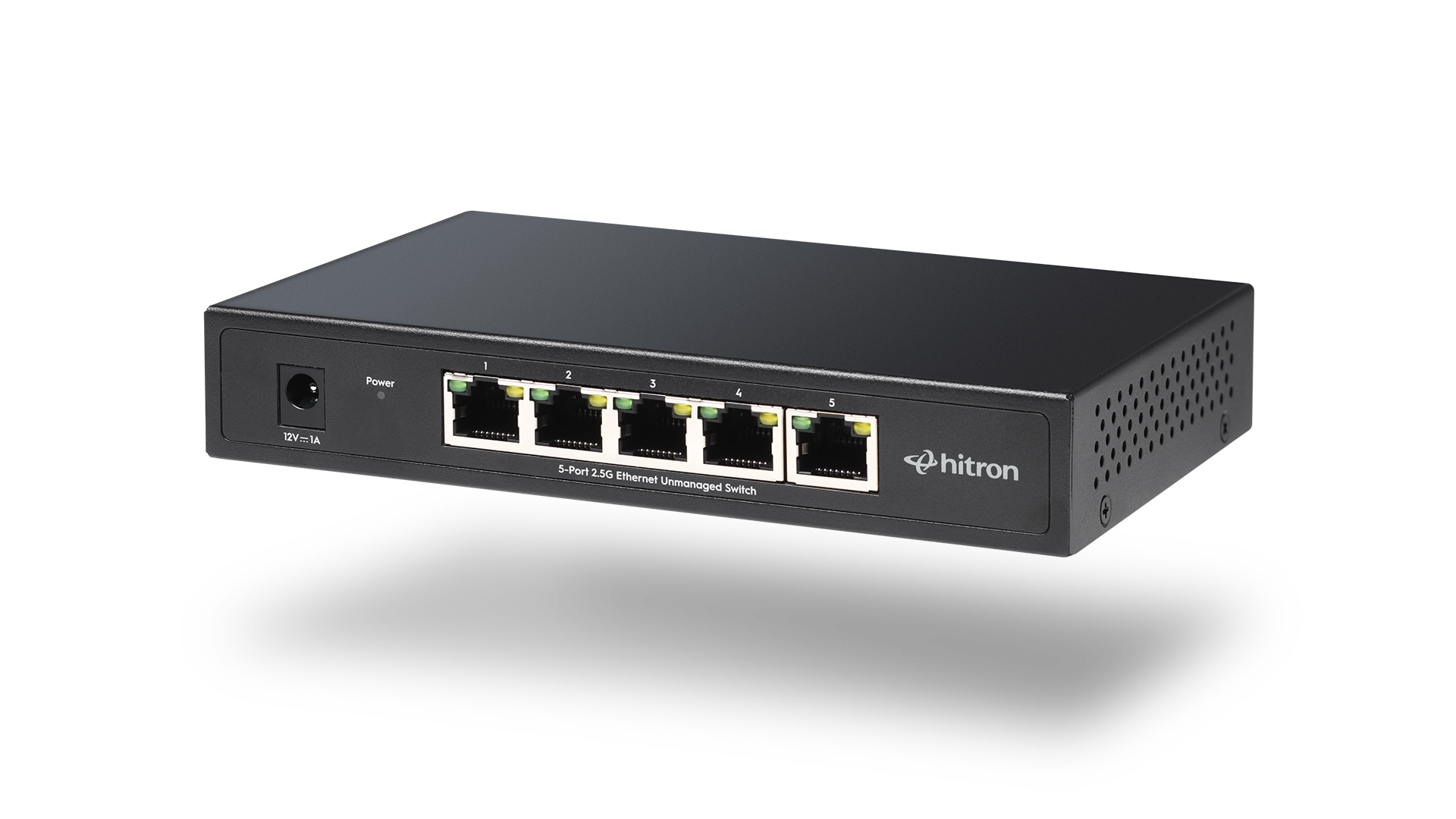
• APEX2005 – 5-Port 2.5G Switch
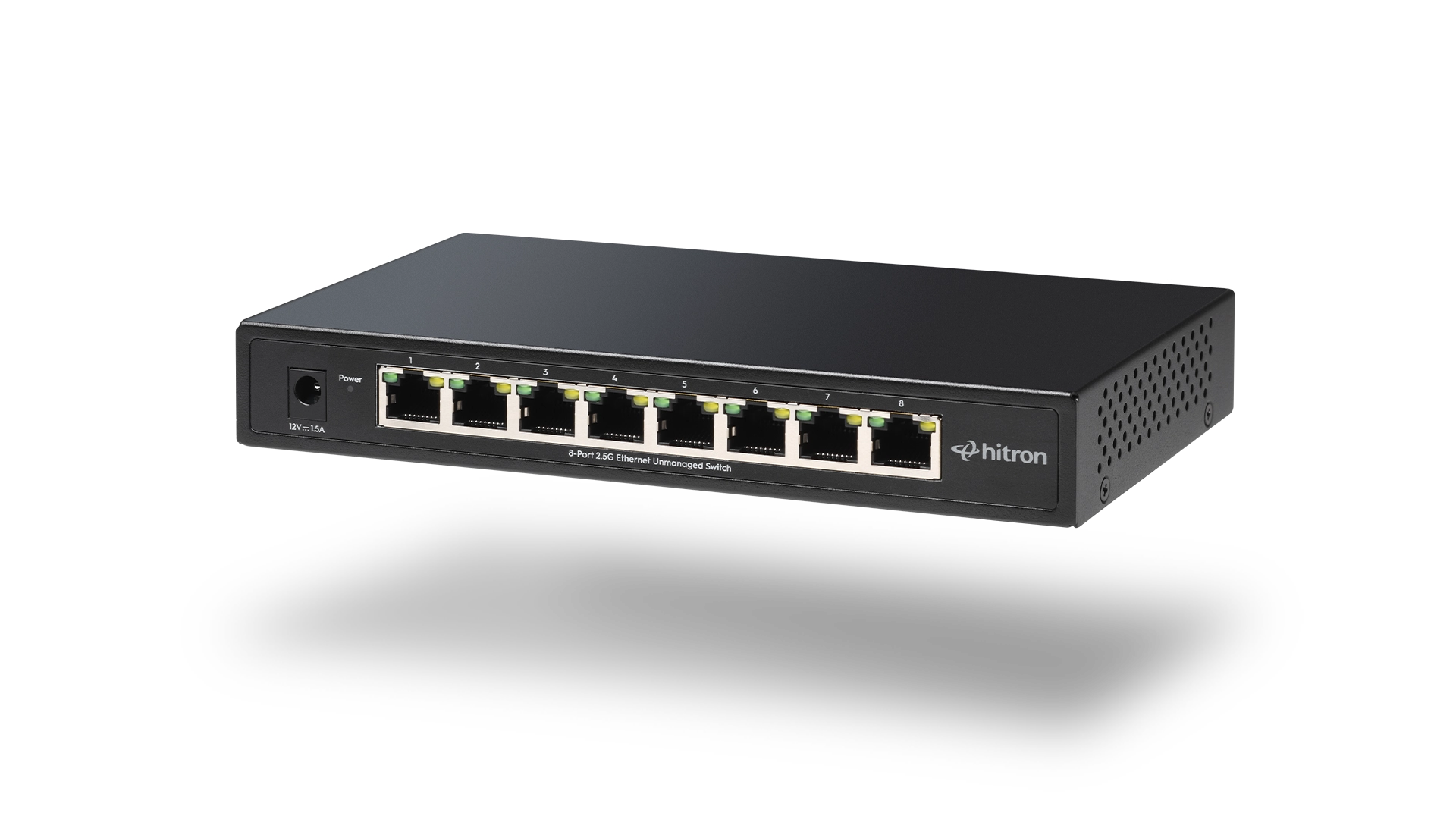
• APEX2008 – 8-Port 2.5G Switch
Internet Speed vs Network Speed
Your Internet plan and your local network speed are different.
Even with a 1 Gbps Internet connection:
- Local transfers (NAS, backups, cameras) do not use the Internet
- Network congestion can occur inside your home or office
- Upgrading Ethernet can improve responsiveness without changing your ISP plan
👉 Related: What Is a 2.5 Gigabit Ethernet Switch?
Does 2.5G Require New Cabling?
No.
Most homes and offices already use Cat5e Ethernet cabling, which supports 2.5G Ethernet over typical distances.
This makes 2.5G one of the simplest performance upgrades available—no rewiring required.
1G and 2.5G Devices Can Coexist
Modern Ethernet switches support mixed-speed environments:
- 1G devices connect and operate normally
- 2.5G-capable devices run at higher speeds
- No configuration is required on unmanaged switches
This allows gradual upgrades as devices change over time.
Where PoE Fits In
Ethernet speed and Power over Ethernet (PoE) serve different purposes:
- Ethernet speed affects data performance
- PoE affects how devices receive power
You can choose 1G or 2.5G switches with or without PoE, depending on your devices.
👉 Related: Do You Need PoE? Power over Ethernet Explained for Home and Small Office
How to Decide Between 1G and 2.5G
Ask these questions:
- Do multiple wired devices run at the same time?
- Do you use NAS, backups, or local file sharing?
- Are you planning future upgrades or adding devices?
- Do you want to avoid replacing networking gear later?
If the answer is yes to any of these, 2.5G Ethernet provides meaningful benefits.
Choose the Right Ethernet Speed for Your Setup
All Hitron 2.5 Gigabit Ethernet switches are unmanaged and designed for reliable home and small office networks.
The right choice depends on how many wired devices you need to connect and whether any of them require Power over Ethernet (PoE).
Use the guidance above to select the model that fits your setup:
Each model name above links directly to its product page for full specifications and compatibility details.