
Many homeowners are surprised to learn that the coax wiring already installed in their home can be used for more than cable TV.
With the right equipment, existing coax cables can help extend Internet connectivity to rooms where Ethernet is not available and WiFi performance may be inconsistent. This can be particularly useful for home offices, gaming setups, streaming devices, and mesh WiFi systems.
The technology that makes this possible is called MoCA.
How Can Coax Wiring Carry Internet Traffic?
Coax cable and Ethernet cable are different technologies, so you cannot simply plug an Ethernet device into a coax outlet and expect it to work.
Instead, a technology called MoCA (Multimedia over Coax Alliance) allows network traffic to travel over the coax wiring already installed throughout the home.
MoCA creates a network connection using the home’s existing coax infrastructure, giving homeowners another way to extend connectivity without installing new Ethernet cable.
This makes coax wiring a practical networking resource rather than unused wiring hidden behind wall plates.
What Is a MoCA Adapter?
A MoCA adapter is the device that makes this process work.
It acts as a bridge between Ethernet and coax.
One side of the adapter connects to an Ethernet device such as a router, computer, gaming console, or mesh WiFi node. The other side connects to the home’s coax network.
The adapter converts Ethernet traffic into a signal that can travel through coax wiring and then converts it back into Ethernet at the destination.
Without MoCA adapters, coax outlets cannot function as Ethernet connections.
Why Homeowners Use MoCA Adapters
The biggest advantage of MoCA adapters is that they allow homeowners to use wiring that is already installed.
This can eliminate the need to:
- Run Ethernet cable through walls
- Access attics or crawl spaces
- Drill through finished rooms
- Hire an installer for new network cabling
For many homes, existing coax wiring provides a convenient pathway for extending network connectivity.
Common Uses for Existing Coax Wiring
Extending Internet to a Home Office
Many home offices are located far from the router.
While WiFi may work adequately for basic browsing, video conferencing, cloud applications, file transfers, and VPN connections often benefit from a wired connection.
MoCA adapters can help extend Ethernet connectivity to an office using the coax wiring already in the home.
Connecting Gaming Systems
Gaming performance depends on more than Internet speed.
Latency, packet loss, and connection consistency all play a role in the gaming experience.
Many gamers use MoCA adapters to create wired connections for gaming PCs and consoles in rooms that do not have Ethernet cabling.
Supporting Streaming Devices
Streaming devices and smart TVs are often located in rooms where WiFi performance varies.
Using existing coax wiring can help create a wired connection for devices that regularly stream high-definition or 4K content.
Creating a Wired Backhaul for Mesh WiFi
Many mesh WiFi systems communicate wirelessly between nodes.
MoCA adapters can provide a wired connection between mesh nodes using existing coax wiring, allowing the mesh system to dedicate more wireless capacity to connected devices.
Can Existing Coax Wiring Support Multiple Rooms?
In many homes, yes.
If multiple coax outlets are connected to the same coax network, MoCA adapters can be used in several rooms.
This allows homeowners to extend Ethernet connectivity to locations such as:
- Home offices
- Bedrooms
- Basements
- Entertainment centers
- Gaming rooms
The exact configuration depends on how the home’s coax network is wired.
Does MoCA Work with Cable Internet?
Yes.
MoCA can coexist with many cable Internet installations and is commonly used to extend network connectivity throughout the home.
The exact setup may vary depending on the modem, splitter configuration, and other equipment already connected to the coax network.
Does MoCA Work with Fiber Internet?
Yes.
Fiber Internet changes how Internet enters the home, but homeowners still need a way to distribute that connection to devices throughout the house.
MoCA adapters can use existing coax wiring to extend Ethernet connectivity from the router to other rooms, making them useful in fiber-connected homes as well.
If you’re unfamiliar with fiber Internet equipment, our article What Is an ONT? explains how fiber connections are delivered into the home.
When MoCA May Not Be the Right Solution
MoCA works well in many homes, but it is not always the best option.
Some homes may have:
- Damaged coax wiring
- Disconnected outlets
- Outdated splitters
- Unusual wiring layouts
In these situations, additional troubleshooting or wiring updates may be required.
For new construction or major renovations, installing Ethernet cable may still be the preferred long-term solution.
Can Your Home Use MoCA?
Use this quick checklist to see if your home is a good candidate.
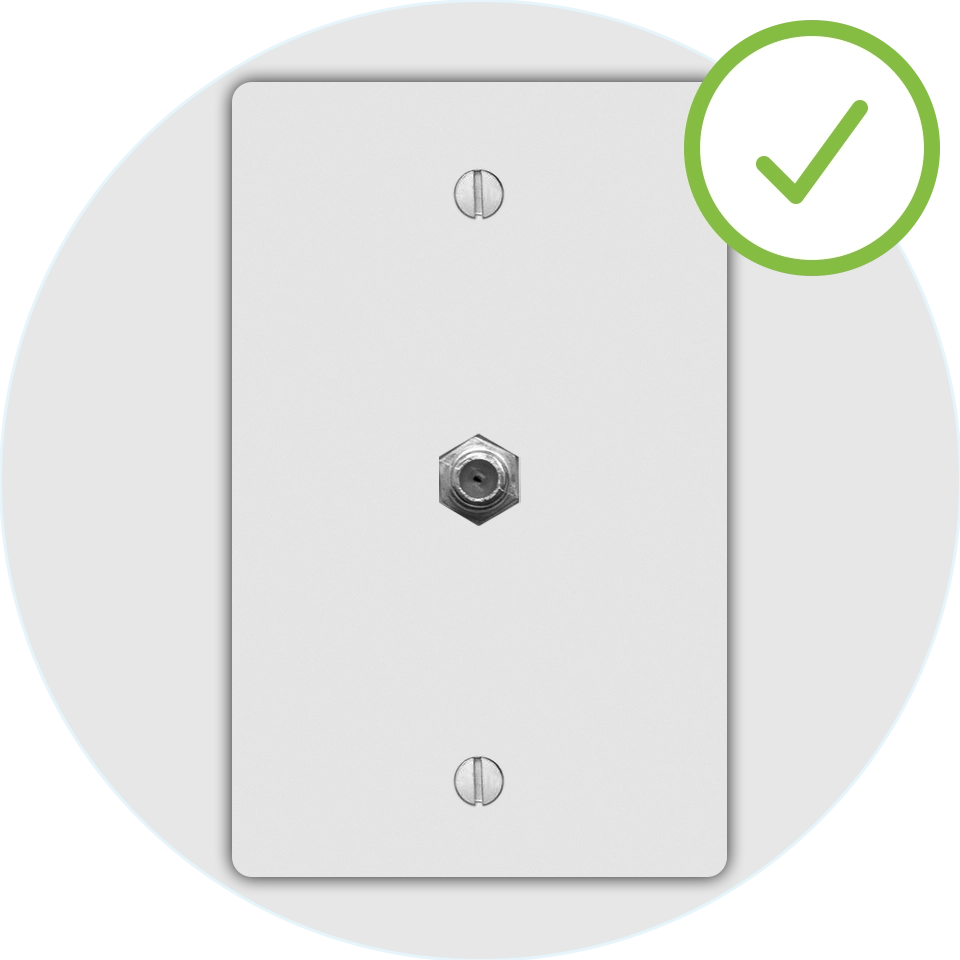
Coax outlets in multiple rooms
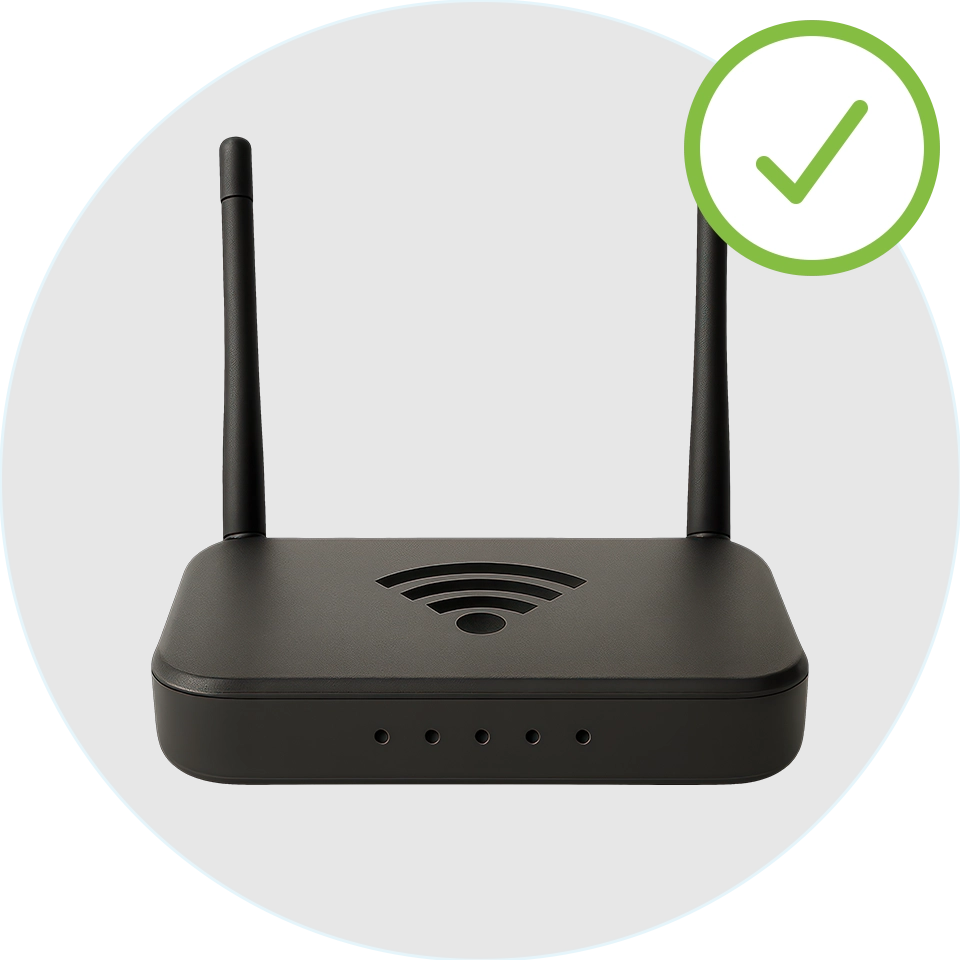
Router with Ethernet port
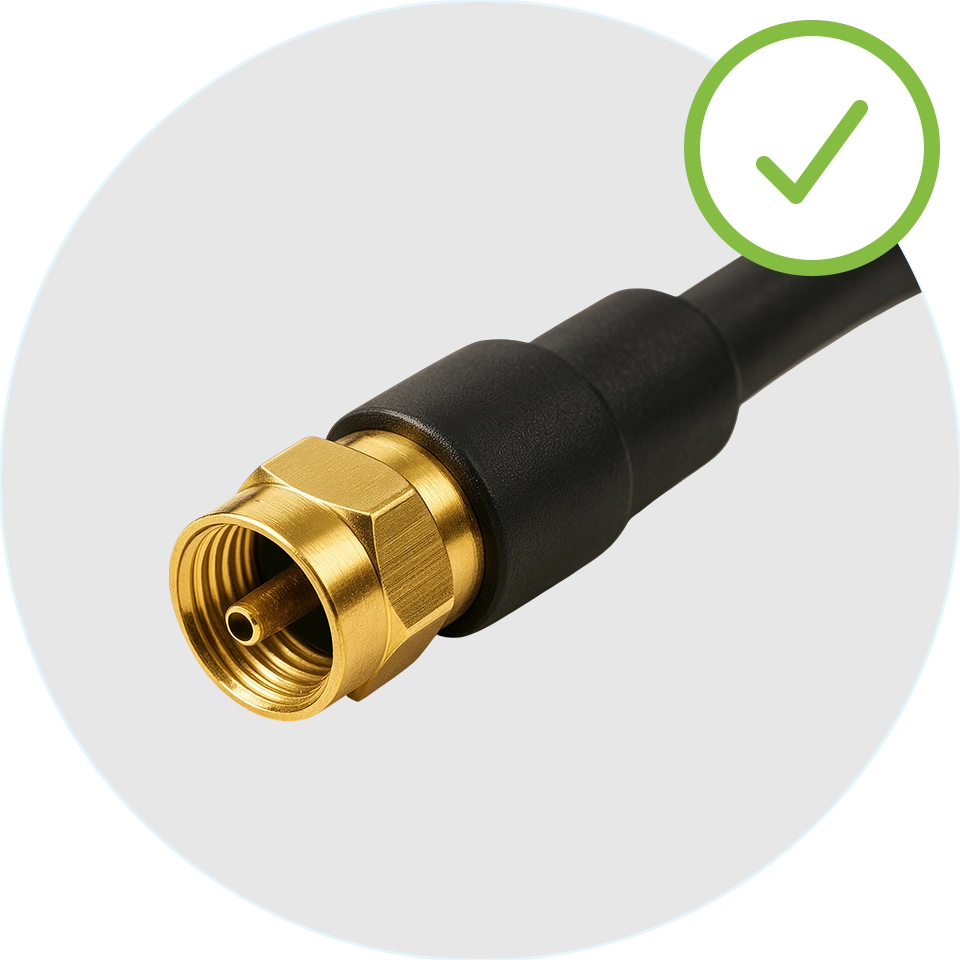
Existing coax wiring connected

Need Internet in another room
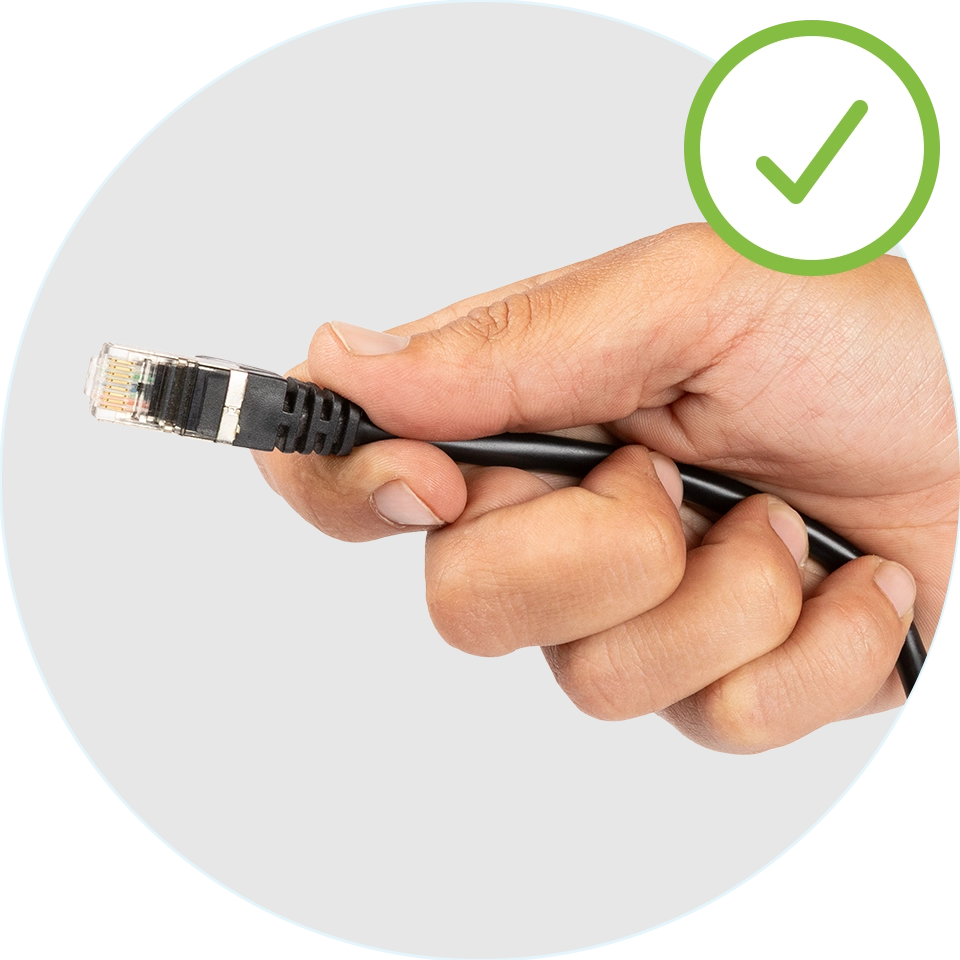
Don't want to run Ethernet cable

If you checked all the boxes, MoCA adapters can help
Hitron MoCA adapters (HTEM5) use your existing coax wiring to create fast, reliable Ethernet conenctions throughout your home.
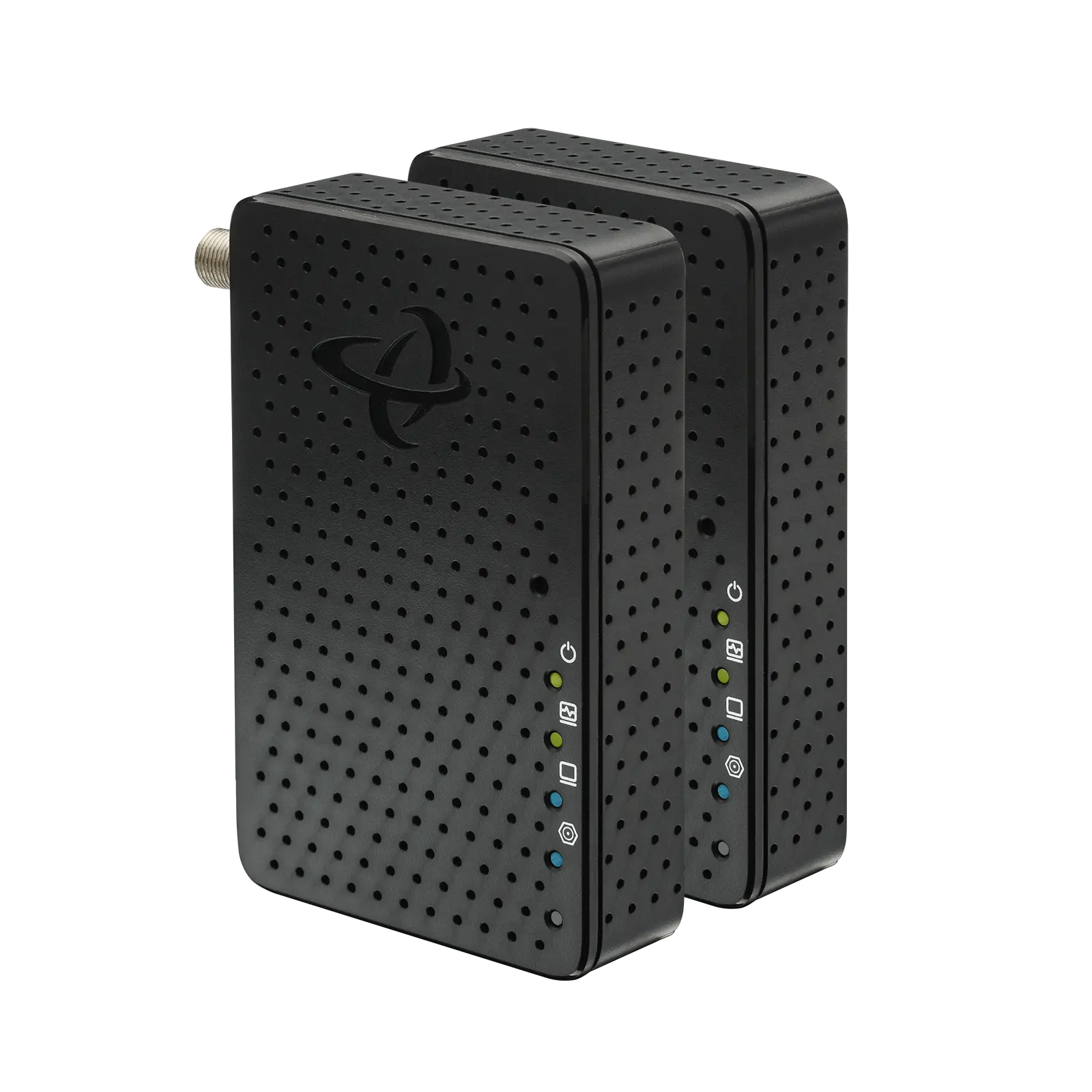
HTEM5 MoCA Adapters

Want to know how it works
Our guide How do I Convert Coax to Ethernet? Explains the setup process, equipment needed, and compatibility details
What Equipment Is Required?
Most MoCA installations require:
- Two MoCA adapters
- Existing coax outlets
- Ethernet cables
- A router or network gateway
Products such as the Hitron HTEM5 are designed to create Ethernet connections over existing coax wiring, allowing homeowners to extend connectivity without running new cable throughout the home.
FAQs
Can I use old coax cable for Internet
Do I need cable TV service?
Can I use MoCA with fiber Internet?
Can I connect more than one room?
Is MoCA better than WiFi?
Use the Wiring You Already Have
Many homeowners assume the only way to improve connectivity in another room is to rely on WiFi or install new Ethernet cable. Existing coax wiring offers another option.
With MoCA technology and MoCA adapters, the coax outlets already in your home may be able to support home offices, gaming setups, streaming devices, and mesh WiFi systems without major renovations.
Understanding that this is possible is the first step. The next step is learning how the conversion process works, what equipment is required, and how to determine whether your home is compatible.
👉 Related: How Do I Convert Coax to Ethernet?


