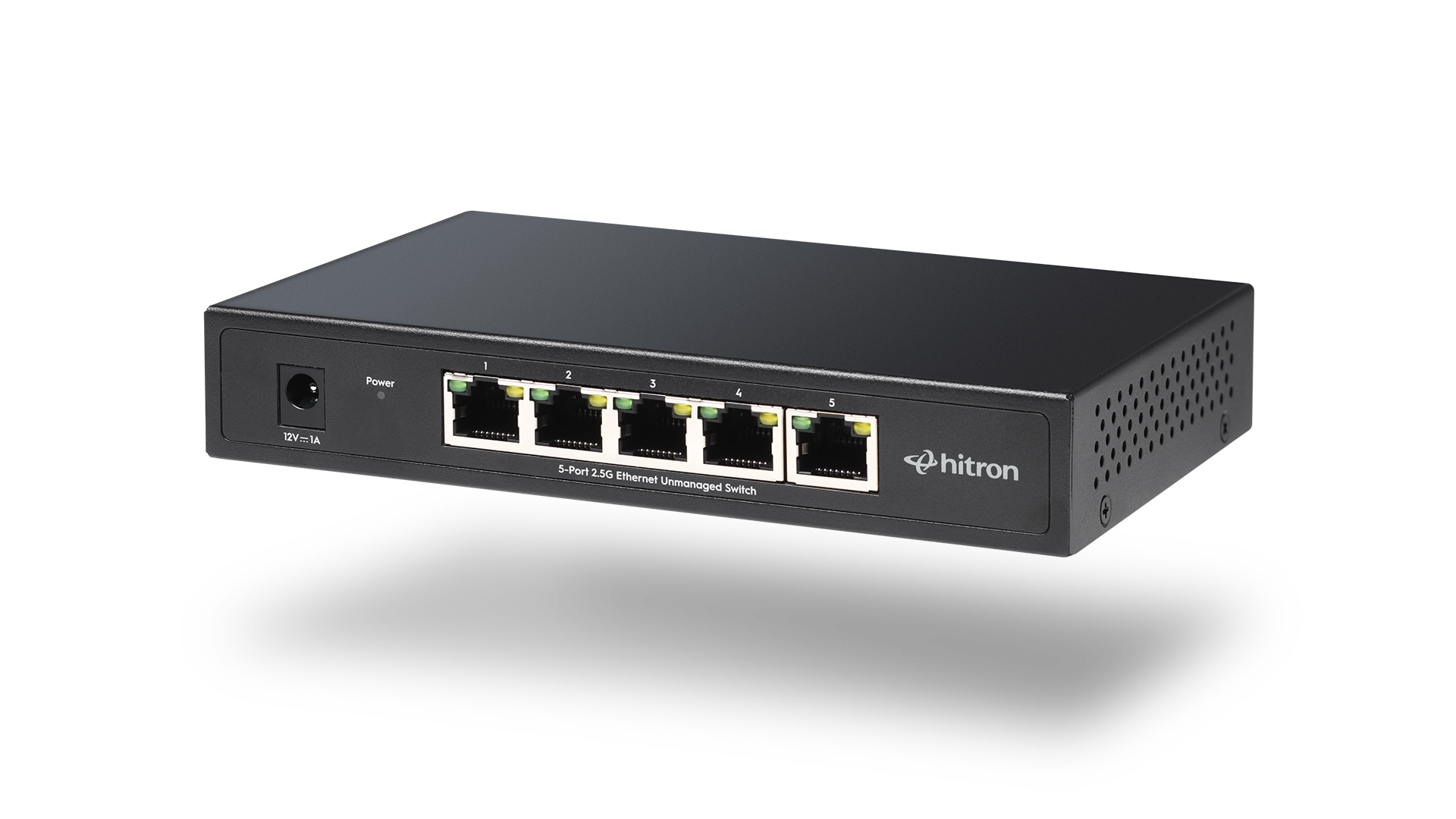
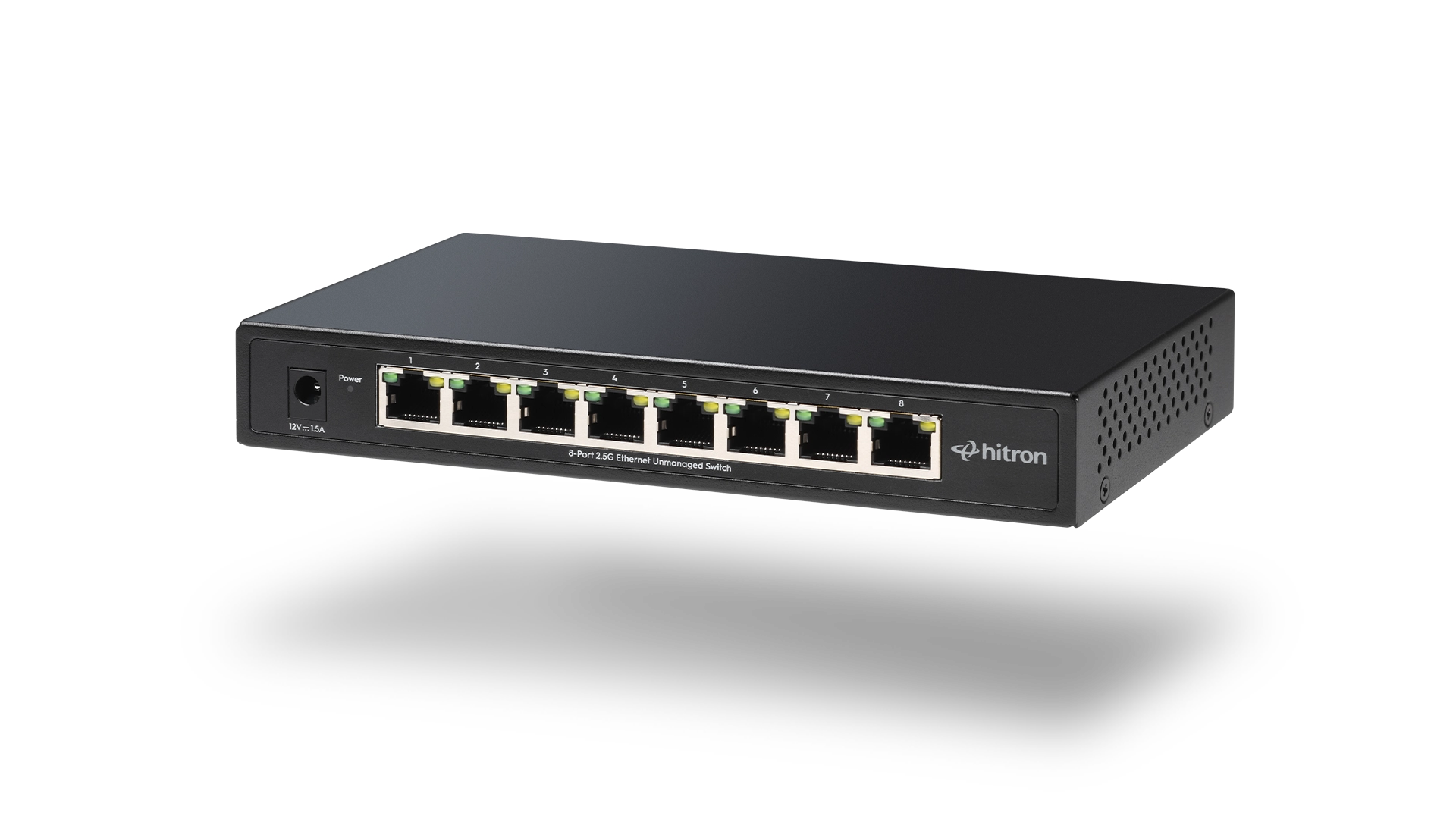
As homes and small offices add more connected devices, wired Ethernet often becomes the most reliable way to keep everything running smoothly. An Ethernet switch makes this possible by expanding the number of wired connections available from a single router port. Hitron designs Ethernet switches for everyday environments where simple setup, quiet operation, and dependable performance are more important than advanced configuration.
What Is an Ethernet Switch?
An Ethernet switch is a networking device that connects multiple wired devices to the same local network. Each connected device communicates through its own dedicated path, allowing data to move efficiently without interfering with other devices.
Unlike older networking hardware, modern switches manage traffic automatically, ensuring that data reaches the correct destination without manual intervention.
How an Ethernet Switch Works
An Ethernet switch receives data from one device and forwards it only to the intended destination device. This targeted delivery reduces unnecessary network traffic and improves overall efficiency.
In a typical setup:
- The router connects to the internet
- The Ethernet switch connects to the router
- Wired devices connect to the switch
This arrangement allows many devices to share a single router connection without sacrificing stability.
Why Use an Ethernet Switch Instead of WiFi Alone
While WiFi is convenient, wired Ethernet remains the preferred option for devices that need consistent performance.
An Ethernet switch helps by providing:
- Stable connections for work and productivity tools
- Reliable performance for streaming and gaming
- Reduced wireless congestion
- Low-latency communication between devices
For stationary devices, a wired connection often delivers a more predictable experience.
When Adding a Switch Makes Sense
An Ethernet switch is useful in a variety of everyday situations, including:
- Running out of Ethernet ports on a router
- Setting up a home office with wired equipment
- Connecting smart TVs and media devices
- Supporting small business tools such as POS systems
- Improving reliability for shared workspaces
In these cases, a switch expands capacity without complicating the network.
Unmanaged vs Managed Ethernet Switches
Ethernet switches are commonly available in two types.
Unmanaged switches operate automatically. Devices connect and begin working immediately, with no setup required.
Managed switches allow detailed control over network traffic and are typically used in larger, IT-managed environments.
For most homes and small offices, unmanaged switches provide everything needed without added complexity.
What to Expect from an Unmanaged Switch
A quality unmanaged Ethernet switch typically offers:
- Gigabit Ethernet speeds on every port
- Plug-and-play installation
- Silent, fanless operation
- Compact design suitable for desks or shelves
- Automatic speed and cable detection
These characteristics make unmanaged switches easy to integrate into existing networks.
FAQs
Does an Ethernet switch increase internet speed?
An Ethernet switch does not increase the speed provided by an internet plan, but it ensures wired devices can reliably access that speed without interference.
Can multiple devices use a switch at the same time?
Yes. Each device connected to a switch communicates independently, allowing simultaneous use without slowing others down.
Is an Ethernet switch difficult to install?
No. Unmanaged switches require no configuration. Connecting cables and power is all that is needed.
Do Ethernet switches work with any router?
Choosing a Simple and Reliable Option
An Ethernet switch is one of the easiest ways to improve wired connectivity at home or in a small office. For compact setups with a few essential devices, the APEX2005 5-Port Gigabit Ethernet Switch provides dependable performance in a small footprint. For larger or expanding environments, the APEX2008 8-Port Gigabit Ethernet Switch offers additional capacity while maintaining the same straightforward, plug-and-play experience.
Explore and purchase the APEX2005 or APEX2008 Ethernet Switch to add reliable wired connections for the devices you rely on every day.