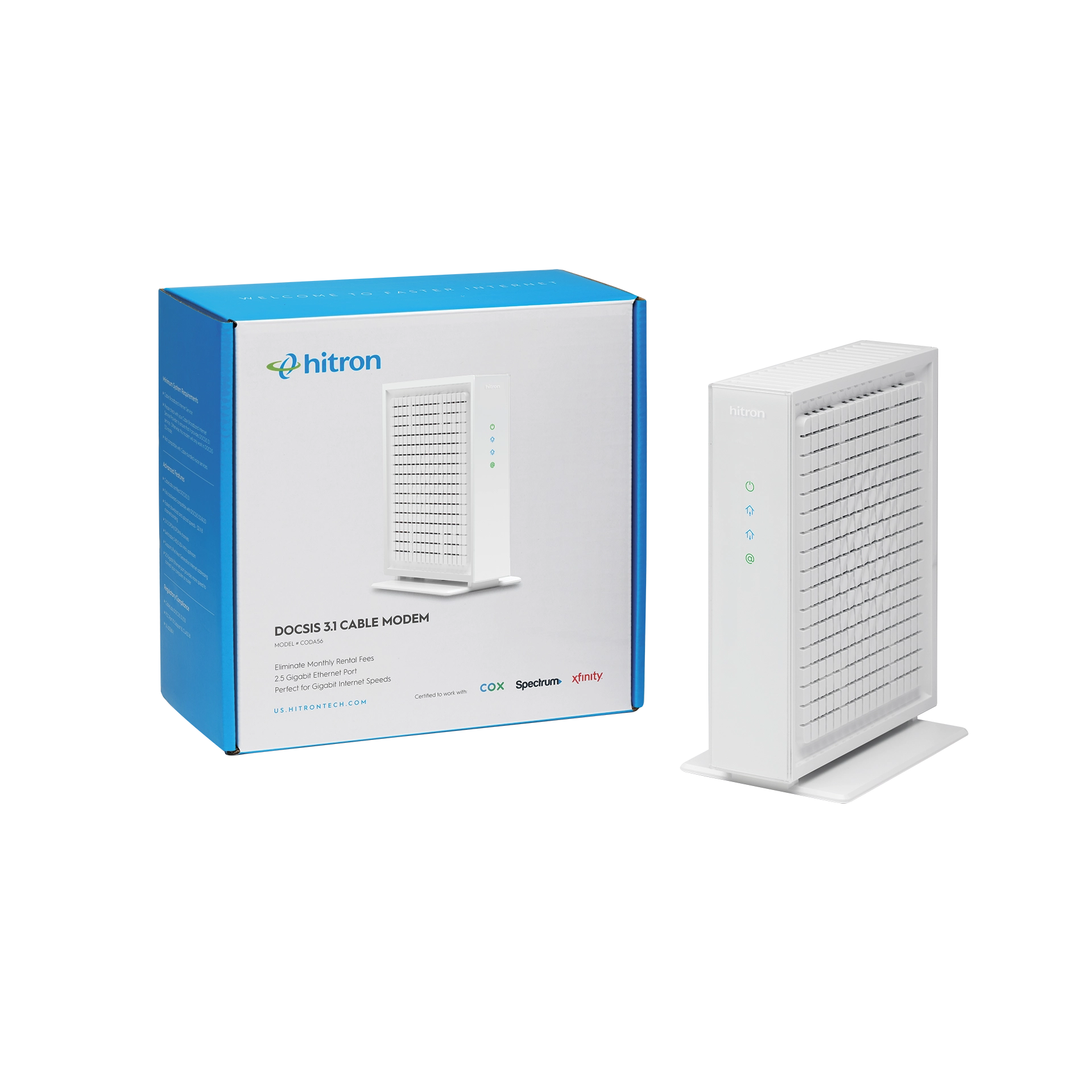
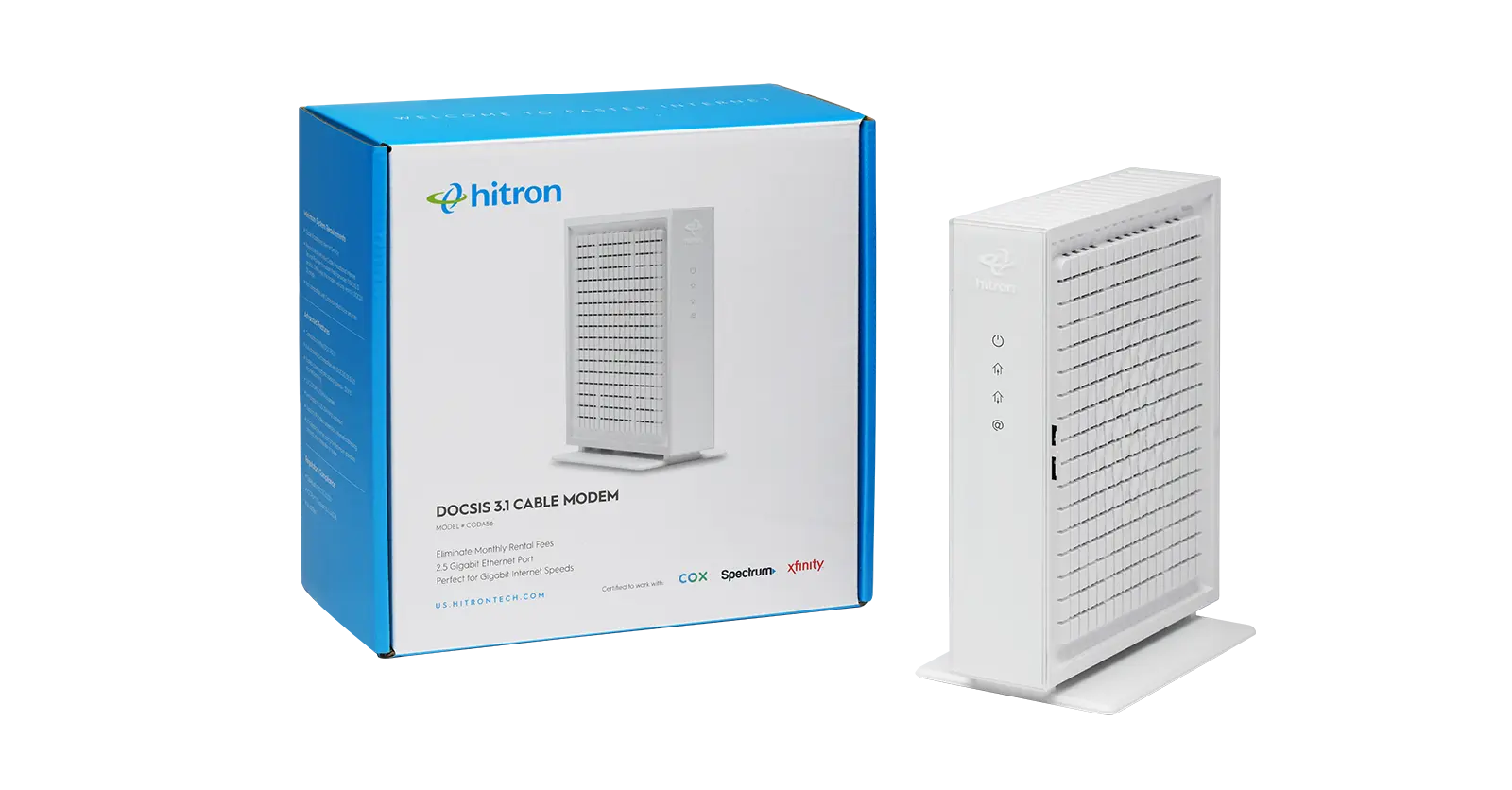
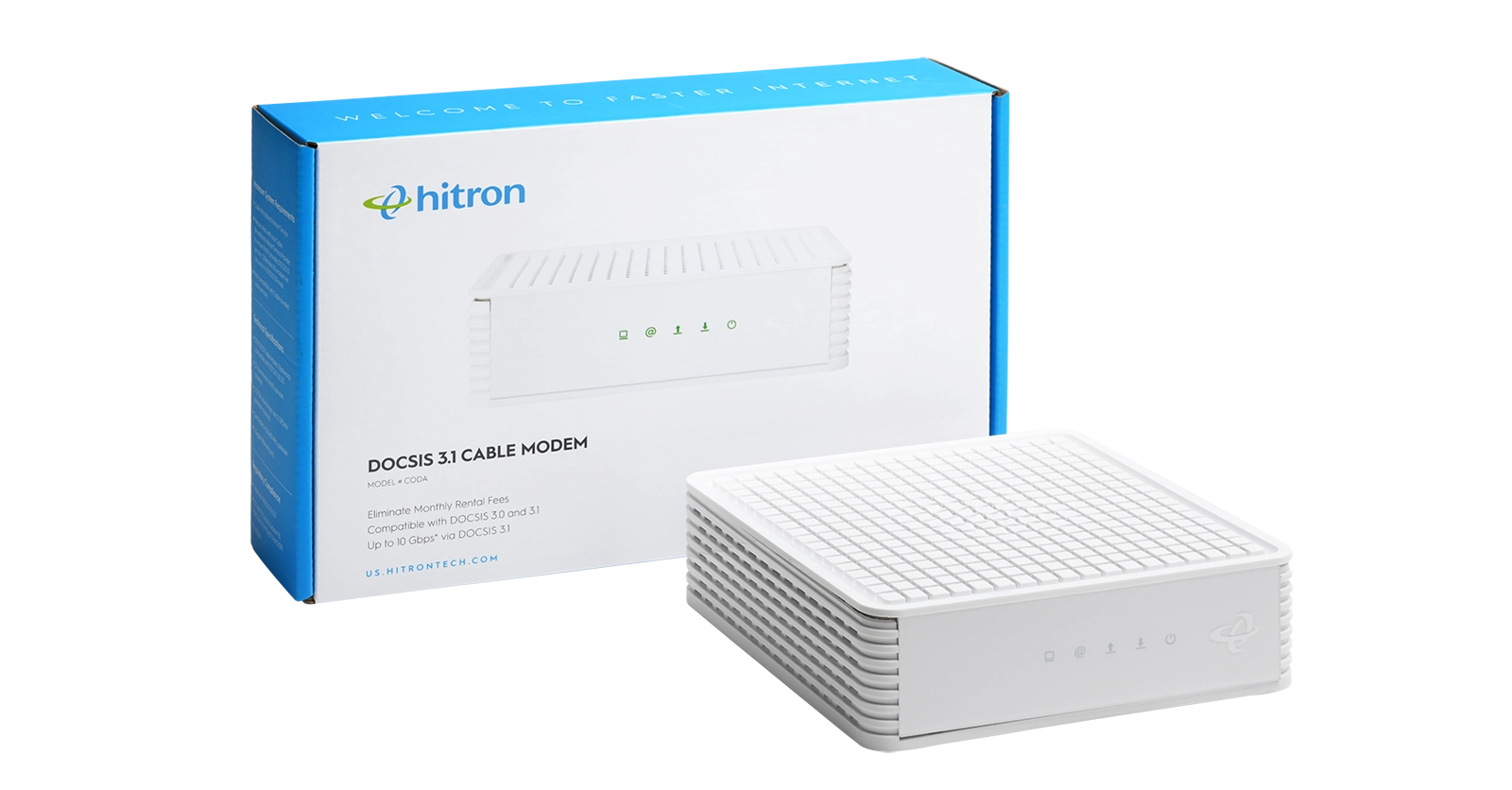
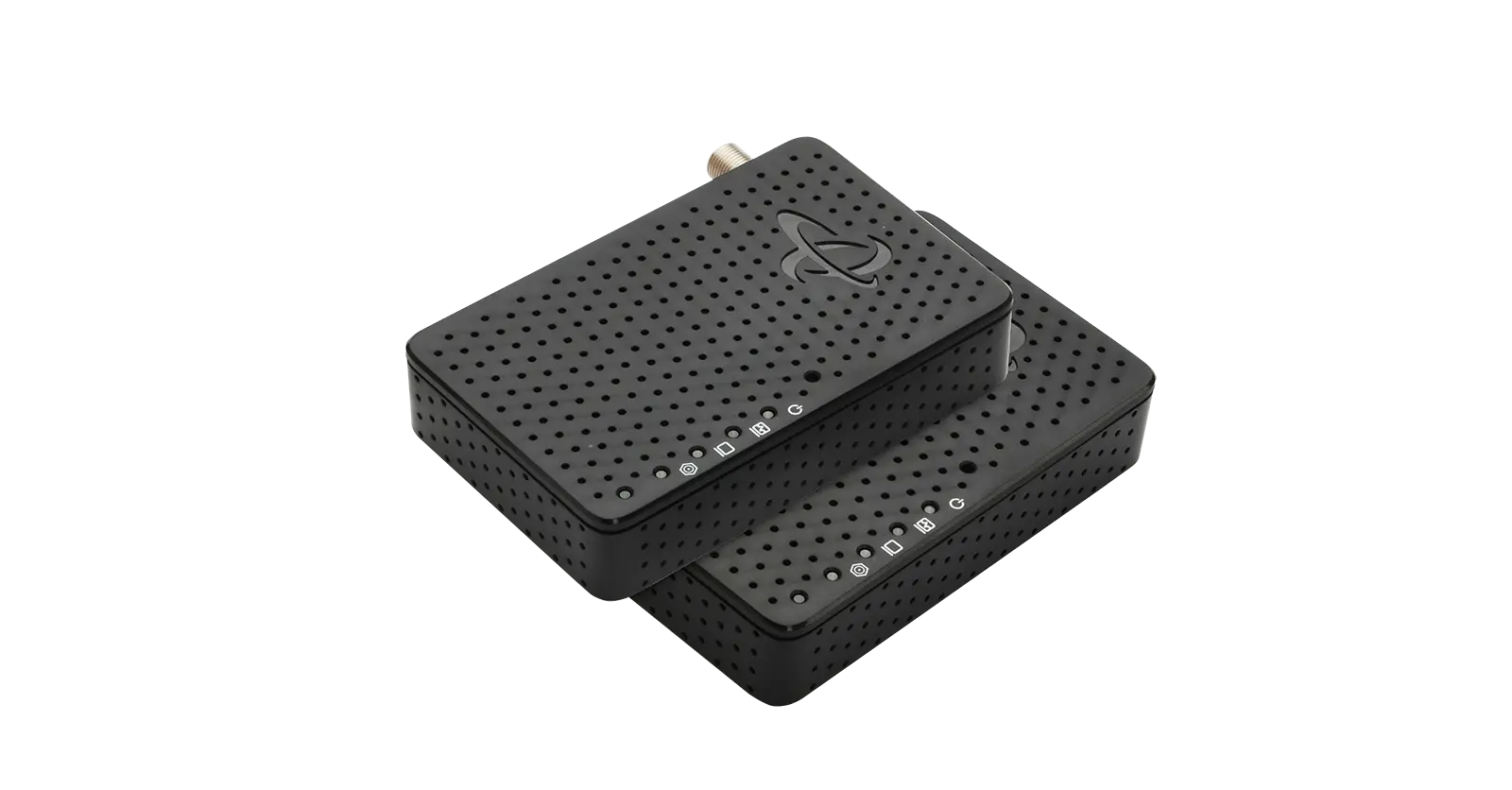
With the advent of 5G technology, the landscape of home internet connectivity is undergoing a significant transformation. One common question that arises is: Does 5G internet need a modem? The answer lies in understanding how 5G home internet works and the role of devices like the Hitron D60 5G router with cellular fail-over in delivering high-speed connectivity to your home.
What is 5G Home Internet?
5G home internet leverages the fifth-generation mobile network to provide broadband internet access. Unlike traditional fixed-line internet services that require wired connections such as DSL or cable, 5G home internet uses the wireless 5G mobile network. This allows for greater flexibility and often faster speeds compared to older technologies.
A key component of this setup is the 5G router, a device that acts as a bridge between the 5G network and your home devices. The 5G router receives the 5G signal and converts it into WiFi, allowing you to connect multiple devices wirelessly.
How Does a 5G Router Work?
Traditional internet setups often require both a modem and a router. The modem connects to your internet service provider (ISP) and translates the internet signal into a form that your devices can understand. The router then distributes this signal to various devices in your home via WiFi or Ethernet.
However, with 5G home internet, the need for a separate modem is eliminated. The 5G router, like the Hitron D60, combines the functionalities of both a modem and a router. It directly receives the 5G signal from the mobile network and distributes it as WiFi throughout your home. This makes the setup simpler and more streamlined.
Benefits of 5G Routers for Home Internet
Using a 5G router like the Hitron D60 for your home internet offers several benefits:
- High-Speed Connectivity: 5G technology provides significantly faster speeds compared to 4G and traditional wired connections. This means smoother streaming, faster downloads, and a better overall internet experience.
- Low Latency: 5G networks offer lower latency, which is crucial for activities like online gaming, video conferencing, and real-time applications.
- Flexibility and Portability: Unlike wired connections, a 5G router can be easily moved. This is ideal for remote work, travel, or setting up internet access in different locations without the need for additional infrastructure.
- Simplified Setup: The ‘plug and play’ nature of 5G routers means you can set up your internet connection quickly and easily, without the need for professional installation.
- Redundancy and Reliability: Devices like the Hitron D60 often include features like cellular fail-over, which automatically switches to 4G LTE if the 5G signal is lost. This ensures uninterrupted connectivity.
Setting Up a 5G Router: Plug and Play Simplicity
One of the significant advantages of 5G home internet is its simplicity. Unlike traditional setups that might require professional installation and configuration, 5G home internet is generally ‘plug and play.’ Here’s how easy it is to get started with the Hitron D60 5G router:
- Insert the SIM Card: The Hitron D60 requires a Nano SIM card from your mobile carrier. This SIM card connects the router to the 5G network.
- Plug in the Router: Simply plug the router into a power socket. The device powers on and begins to search for the 5G signal.
- Connect Your Devices: Once the router establishes a connection with the 5G network, it broadcasts a WiFi signal. You can then connect your devices to this network just as you would with any other WiFi router.
- Manage Your Network: Use the Hitron xIQ app to manage your network, monitor device activity, and adjust settings. The app makes it easy to set up and maintain your internet connection.
5G Coverage and Data Plans
While the benefits are clear, it’s also important to address some common concerns about 5G home internet:
- Coverage: 5G coverage is expanding rapidly, but it’s not yet available everywhere. It’s important to check the coverage maps of your mobile carrier to ensure you have 5G service in your area.
- Data Plans: 5G data plans can be different from traditional broadband plans. Make sure to choose a plan that suits your data usage needs. Some plans may have data caps or throttling policies.
- Device Compatibility: While 5G routers are designed to work with most devices, it’s always a good idea to check compatibility, especially if you have older devices.
The advent of 5G technology is revolutionizing how we think about home internet. With devices like the Hitron D60 5G router, setting up and managing your internet connection is simpler than ever. There’s no need for a separate modem, and the ‘plug and play’ setup means you can get online quickly and easily.
Whether you’re looking for high-speed internet for streaming, gaming, remote work, or just browsing the web, a 5G router offers a flexible and powerful solution. As 5G coverage continues to expand, the potential for seamless, high-speed internet access in more places becomes a reality.
Visit our Amazon store to learn more and make your purchase today!